Copying
3-16
Enlarge/Reduce Images
Enlarge/Reduce Images
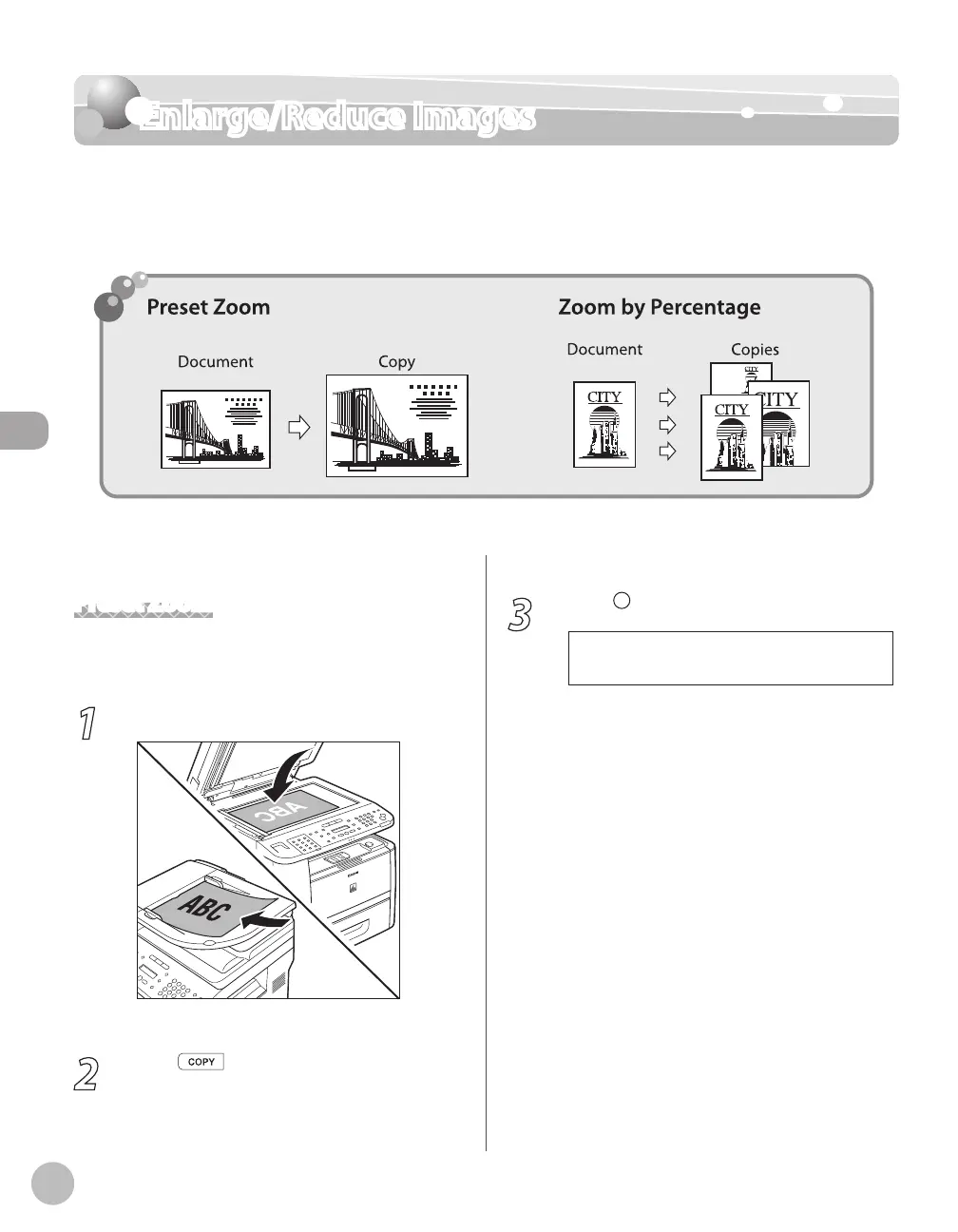
You can convert a standard-sized document to a different standard-sized copy (preset
zoom), or you can enlarge or reduce images in 1% increments (custom copy ratio). The
default setting is <100%>.
Preset Zoom
You can enlarge or reduce standard size documents
to another standard paper size.
1
Place documents.
For details, see “Placing Documents,” on p. 2-4.
2
Press [COPY].
3
Press [Enlarge/Reduce].
- 1 0 0 % +
P R E S E T R A T I O















 To Next Page