13-5
Machine Settings
Setting Menu
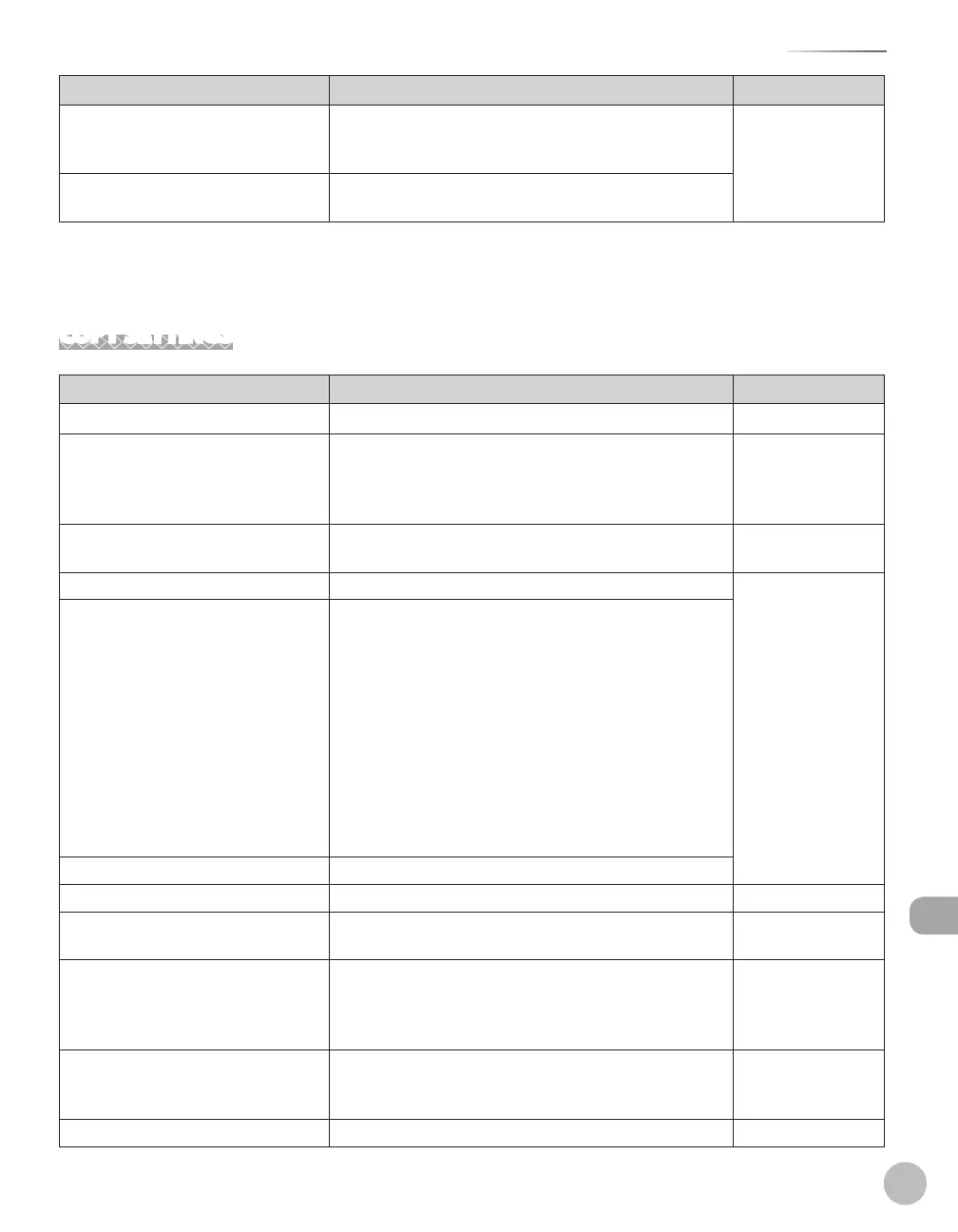
Item Settings Applicable Page
7. TOGGLE SPEED NORMAL
SLOW
FAST
–
–
–
e-Manual
“Introduction of the
Machine”
8.
INIT. COMMON SET. YES
NO
–
–
*
1
Available for the D1180/D1170/D1150. On the D1150, <FAX> appears instead of <SEND>.
*
2
Available only for machines with the optional paper cassette.
COPY SETTINGS
Item Settings Applicable Page
1. STANDARD SETTINGS p. 3-30
1.
IMAGE QUALITY TEXT/PHOTO
TEXT/PHOTO+
TEXT
PHOTO
–
–
–
–
p.
3-12
2.
DENSITY MANUAL (1-9) (5)
AUTO
–
–
p.
3-14
3.
ZOOM RATIO p. 3-16
PRESET RATIO 200% MAX.
141% A5→A4
129% STMT→LTR
122% A5→B5
115% B5→A4
100%
86% A4→B5
81% B5→A5
78% LGL→LTR
70% A4→A5
64%
50% MIN.
–
–
–
–
–
–
–
–
–
–
–
–
ZOOM 50-200% 1 % increments. (50-200 % (100 %))
4.
COPIES 1-99 (1) p.
3-30
5. COLLATE OFF
ON
–
–
p.
3-19
6.
2-SIDED OFF
1 > 2-SIDED
2 > 2-SIDED
2 > 1-SIDED
–
–
–
–
p.
3-24
7.
PAPER SELECT AUTO
CASSETTE 1
CASSETTE 2*
1
–
–
–
p.
3-30
2.
SHARPNESS 1-9 (5) p.
3-28















 To Next Page