Fax (D1180/D1170/D1150)
6-57
Adjusting the Auto Switch Time
Adjusting the Auto Switch Time
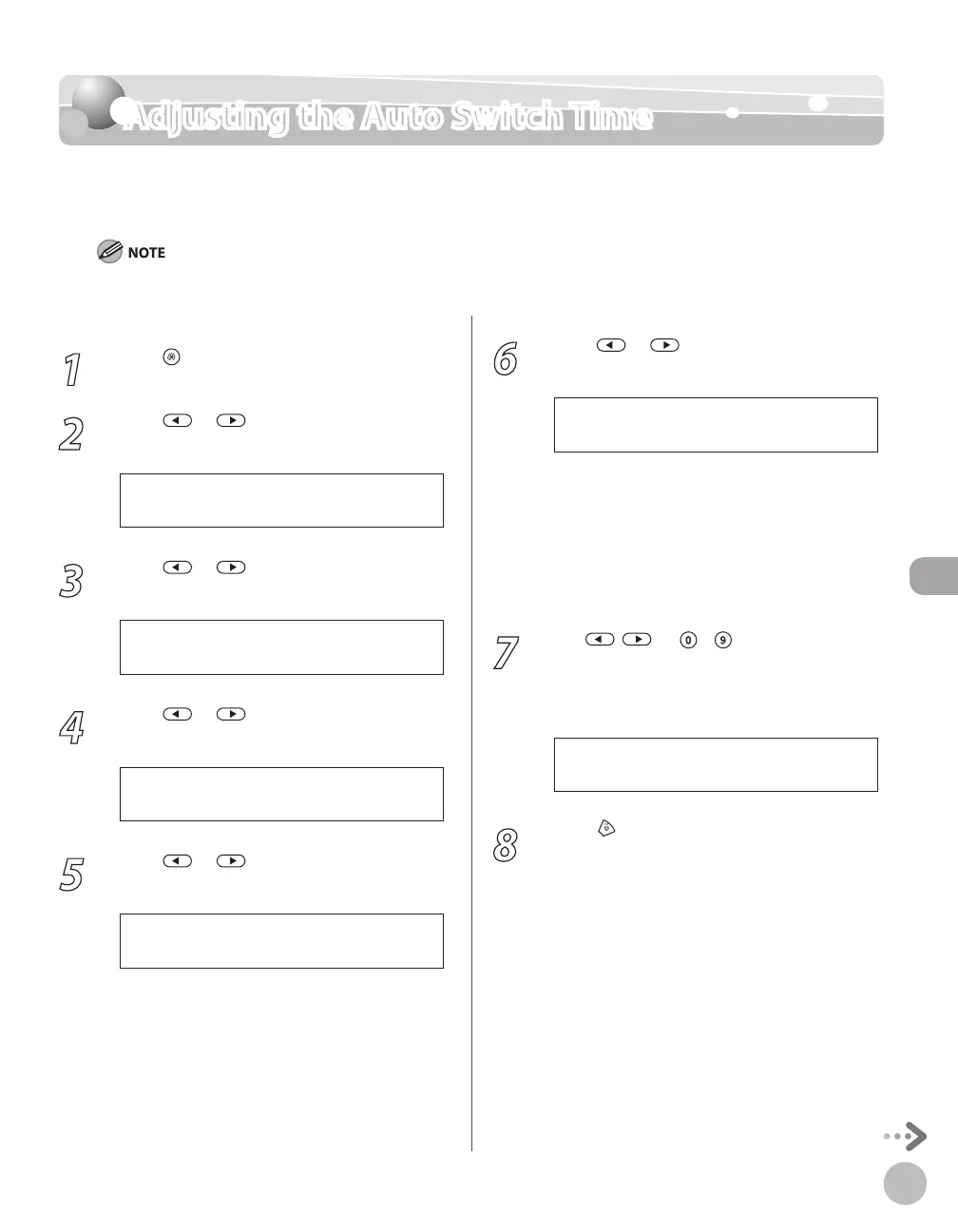
This function enables you to set the machine to switch to document receive mode after
ringing for a specified length of time in the Manual mode. The default setting is <OFF>.
This function is only available when the <RX MODE> is set to <Manual>.
1
Press [Menu].
2
Press or to select <TX/RX
SETTINGS>, then press [OK].
4 . T X / R X S E T T I N G S
M E N U
3
Press or to select <FAX
SETTINGS>, then press [OK].
3 . F A X S E T T I N G S
T X / R X S E T T I N G S
4
Press or to select <RX SETTINGS>,
then press [OK].
4 . R X S E T T I N G S
F A X S E T T I N G S
5
Press or to select <MANUAL/
AUTO>, then press [OK].
6 . M A N U A L / A U T O
R X S E T T I N G S
6
Press or to select <ON> or
<OFF>, then press [OK].
<OFF>: The external telephone keeps ringing
until someone answers the call manually. If
you select <OFF>, skip to step 8.
<ON>: The machine switches to the
document receive mode after the external
telephone rings for a specified time. If you
select <ON>, go to the next step.
7
Use , , or
– [numeric keys] to
enter the length of time (1 to 99 seconds)
that elapses before the machine switches
to document receiving, then press [OK].
1 5 S E C
F / T R I N G T I M E
8
Press [Stop/Reset] to return to the
standby mode.
–
–














 To Next Page