Fax (D1180/D1170/D1150)
6-55
Receiving Documents Manually with an External Telephone (Remote RX)
Receiving Documents Manually with an
External Telephone (Remote RX)
You can connect one external telephone to the machine. When the telephone rings with the
machine in the Manual receive mode, you can use the external telephone to start receiving
the document without walking over to the machine. The default settings are as follows:
<REMOTE RX>: <ON>
<REMOTE RX ID>: <25>
–
–
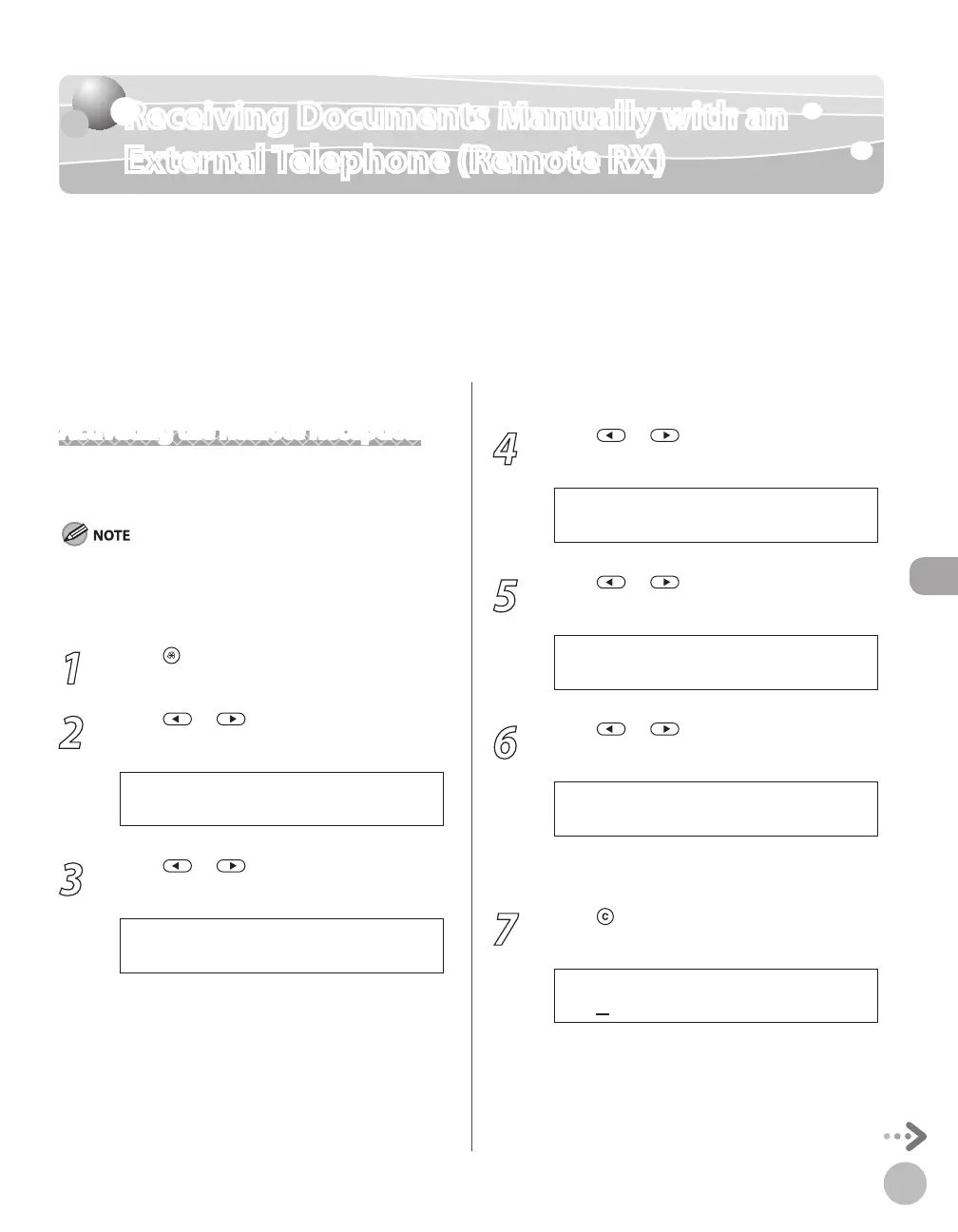
Activating the Remote Reception
Follow this procedure to turn on the remote
reception.
If <MANUAL/AUTO> is set to <ON>, the machine switches to
the document receive mode after the external telephone rings
for a specified time. (See “Adjusting the Auto Switch Time,” on
p. 6-57.)
1
Press [Menu].
2
Press or to select <TX/RX
SETTINGS>, then press [OK].
4 . T X / R X S E T T I N G S
M E N U
3
Press or to select <FAX
SETTINGS>, then press [OK].
3 . F A X S E T T I N G S
T X / R X S E T T I N G S
4
Press or to select <RX SETTINGS>,
then press [OK].
4 . R X S E T T I N G S
F A X S E T T I N G S
5
Press or to select <REMOTE RX>,
then press [OK].
5 . R E M O T E R X
R X S E T T I N G S
6
Press or to select <ON>, then
press [OK].
If you do not want to change the default remote
reception ID, skip to step 9.
7
Press [Clear] to delete the default
remote reception ID of 25.














 To Next Page