Fax (D1180/D1170/D1150)
6-39
ECM Transmission
ECM Transmission
ECM (Error Correction Mode) reduces the effect of system and line errors on documents that
occur during sending or receiving with another fax machine that supports ECM. If the other
machine does not support ECM, this setting is ignored. If transmission speed appears to be
extremely slow, you may be able to speed up transmission time by turning ECM off. The
default setting is <ON>.
If you want to transmit using ECM, it is necessary that ECM Transmission be set in both the destination machine and this
machine. This function does not operate unless ECM is set in both machines.
Even when ECM is set, errors can sometimes occur due to a poor telephone line connection.
If there is trouble with the line, it will take more time to send the documents.
–
–
–
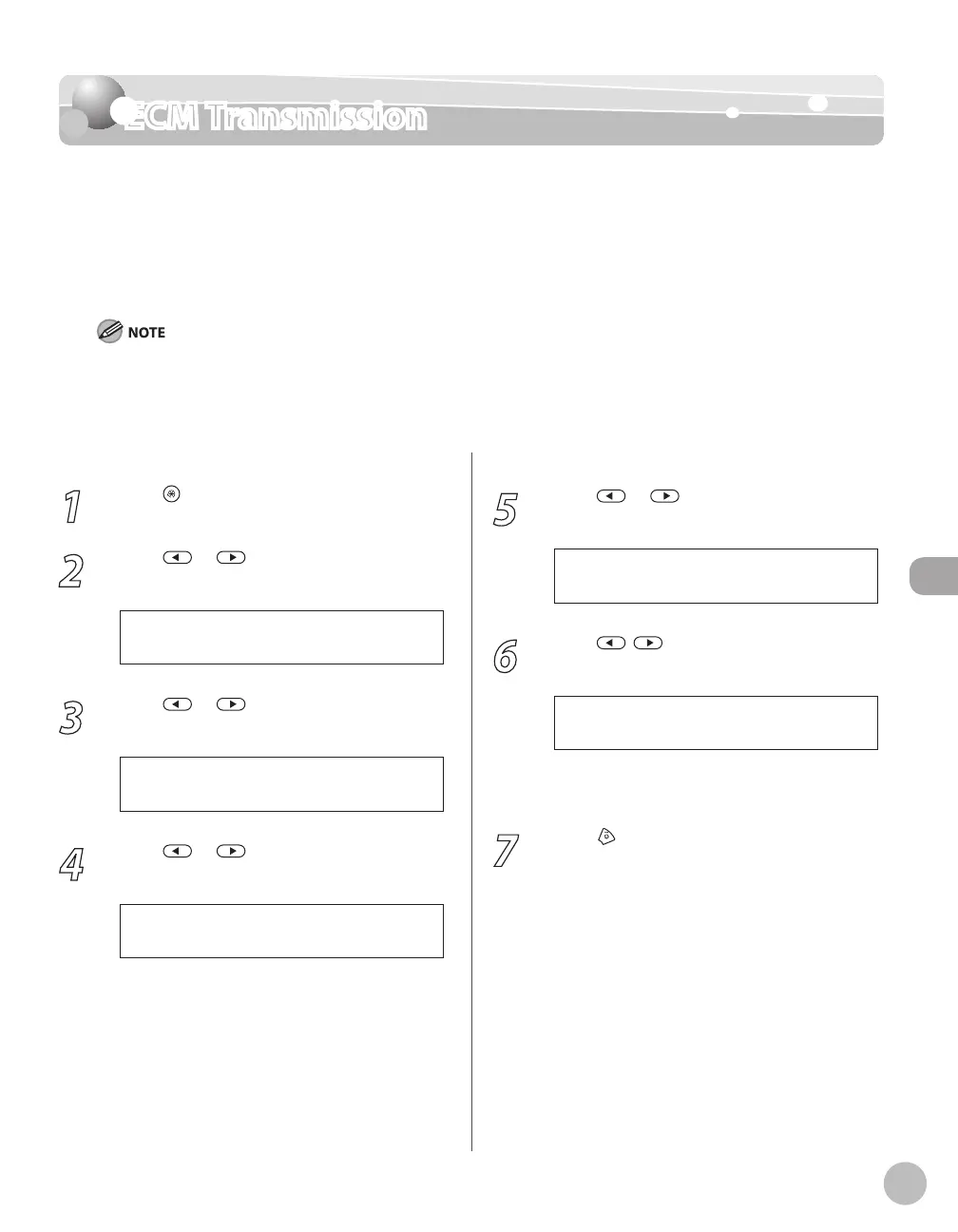
1
Press [Menu].
2
Press or to select <TX/RX
SETTINGS>, then press [OK].
4 . T X / R X S E T T I N G S
M E N U
3
Press or to select <FAX
SETTINGS>, then press [OK].
3 . F A X S E T T I N G S
T X / R X S E T T I N G S
4
Press or to select <TX SETTINGS>,
then press [OK].
3 . T X S E T T I N G S
F A X S E T T I N G S
5
Press or to select <ECM TX>, then
press [OK].
1 . E C M T X
T X S E T T I N G S
6
Press , to select <ON> or <OFF>,
then press [OK].
<OFF>: The ECM transmission is not activated.
<ON>: The ECM transmission is activated.
7
Press [Stop/Reset] to return to the
standby mode.
–
–















 To Next Page