Copying
3-14
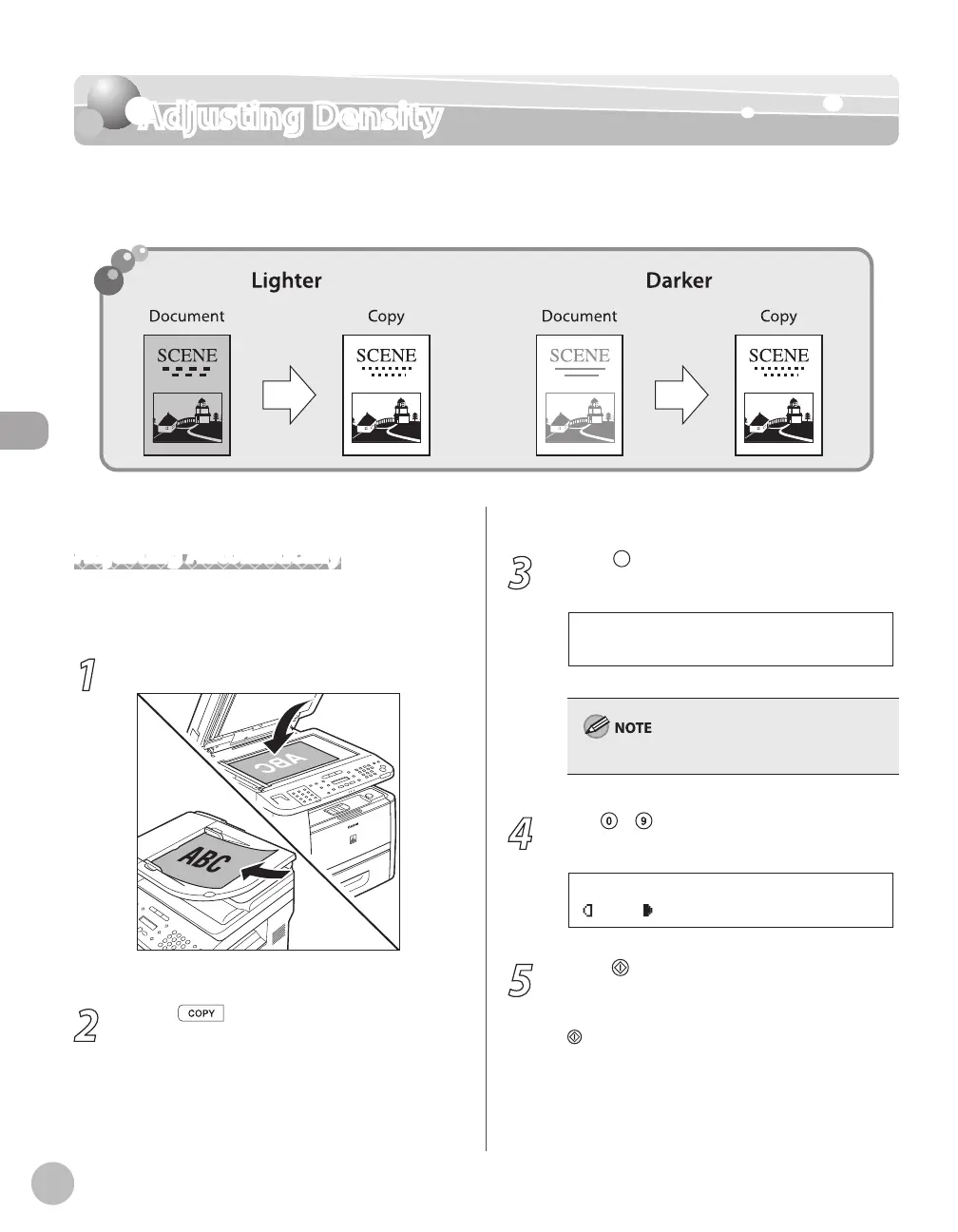
Adjusting Density
Adjusting Density
You can adjust the density to the most appropriate level for the document either
automatically or manually. The default setting is <MANUAL> (5).
Adjusting Automatically
You can adjust the density to the most appropriate
level for the document automatically.
1
Place documents.
For details, see “Placing Documents,” on p. 2-4.
2
Press [COPY].
3
Press [Density] repeatedly to select
<AUTO DENSITY>, then press [OK].
A U T O D E N S I T Y
D E N S I T Y
The image quality is automatically set to <TEXT>.
4
Use
– [numeric keys] to enter the
desired copy quantity (1 to 99).
T E X T
1 0 0 % L T R
0 1
A
5
Press
[Start].
If you want to copy multiple documents using
the platen glass, place a document and press
[Start] once for each page.














 To Next Page