Documents and Print Media
2-6
Paper Requirements
Paper Requirements
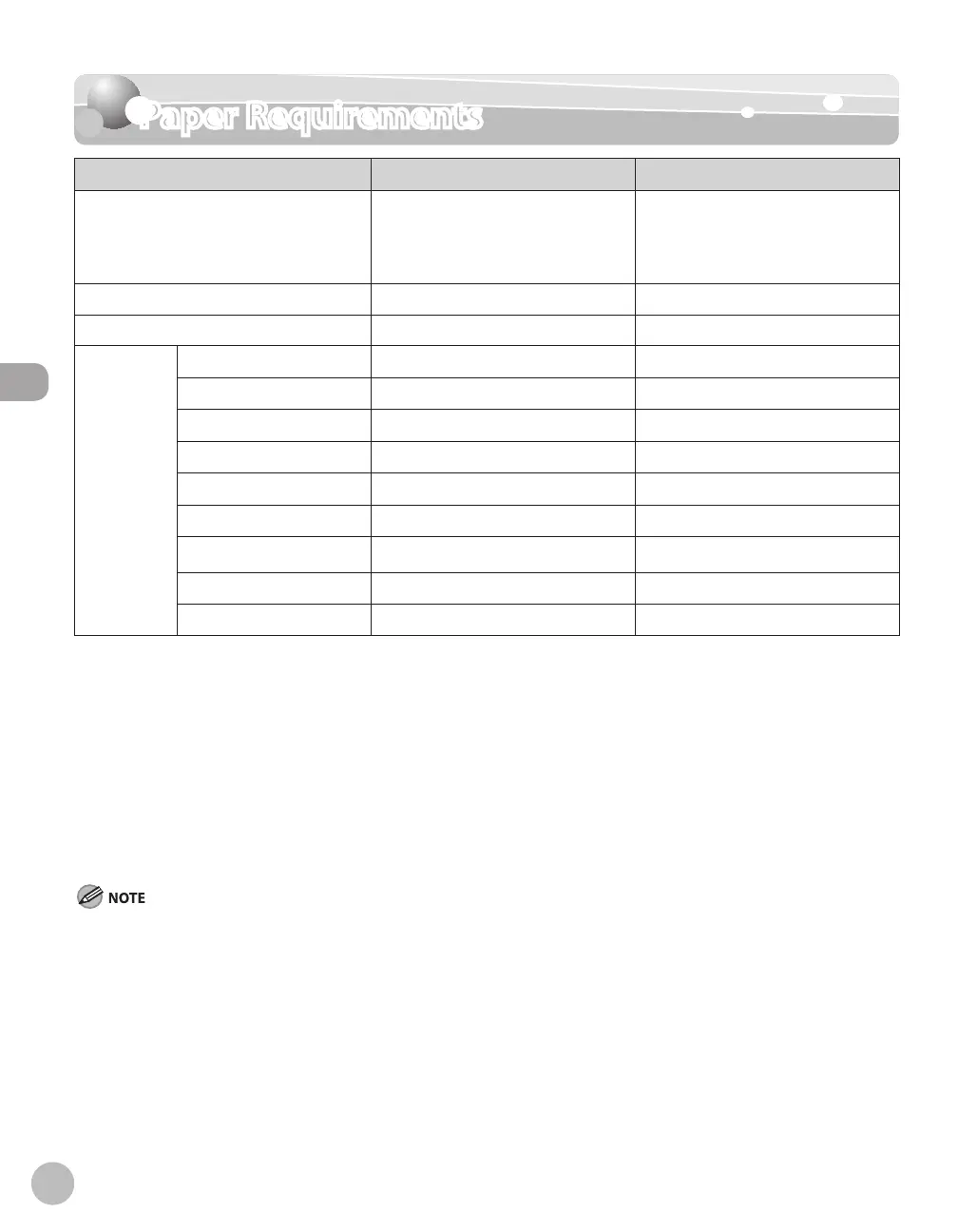
Paper cassette Multi-purpose tray
Size (W × L) LTR, LGL, A4, B5, A5, Executive,
Oficio, Brazil-Oficio, Mexico-Oficio,
FLSP, A-FLS, Government-LTR,
Government-LGL
3" × 5" to Legal (8 1/2" × 14")
(76 × 127 to 216 × 356 mm)
Weight 16 to 32
lb (60 to 120 g/m
2
) 16 to 51 lb (60 to 190 g/m
2
)
Quantity 500 sheets maximum *
1
50 sheets maximum *
1
Type Plain Paper *
2
○ ○
Plain Paper L *
2
○ ○
Color *
3
○ ○
Recycled *
4
○ ○
Heavy Paper 1
○ *
5
○ *
6
Heavy Paper 2 *
7
—
○
Transparency *
8
—
○
Labels —
○
Envelope —
○
(○: available —: not available)
*
1
21 lb (80 g/m
2
) paper
*
2
From 16 to 21 lb (60 to 80 g/m
2
)
*
3
17 lb (64 g/m
2
)
*
4
From 17 to 21 lb (64 to 80 g/m
2
)
*
5
From 24 to 32 lb (90 to 120 g/m
2
)
*
6
From 24 to 40 lb (90 to 150 g/m
2
)
*
7
From 40 to 43 lb (151 to 163 g/m
2
)
*
8
Use only LTR or A4 transparencies made especially for this machine.
The default paper size is LTR. If you use a different paper size, you need to change the paper size settings. (See “Setting Paper Size and
Type,” on p. 2-17.)















 To Next Page