Fax (D1180/D1170/D1150)
6-27
Redialing When the Line Is Busy
11
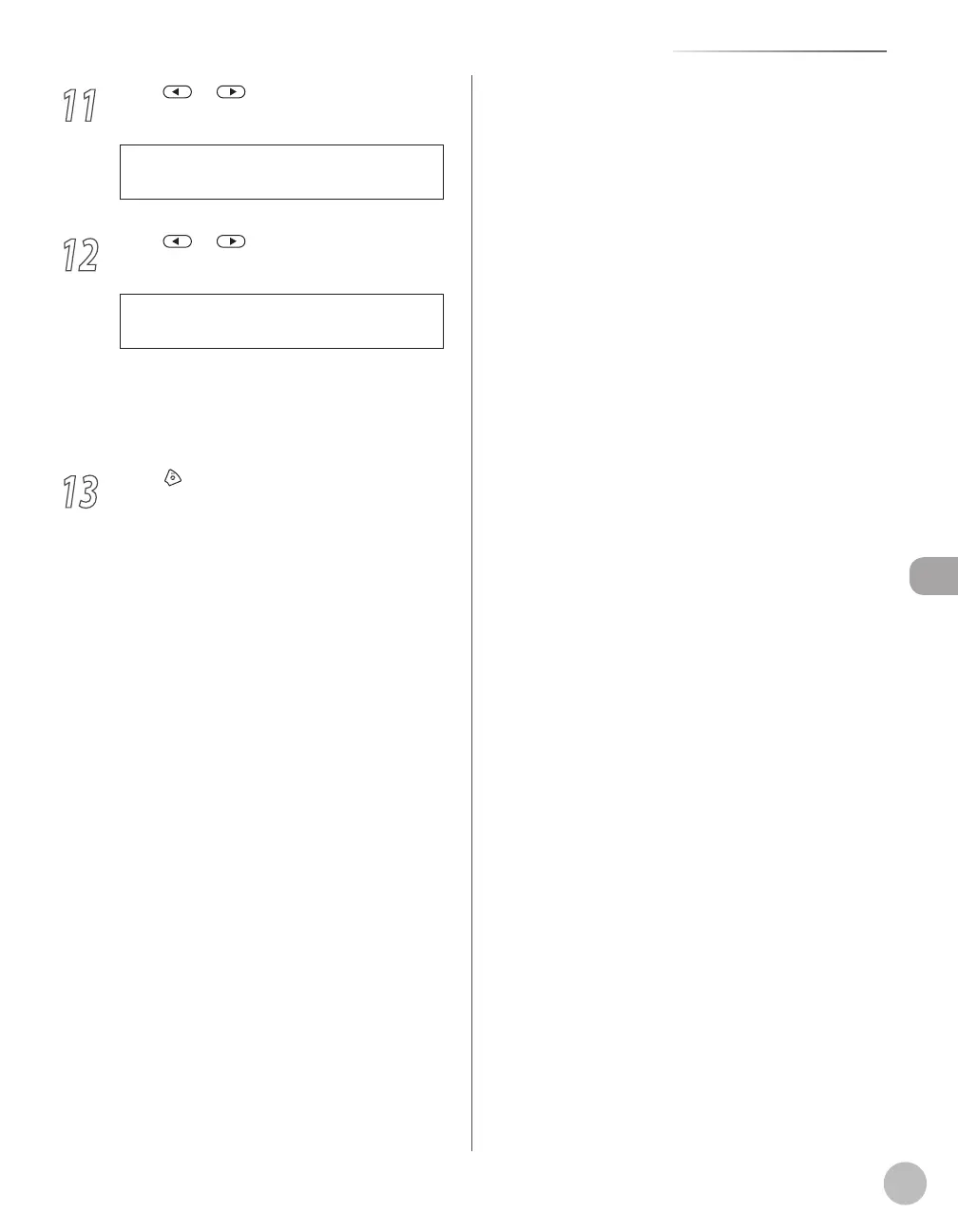
Press or to select <TX ERROR
REDIAL>, then press [OK].
3 . T X E R R O R R E D I A L
A U T O R E D I A L
12
Press or to select <ON> or
<OFF>, then press [OK].
O N
T X E R R O R R E D I A L
<ON>: Resends all pages if an error occurs
during transmission.
<OFF>: Does not redial even if an error occurs
during transmission.
13
Press [Stop/Reset] to return to the
standby mode.
–
–















 To Next Page