Fax (D1180/D1170/D1150)
6-33
Sending Documents at a Preset Time (Delayed Sending)
10
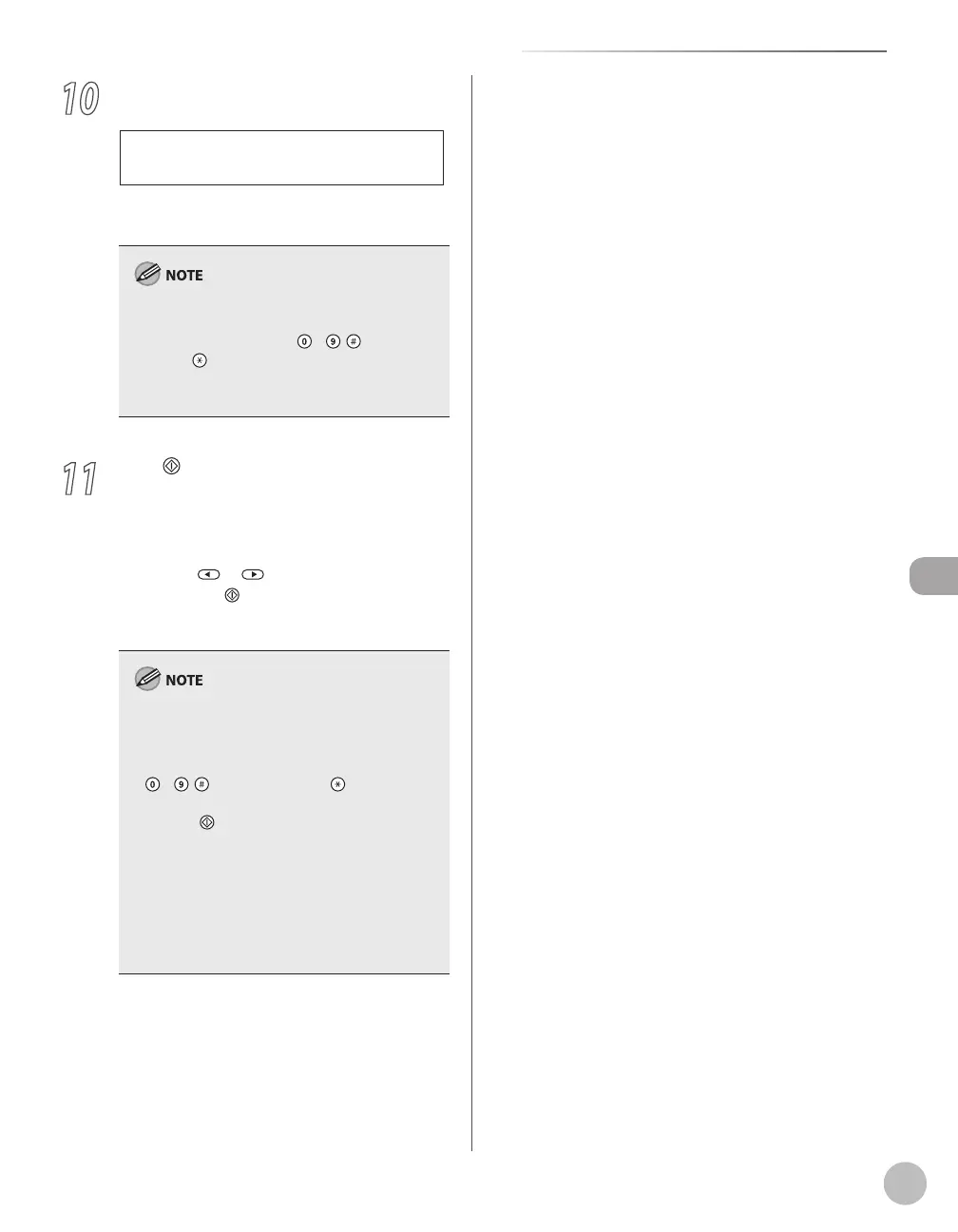
Specify the destination.
T E L = 0 1 2 X X X X X X X
F A X N U M B E R
Ex.
For details, see “Specifying Destinations,” on p. 6-
19.
If <CONFIRM FAX NO.> in <ACCESS TO DEST.> in
<SYSTEM SETTINGS> is set to <ON> and you
specify a fax number using – , [numeric
keys] and [Tone], you must enter the fax
number again for confirmation. Enter the same fax
number you entered in step 10, then press [OK].
11
Press [Start].
The document is scanned and stored into
memory. It will be sent to the specified
destination at the specified time.
When you place the documents on the platen
glass, press
or to select the document
size, then press
[Start] for each document.
When scanning is complete, press [OK] to start
sending.
When <TIME OUT> is set to <ON> in <TX
SETTINGS> in <FAX SETTINGS> in <TX/RX
SETTINGS>, and if you have specified the
destination by any other method than using
–
, [numeric keys] and [Tone], the
machine starts scanning automatically without
pressing [Start], after the preset time for this
setting is elapsed. (See “Time Out Mode,” on
p. 6-41.)
If the document cannot be sent at the time
specified for delayed sending due to a
temporary power failure (that recovers within
an hour), it will be sent at the specified time on
the next day.
–
–















 To Next Page