Fax (D1180/D1170/D1150)
6-52
Optional Settings for FaxTel Mode
9
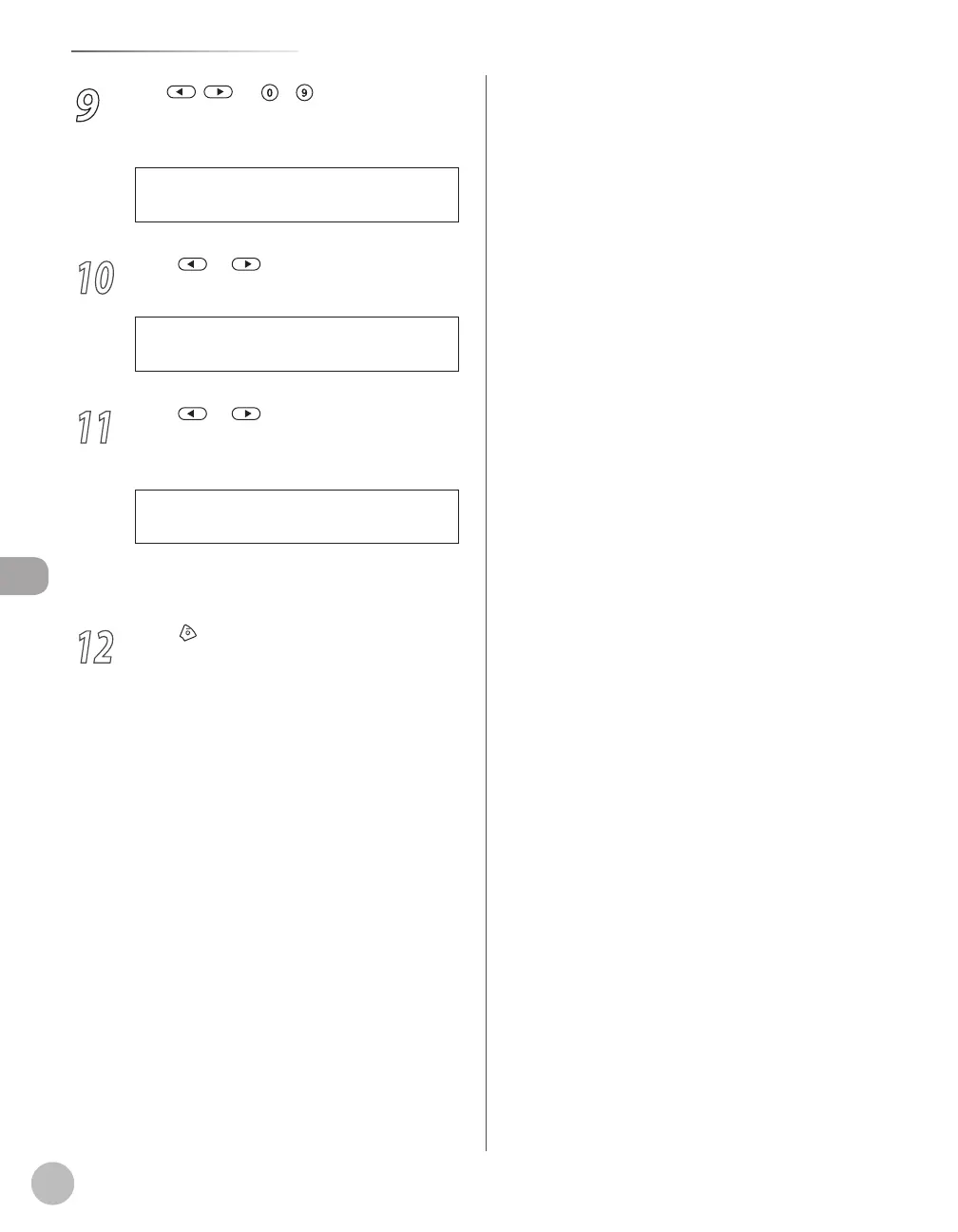
Use , , or
– [numeric keys] to
specify the duration (15 to 300 seconds)
of ringing, then press [OK].
1 5 S E C
F / T R I N G T I M E
10
Press or to select <F/T SWITCH
ACTION>, then press [OK].
3 . F / T S W I T C H A C T I O N
F A X / T E L O P T . S E T
11
Press or to select the action the
machine will take after the ringing ends,
then press [OK].
R E C E I V E
F / T S W I T C H A C T I O N
<RECEIVE>: Receives a fax.
<DISCONNECT>: Disconnects the call.
12
Press [Stop/Reset] to return to the
standby mode.
–
–















 To Next Page