Fax (D1180/D1170/D1150)
6-60
Receiving Documents in Memory without Printing Out (Memory Lock Reception)
8
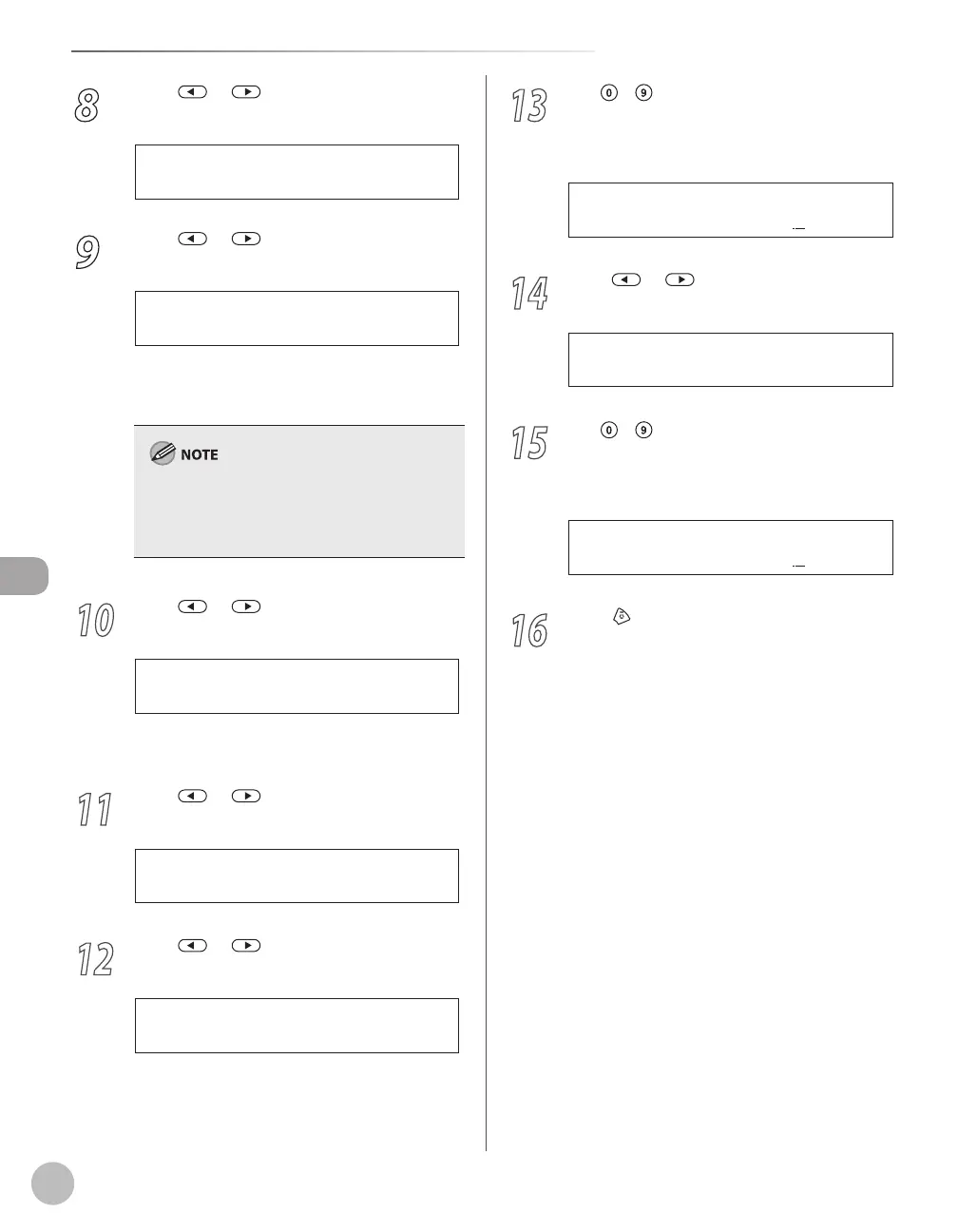
Press or to select <REPORT
PRINT>, then press [OK].
2 . R E P O R T P R I N T
M E M O R Y L O C K
9
Press or to select <ON> or
<OFF>, then press [OK].
<OFF>: Does not print a RX report.
<ON>: Prints a RX report.
<RX REPORT> should also be set to <OUTPUT
YES> so that RX reports are automatically printed
when documents are received in memory. For
instructions, see “RX Report,” in the e-Manual.
10
Press or to select <MEMORY RX
TIME>, then press [OK].
3 . M E M O R Y R X T I M E
M E M O R Y L O C K
If you do not need to set the timer for memory
lock, skip to step 16.
11
Press or to select <ON>, then
press [OK].
O N
M E M O R Y R X T I M E
12
Press or to select <MEM RX START
TIME>, then press [OK].
1 . M E M R X S T A R T T I M E
M E M O R Y R X T I M E
–
–
13
Use
– [numeric keys] to enter the
start time (in 24-hour/military time
format), then press [OK].
2 0 : 0 0
M E M R X S T A R T T I M E
Ex.
14
Press or to select <MEM. RX END
TIME>, then press [OK].
2 . M E M . R X E N D T I M E
M E M O R Y R X T I M E
15
Use
– [numeric keys] to enter the
end time (in 24-hour/military time
format), then press [OK].
0 8 : 0 0
M E M . R X E N D T I M E
Ex.
16
Press [Stop/Reset] to return to the
standby mode.















 To Next Page