11-20
Maintenance
Transporting the Machine
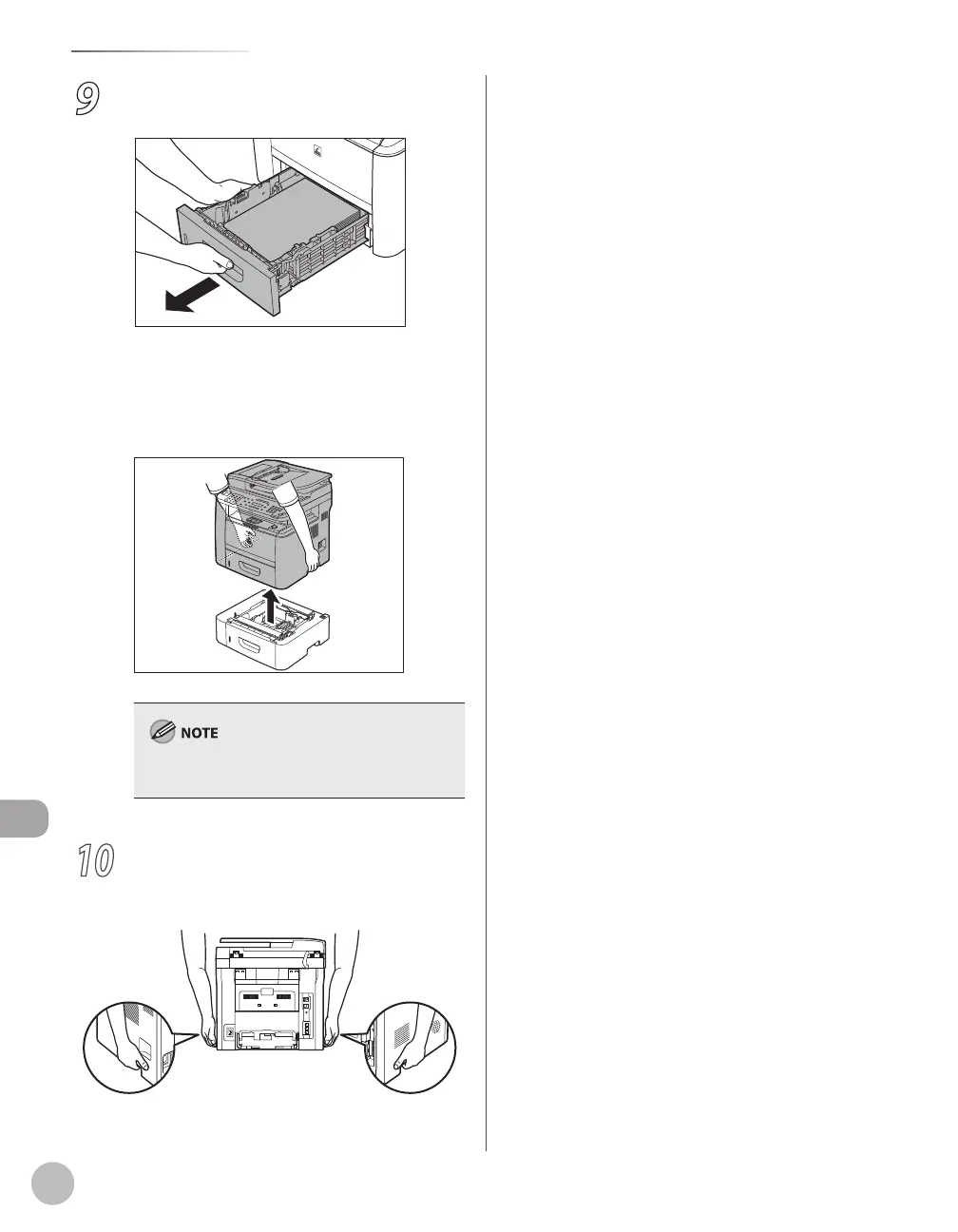
9
Hold the paper cassette with both hands
and remove it from the machine.
■If you are using the Cassette Feeding
Module-U1 (optional):
①Pick up the machine using the hand grips
on the left and right of the machine.
To install the Optional Paper Cassette, perform the
uninstalling procedure in reverse.
10
Grip the handles on both sides of the
machine and lift it carefully, as shown in
the illustration below.















 To Next Page