12-3
Troubleshooting
Clearing Jams
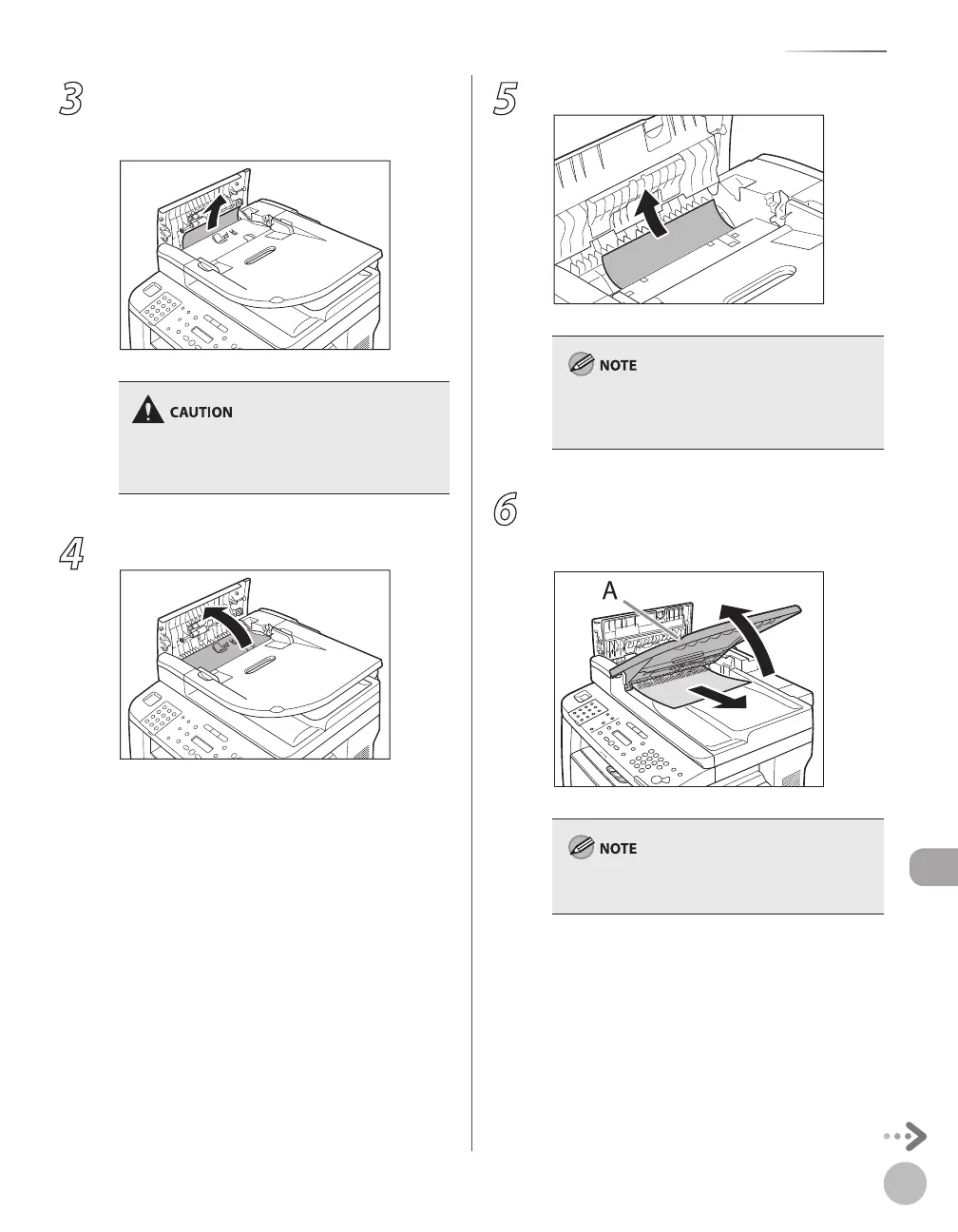
3
Hold both sides of any jammed
documents and gently pull them out
straight upward.
Do not force a jammed document out of the
machine. If the jammed document cannot be
removed easily, go to the next step.
4
Open the inner cover.
5
Remove the jammed document.
Do not force a jammed document out of the
machine. If the jammed document cannot be
removed easily, go to the next step.
6
Remove Jammed paper while lifting the
document feeder tray, holding it by its
grip (A).
Do not force a jammed paper out of the machine
as it may tear.















 To Next Page