Before Using the Machine
1-20
Timer Settings
7
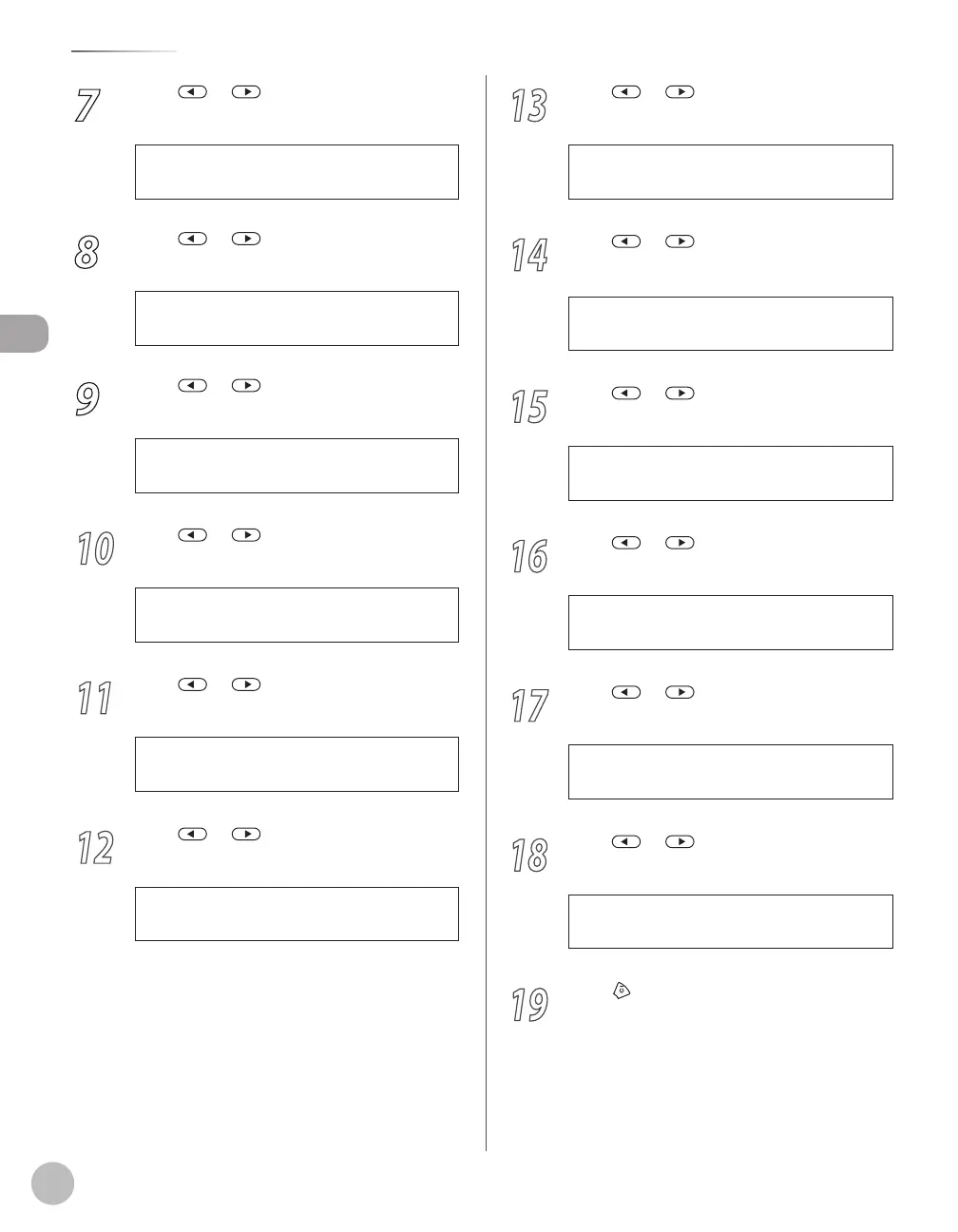
Press or to select the month, then
press [OK].
8
Press or to select <WEEK>, then
press [OK].
2 . W E E K
S T A R T D A T E / T I M E
9
Press or to select the week, then
press [OK].
S E C O N D W E E K
W E E K
10
Press or to select <DAY>, then
press [OK].
3 . D A Y
S T A R T D A T E / T I M E
11
Press or to select the day, then
press [OK].
12
Press or to select <END DATE/
TIME>, then press [OK].
1 . E N D D A T E / T I M E
D A Y L I G H T S V . T I M E
13
Press or to select <MONTH>,
then press [OK].
1 . M O N T H
E N D D A T E / T I M E
14
Press or to select the month, then
press [OK].
N O V E M B E R
M O N T H
15
Press or to select <WEEK>, then
press [OK].
2 . W E E K
E N D D A T E / T I M E
16
Press or to select the week, then
press [OK].
17
Press or to select <DAY>, then
press [OK].
3 . D A Y
E N D D A T E / T I M E
18
Press or to select the day, then
press [OK].
19
Press [Stop/Reset] to return to the
standby mode.















 To Next Page