3-25
Loading Paper in the Paper Cassette
Paper Loading and Output Tray
3
3
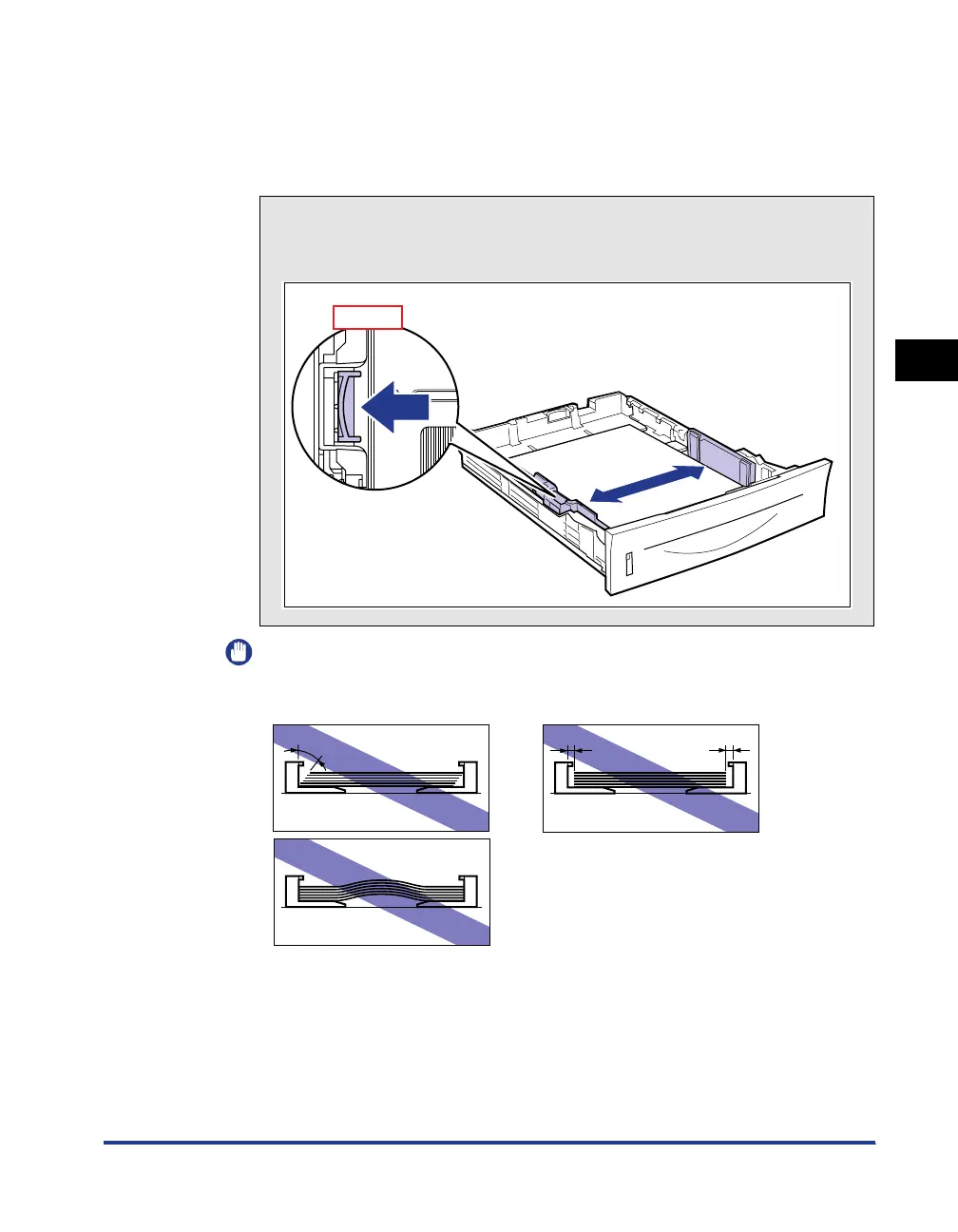
Slide the paper guides.
● Slide the side paper guides to be aligned with the loaded paper.
The side paper guides move together.
IMPORTANT
Be sure to align the paper guides with the width of the paper. If the paper guides
are too loose or too tight, this may result in misfeeds or paper jams.
How to slide the side paper guides
a Hold the lock release lever.
b Slide the paper guides to be aligned with the loaded paper.
Top View
b
a



 To Next Page