3-26
Loading Paper in the Paper Cassette
Paper Loading and Output Tray
3
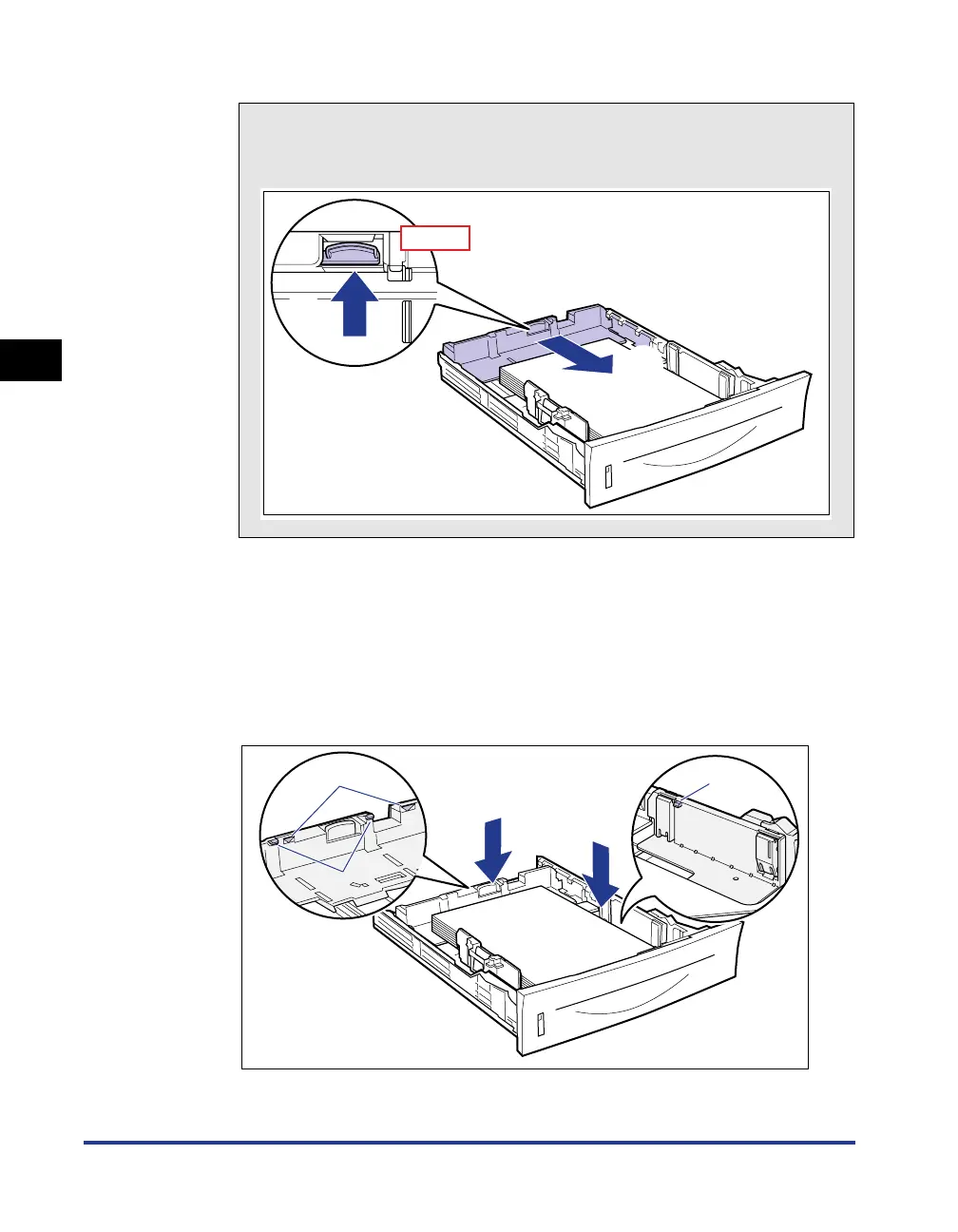
● Slide the rear paper guide to be aligned with the loaded paper.
4
Hold down the paper as shown in the figure, then set it under
the hooks (A) on the paper guides.
Check the following points.
• Whether the paper stack does not exceed the load limit marks (B)
• Whether there is sufficient space between the hooks of the paper guides and
the paper stack
How to slide the rear paper guide
a Hold the lock release lever.
b Slide the paper guide to be aligned with the loaded paper.
Top View
b
a
(A)
(B)
(A)



 To Next Page