4-16
Setting Up the Printing Environment
Installing the Printer Driver
4
11
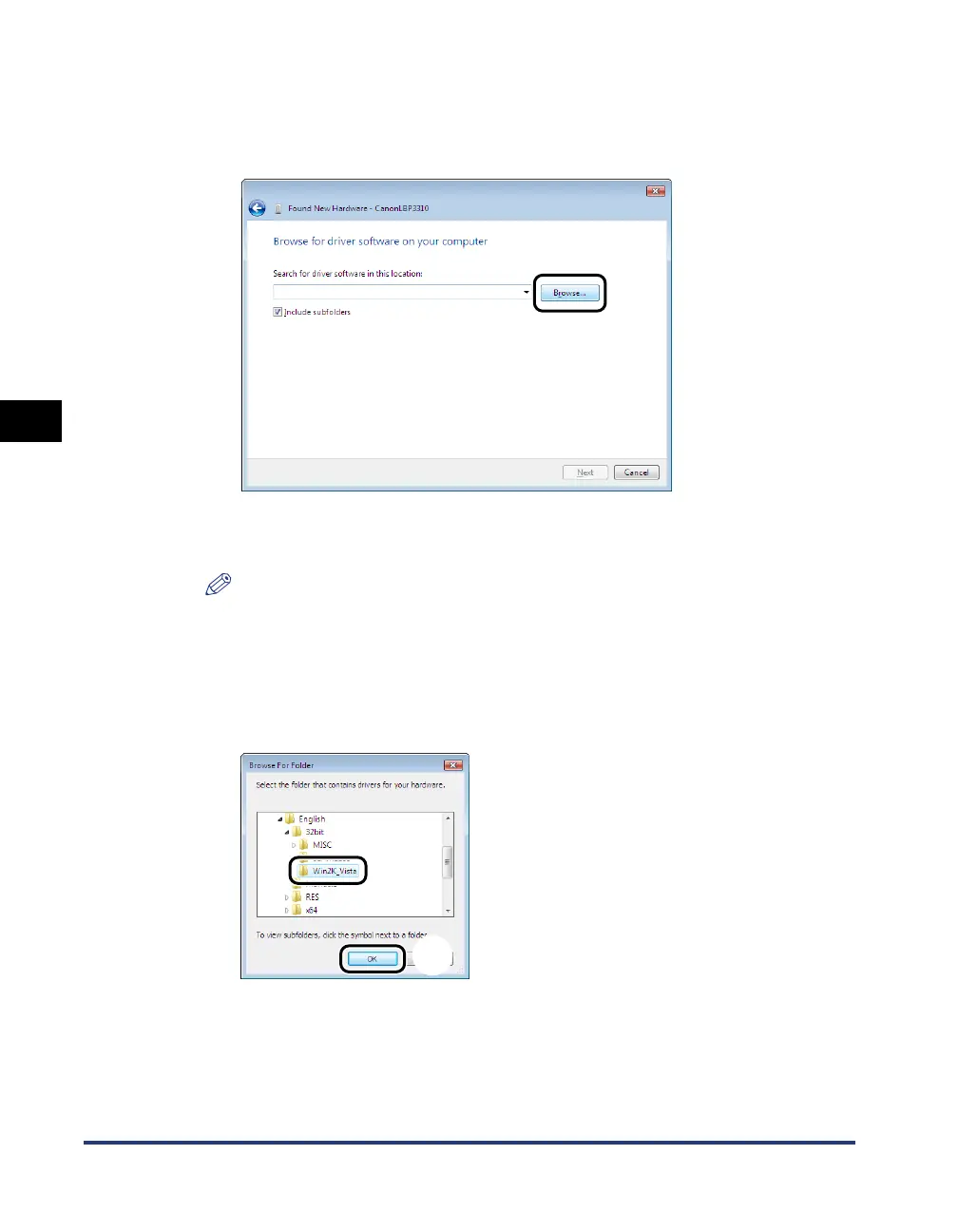
Insert the supplied "LBP3310 User Software" CD-ROM into
the CD-ROM drive, and then click [Browse].
If CD-ROM Setup appears, click [Exit].
12
Select the folder in which the printer driver is included.
NOTE
If you are not sure whether you are using 32-bit Windows Vista or 64-bit Windows
Vista, see "Checking the Processor Version of Windows Vista," on p. 10-8.
● If you are using 32-bit Windows Vista
Select the folder in the supplied CD-ROM: [English] - [32bit] - [Win2K_Vista] a,
then click [OK] b.
a
b


 To Next Page
 Loading...










