4-21
Setting Up the Printing Environment
4
Installing the Printer Driver
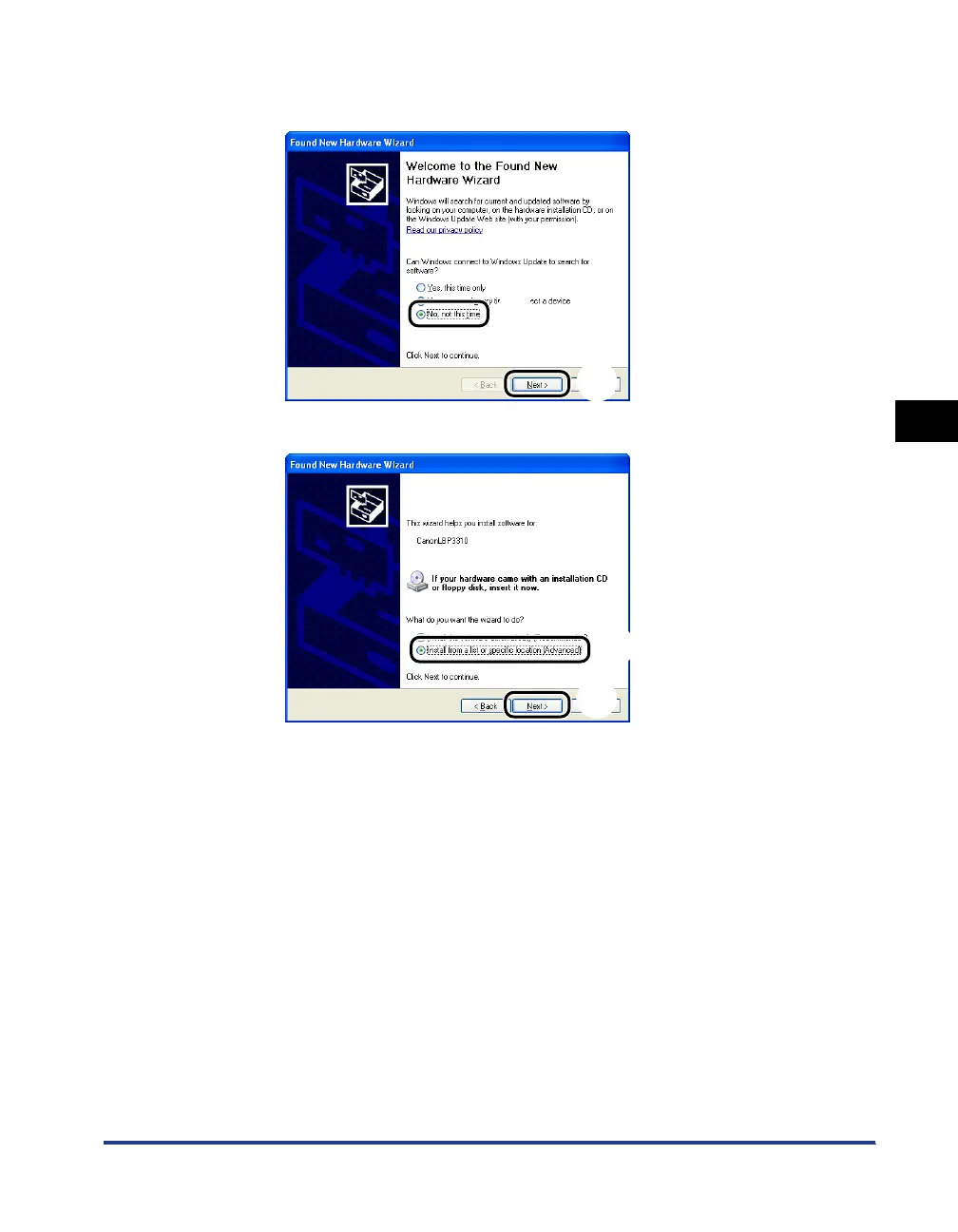
● If the following screen is displayed
1. Select [No, not this time] a, then click [Next] b.
2. Select [Install from a list or specific location (Advanced)] a, then click [Next] b.
a
b
a
b



 To Next Page