4-22
Setting Up the Printing Environment
Installing the Printer Driver
4
8
Perform the following procedure.
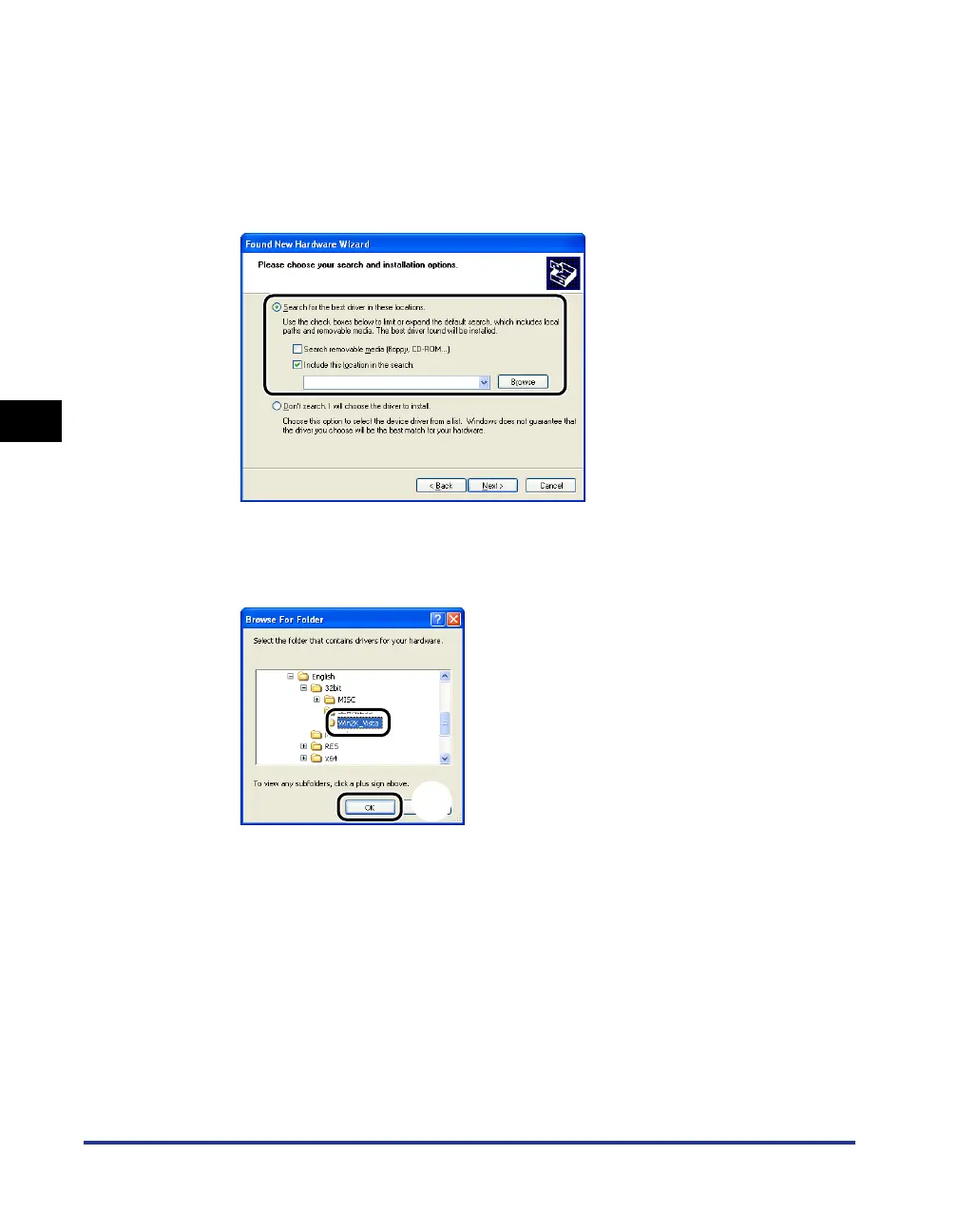
1. Select [Search for the best driver in these locations.].
2. Clear the [Search removable media (floppy, CD-ROM...)] check box.
3. Select the [Include this location in the search] check box.
4. Click [Browse].
9
Select the folder in the supplied CD-ROM: [English] - [32bit] -
[Win2K_Vista]
aa
aa
, then click [OK] bb
bb
.
a
b



 To Next Page