4-23
Setting Up the Printing Environment
4
Installing the Printer Driver
10
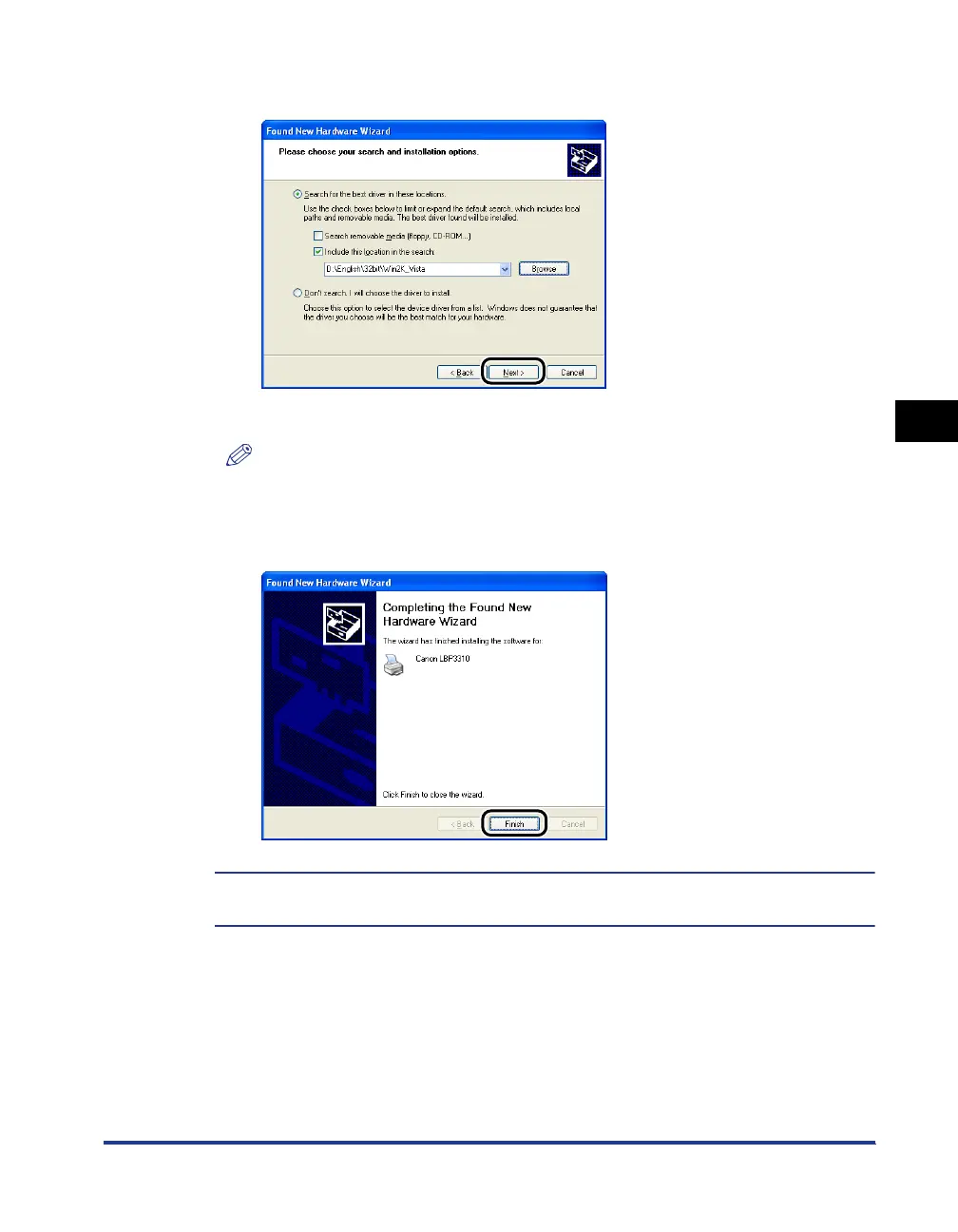
Click [Next].
The installation process is displayed.
NOTE
If the [Hardware Installation] dialog box appears, click [Continue Anyway].
11
Click [Finish].
The installation of the printer driver is completed.
You can take the CD-ROM out of the CD-ROM drive after the installation is completed.



 To Next Page