4-25
Setting Up the Printing Environment
4
Installing the Printer Driver
4
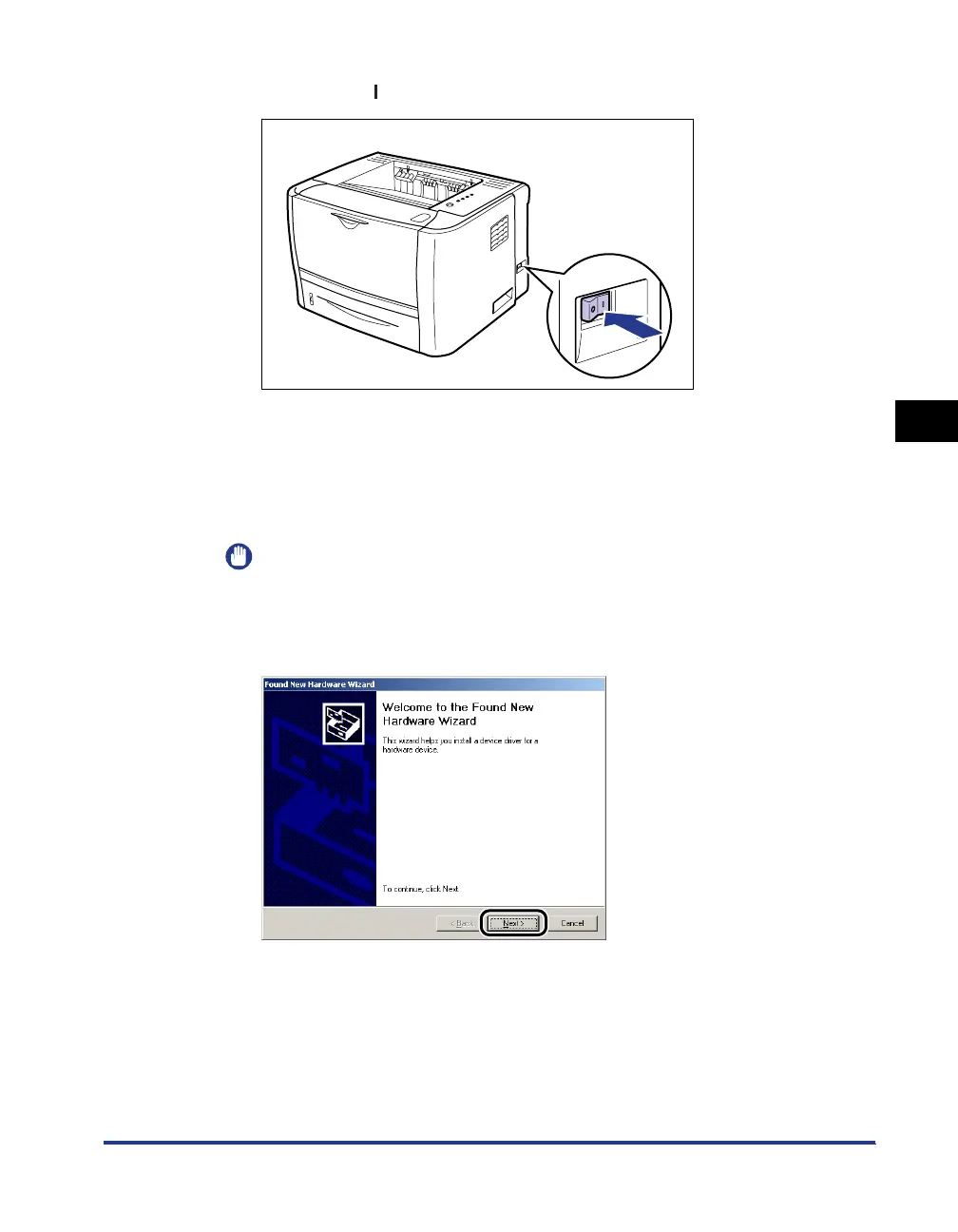
Press the " " side of the power switch to turn the printer ON.
5
Turn the computer on and start up Windows 2000.
6
Log on as a user with administrator rights.
IMPORTANT
If you are not sure about the permissions, ask your computer administrator.
7
Click [Next].



 To Next Page