4-26
Setting Up the Printing Environment
Installing the Printer Driver
4
8
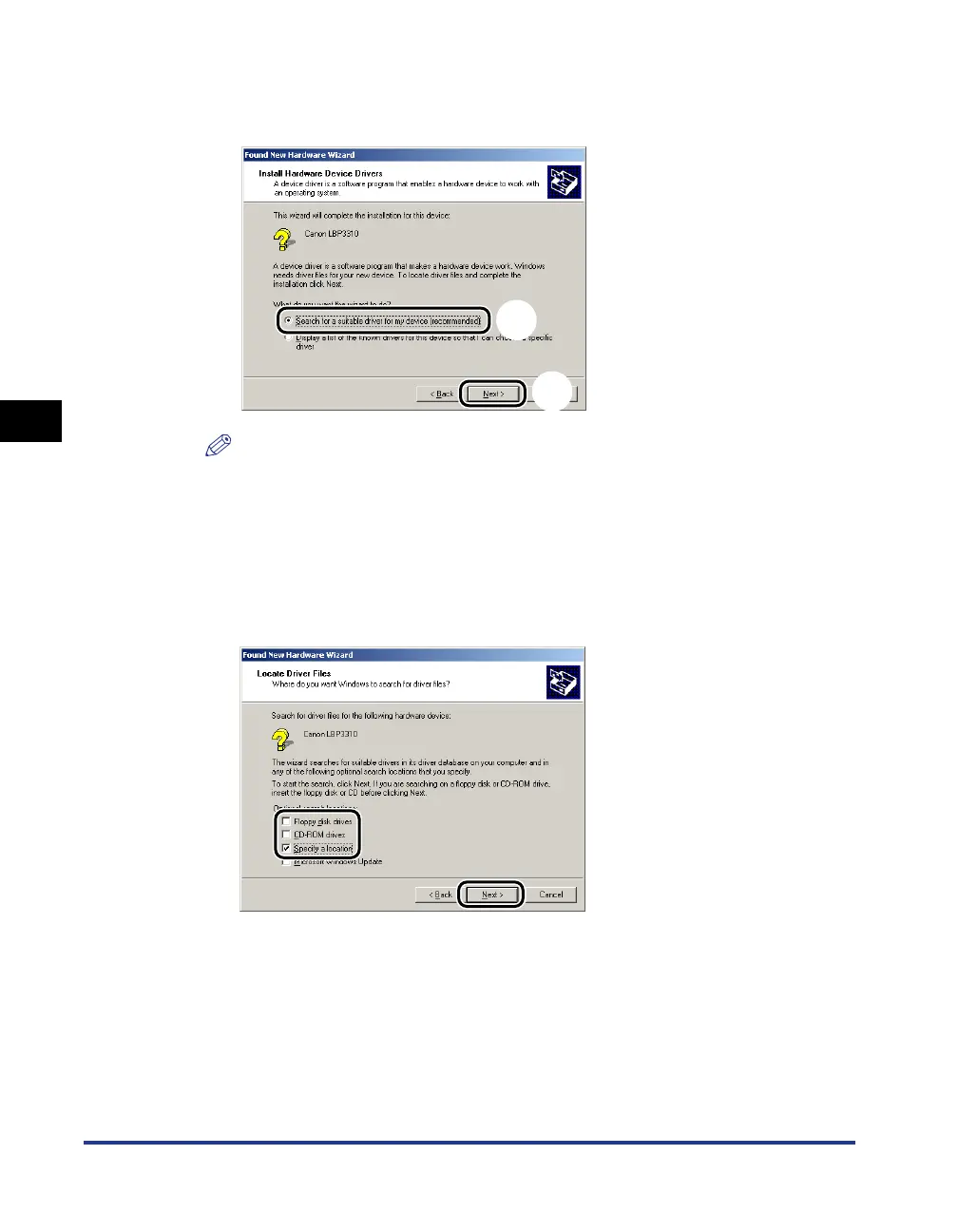
Select [Search for a suitable driver for my device
(recommended)]
aa
aa
, then click [Next] bb
bb
.
NOTE
[Unknown] may be displayed as the name of the device.
9
Perform the following procedure.
1. Clear the [Floppy disk drives] check box and the [CD-ROM drives] check box.
2. Select the [Specify a location] check box.
3. Click [Next].
a
b



 To Next Page