4-27
Setting Up the Printing Environment
4
Installing the Printer Driver
10
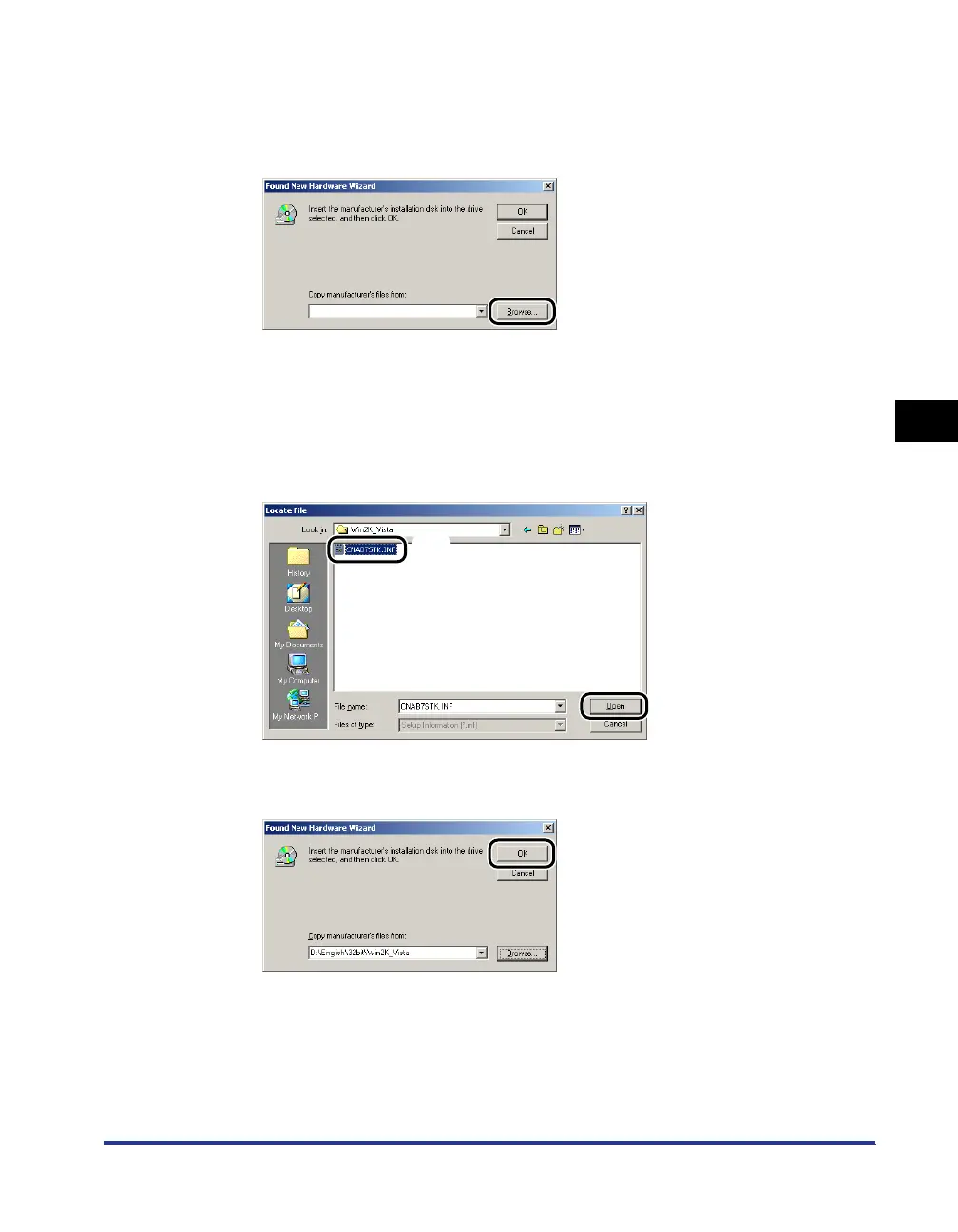
Insert the supplied "LBP3310 User Software" CD-ROM into
the CD-ROM drive, and then click [Browse].
If CD-ROM Setup appears, click [Exit].
11
Open the folder in the supplied CD-ROM: [English] - [32bit] -
[Win2K_Vista].
12
Select [CNAB7STK.INF] aa
aa
, then click [Open] bb
bb
.
13
Click [OK].
a
b



 To Next Page