5-25
Basic Usage of the Printer
5
How to Use Help
2
Display the option you would like information on.
• Displaying the option you would like information on with Contents (See p. 5-25)
• Displaying the option you would like information on with Index (See p. 5-26)
• Retrieving a word or phrase included in Help and displaying the option you
would like information on (See p. 5-27)
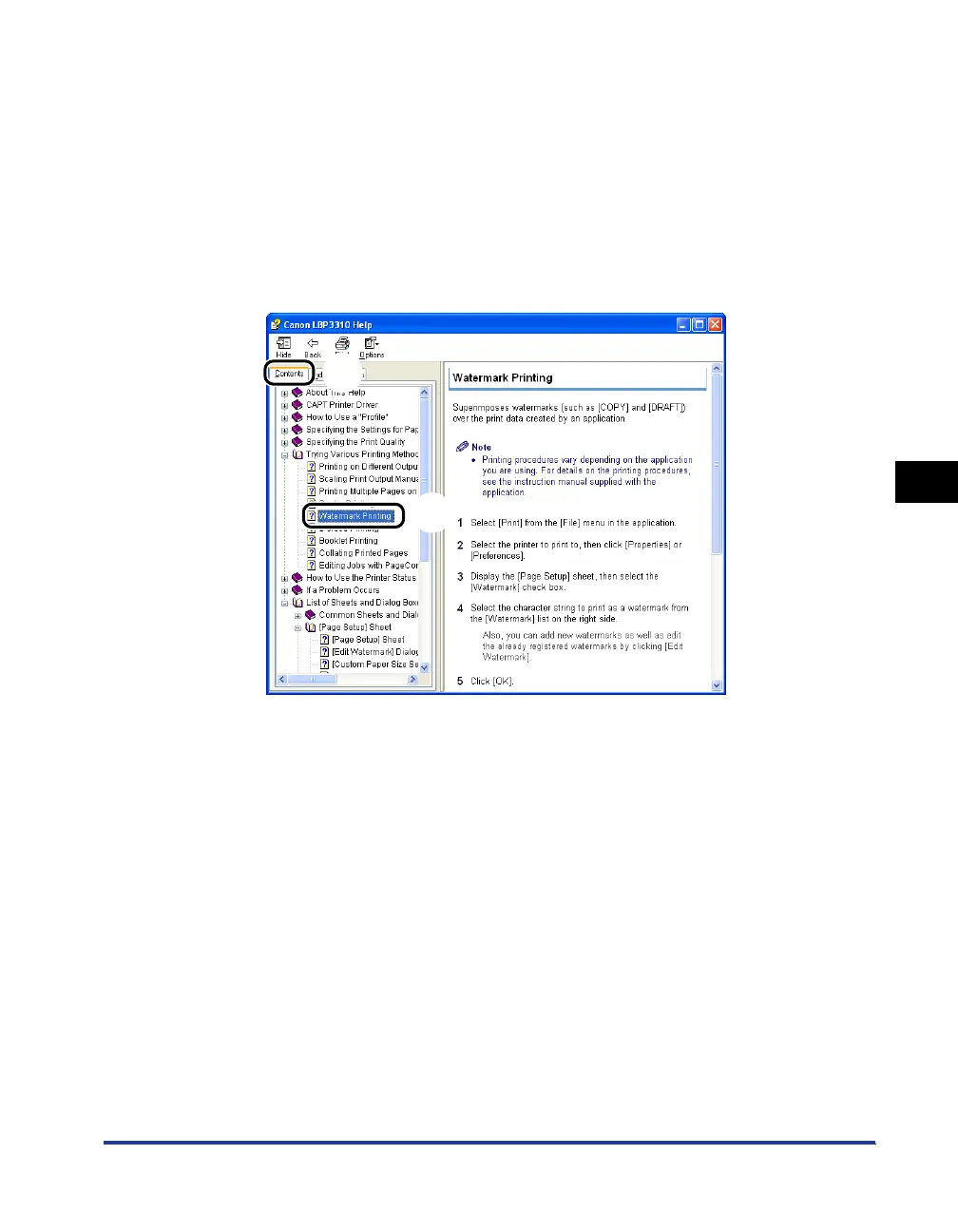
● Displaying the option you would like information on with Contents
Click [Contents] a, then click the title of the option you would like information on
b.
a
b



 To Next Page