6-5
Using the Various Printing Functions
6
Utilizing a Variety of Options for Printing
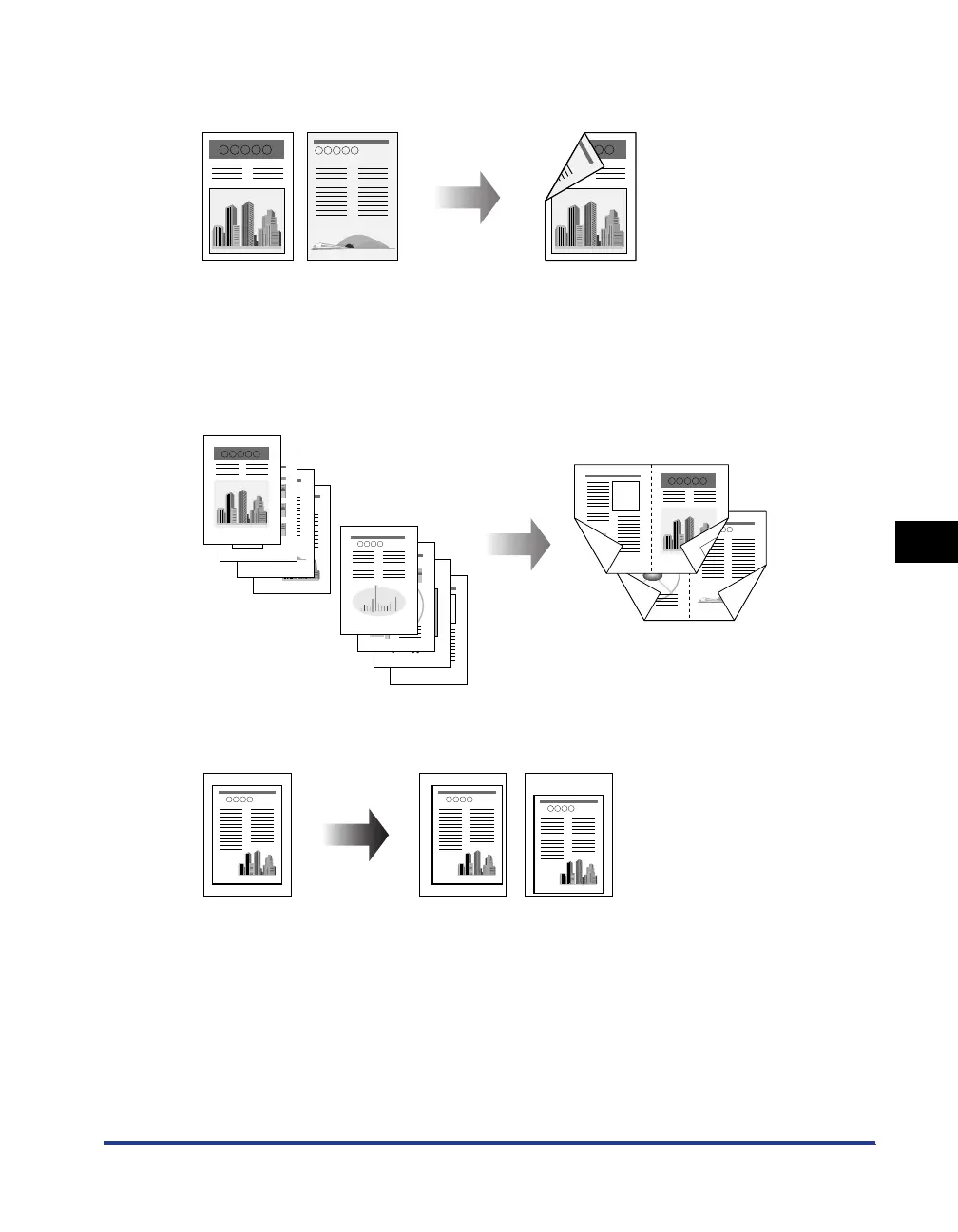
■ 2-sided Printing (See p. 5-10)
You can print a 2-page document on both sides of one sheet of paper.
■ Booklet Printing (See p. 6-33)
You can make a booklet by folding printouts in half.
For example, when making a booklet of 8 pages, 2 sheets are used in total because 2
pages are printed on each side of paper.
A booklet can also be made by specifying the number of sheets to be folded in half and
binding the printouts if you want to perform booklet printing of a large amount of pages.
■ Printing with a Gutter (See p. 6-35)
You can specify a gutter for paper to be printed.
63
4
5
81
8
7
6
4
5
3
2
1
2
7


 To Next Page