6-6
Using the Various Printing Functions
6
Utilizing a Variety of Options for Printing
■ Selecting the Paper Output Method (See p. 6-37)
You can select the paper output method before printing.
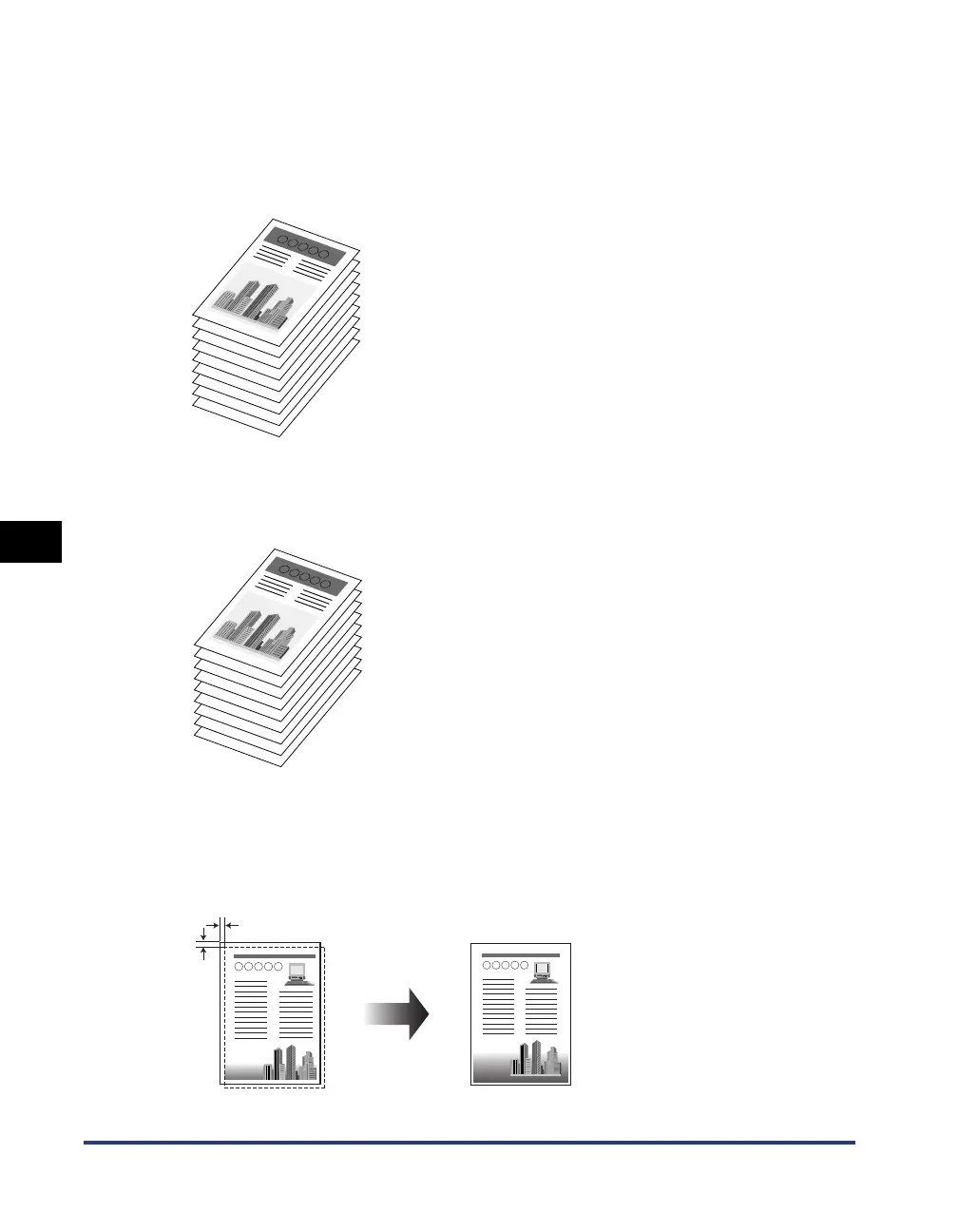
• If you do not specify the paper output method
Printouts of a complete job are grouped.
For example, if you are printing three copies of a three-page document, printouts of a
complete job are grouped, arranged in this page order: 1, 1, 1, 2, 2, 2, 3, 3, 3.
• If you collate the printouts
Printouts of a complete job are collated.
For example, if you are printing three copies of a three-page document, printouts of a
complete job are collated, arranged in this page order: 1, 2, 3, 1, 2, 3, 1, 2, 3.
■ Print with Upper Left of Sheet as Starting Point (See p. 6-39)
Since printing is usually performed with the upper-left 5 mm margin (10 mm for envelopes
and Index Card) as the starting point, a certain portion (lower right) may be missing when
printing data with no margin. In this case, you can extend the printable area to near the
edges of the paper by printing with the upper-left 0 mm margin as the starting point.
1
1
1
2
2
2
3
3
3
1
2
3
1
2
3
1
2
3
5 mm



 To Next Page