6-7
Using the Various Printing Functions
6
Utilizing a Variety of Options for Printing
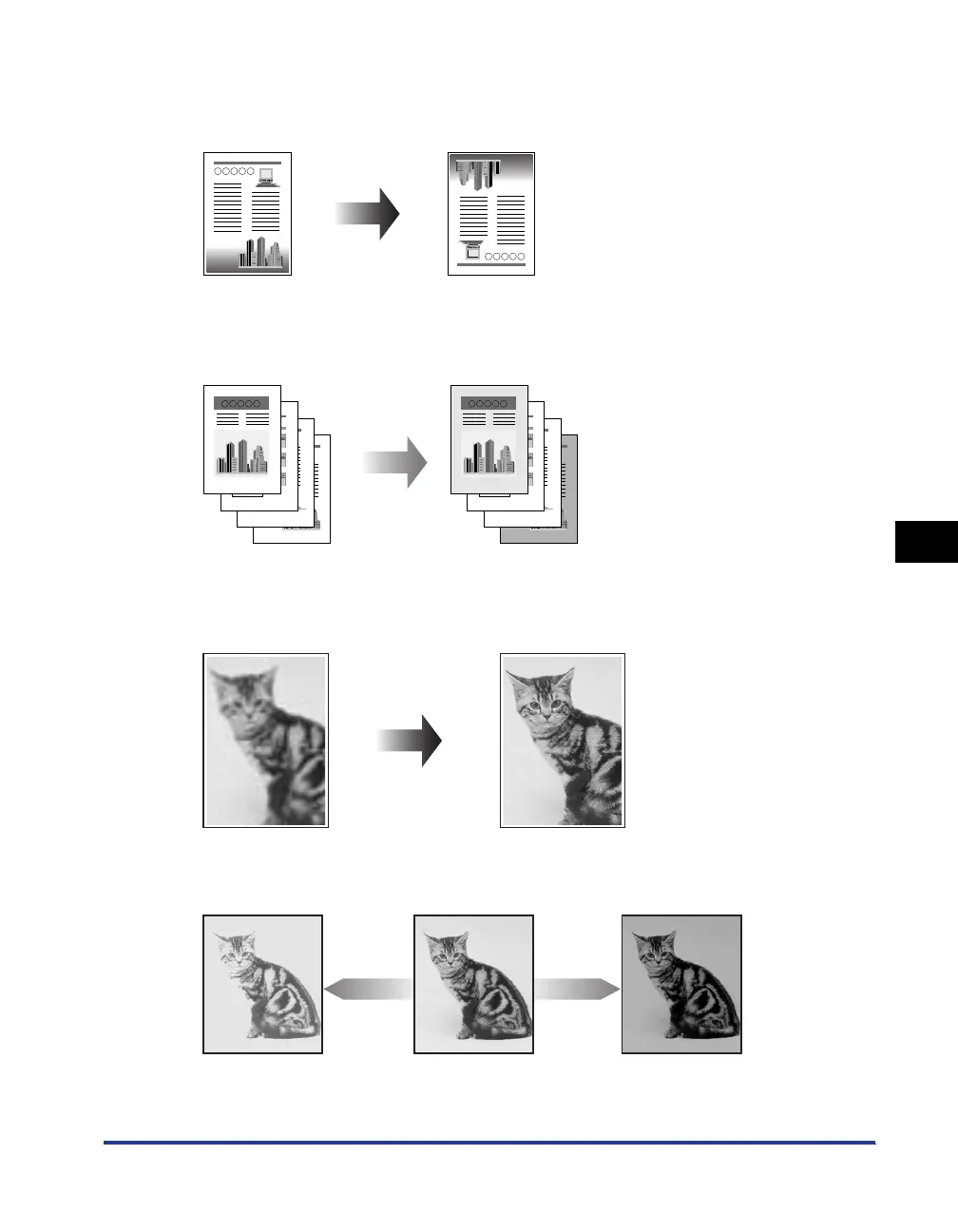
■ Printing with the Data Rotated 180 Degrees (See p. 6-41)
You can print with the image rotated 180 degrees. This option is useful for printing
envelopes and Index Card that can be fed only in specific orientations.
■ Selecting Paper for Each Page (See p. 6-43)
You can select paper for each page, such as for printing the front cover on a different type
of paper.
■ Smoothing Out Rough-Textured Images (See p. 6-45)
Specify this option when printing with this kind of low-resolution image data being
smoothed out.
■ Printing with Toner Density Adjusted (See p. 6-47)
You can print with toner density adjusted.



 To Next Page