8-46
Tr oubleshooting
8
Installation Problems
NOTE
If [Canon LBP3310] is displayed in the dialog box, see "If Uninstallation Fails" (p.
8-42) and delete [Canon LBP3310] in the dialog box.
4
Display [Device Manager].
1.
From the [Start] menu, select [Settings]
➞
[Control Panel].
2.
Double-click the [System] icon.
3.
Click [Hardware]
➞
[Device Manager].
1.
From the [Start] menu, select [Control Panel].
2.
Click [Performance and Maintenance]
➞
[System].
3.
Click [Hardware]
➞
[Device Manager].
1.
From the [Start] menu, select [Control Panel]
➞
[System].
2.
Click [Hardware]
➞
[Device Manager].
1.
From the [Start] menu, select [Control Panel].
2.
Click [Hardware and Sound]
➞
[View hardware and devices].
NOTE
If you are using Windows Vista and the [User Account Control] dialog box appears,
click [Continue].
5
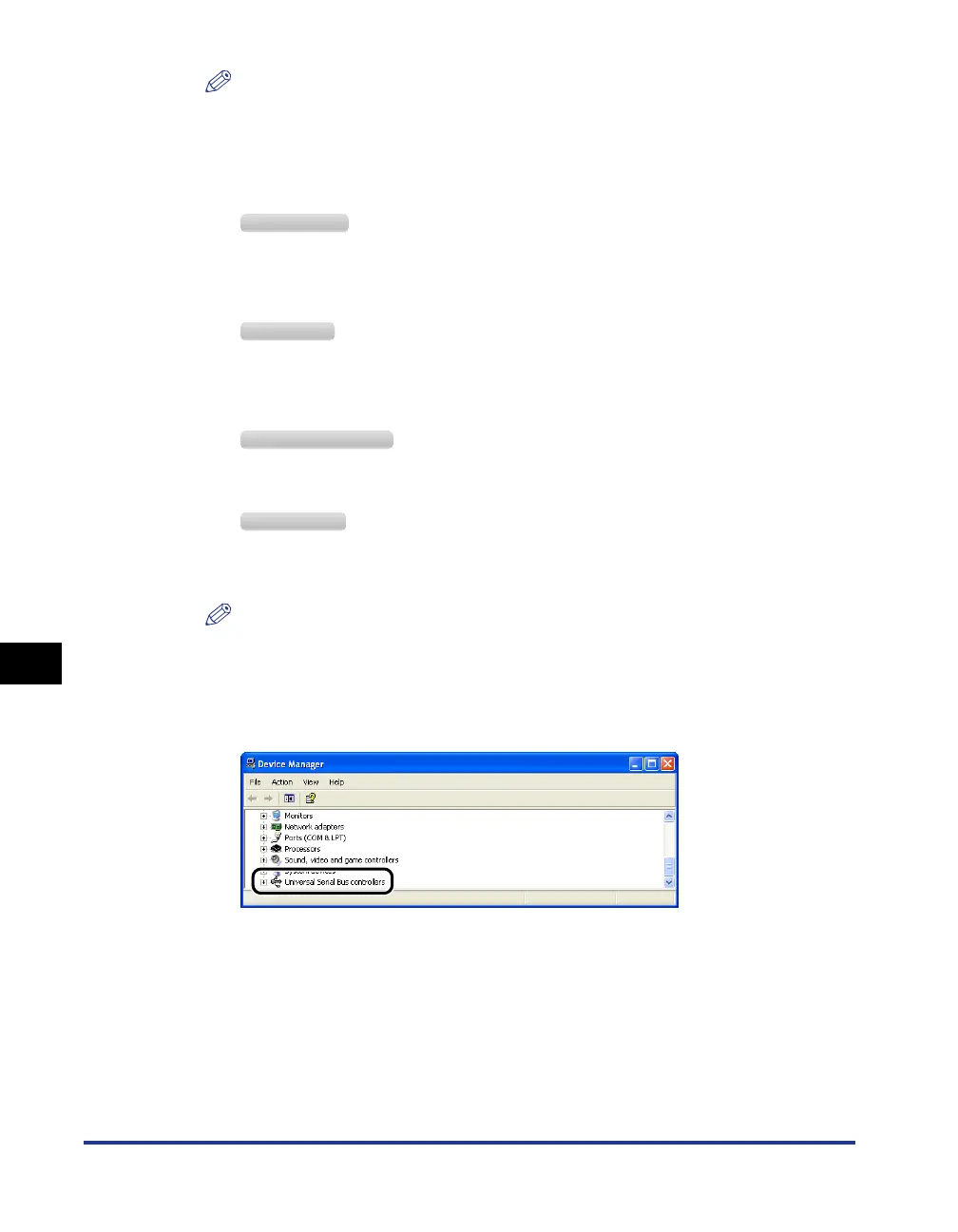
Double-click [Universal Serial Bus controllers].
Windows 2000
Windows XP
Windows Server 2003
Windows Vista



 To Next Page