8-47
Tr oubleshooting
8
Installation Problems
6
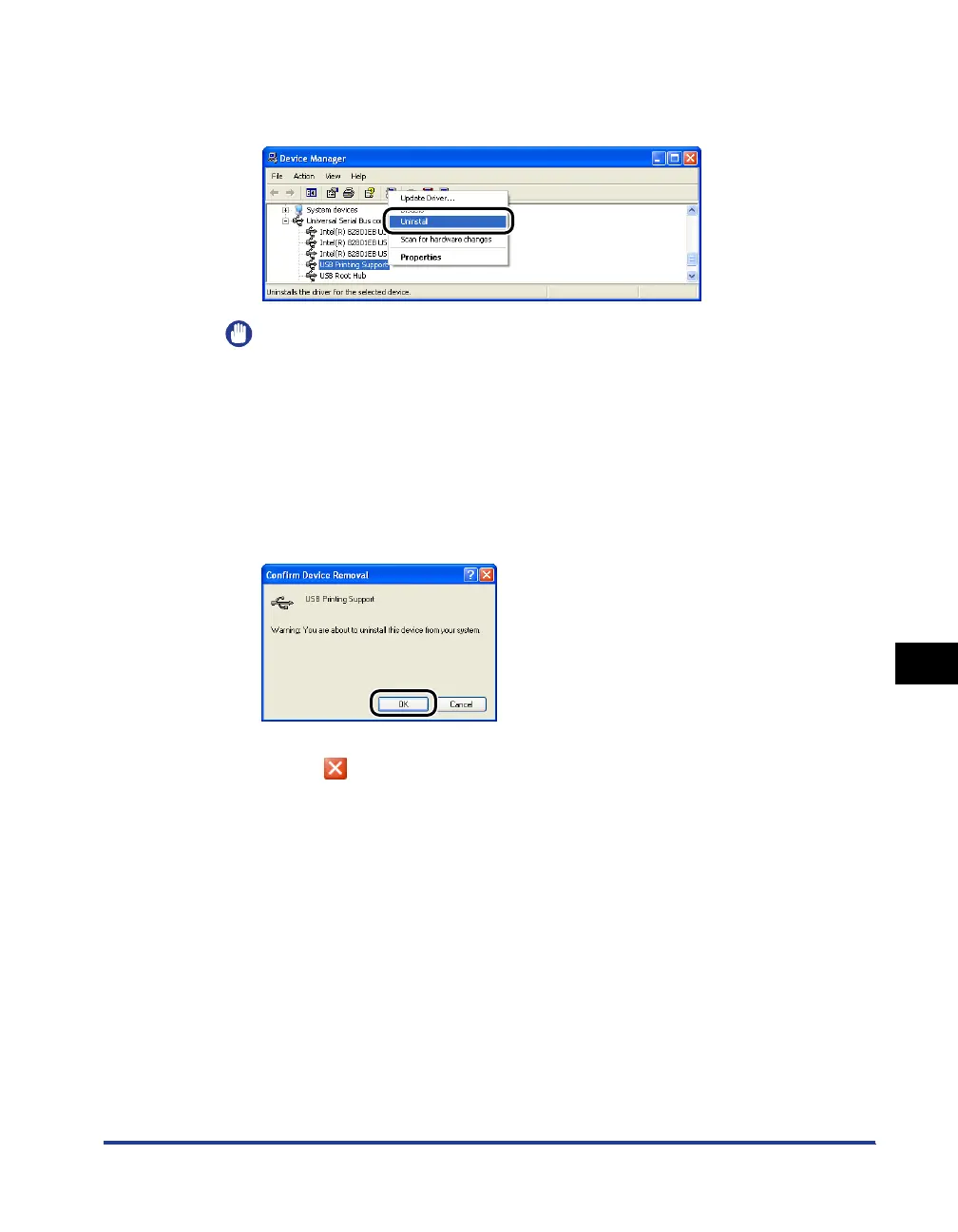
Right-click [USB Printing Support], then select [Uninstall]
from the pop-up menu.
IMPORTANT
•
If the USB class driver is under [Other Devices], the printer is not installed properly.
Select [Unknown device], then uninstall it.
•
Do not uninstall any drivers for other devices. If you uninstall them by mistake,
Windows may not operate properly.
•
If the USB class driver is not installed properly, [USB Printing Support] is not
displayed.
7
Click [OK].
8
Click
[]
.
[Device Manager] closes.
9
Disconnect the USB cable from the computer, then restart
Windows.
After Windows restarts, reinstall the printer driver. (See "Installing the Printer
Driver," on p. 4-4)



 To Next Page