3-20
Loading Paper in the Paper Cassette
Paper Loading and Output Tray
3
IMPORTANT
•
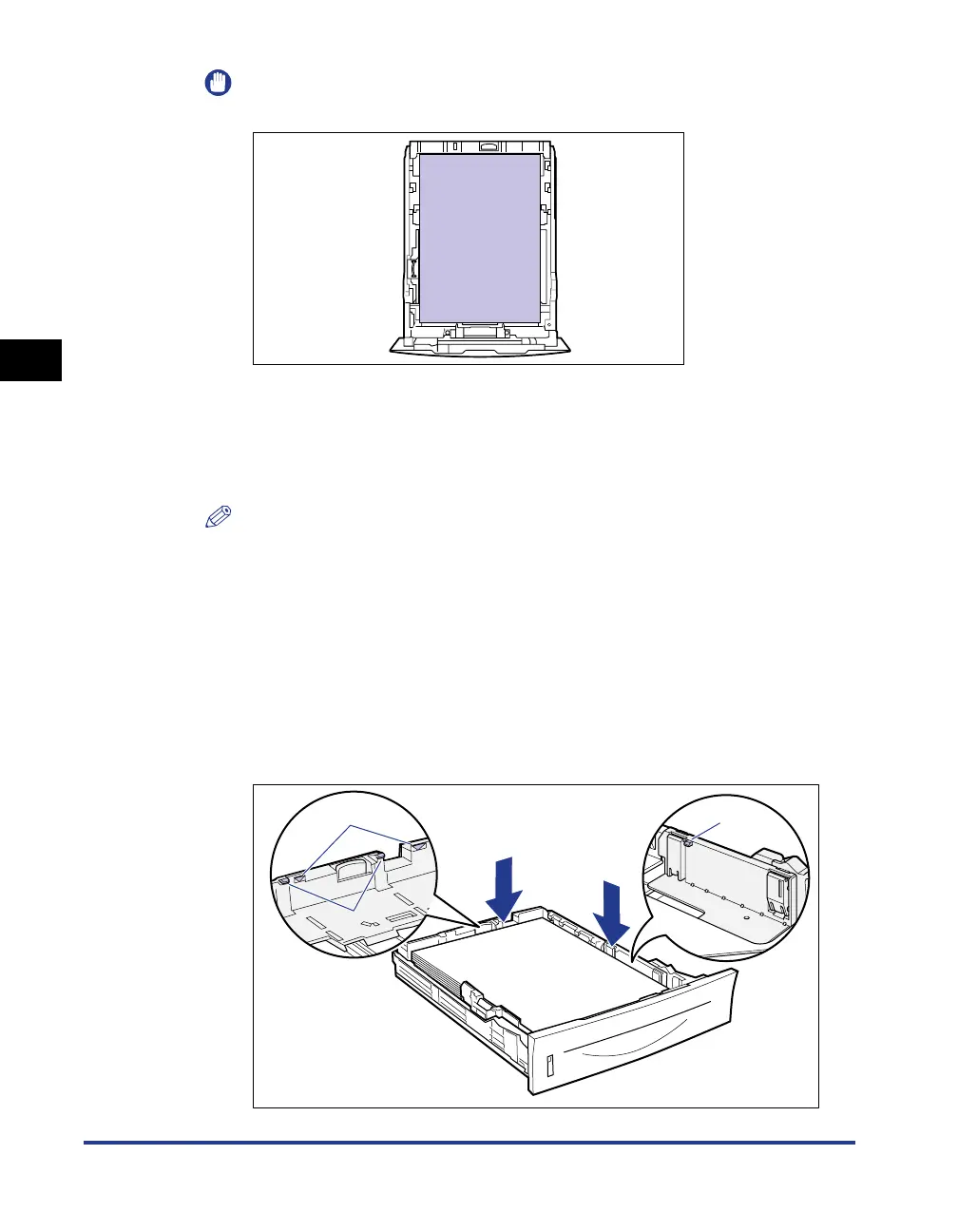
Be sure to load paper in portrait orientation.
•
Be sure to check if the paper guides are at the position of the size of the paper to
be loaded. If the paper guide is set at a wrong position, this may result in misfeeds.
•
If you use paper that has been poorly cut, multiple sheets of paper may be fed at
once. In this case, align the edges of the paper stack properly on a hard, flat
surface.
NOTE
To print paper with letterheads or logos, see "Paper Loading Orientation" (p. 3-49)
and load the paper in the proper orientation.
4
Hold down the paper as shown in the figure, then set it under
the hooks (A) on the paper guides.
Check the following points.
• Whether the paper stack does not exceed the load limit marks (B)
• Whether there is sufficient space between the hooks of the paper guides and
the paper stack
(A)
(B)
(A)



 To Next Page