3-21
Loading Paper in the Paper Cassette
Paper Loading and Output Tray
3
IMPORTANT
The following shows the paper capacity of the paper cassette.
- Plain paper (Ex. 64 g/m
2
): Approx. 250 sheets
- Heavy paper (Ex. 91 g/m
2
): Approx. 200 sheets
Be sure that the paper stack does not exceed the load limit marks. If the paper
stack exceeds the load limit marks, this may result in misfeeds.
5
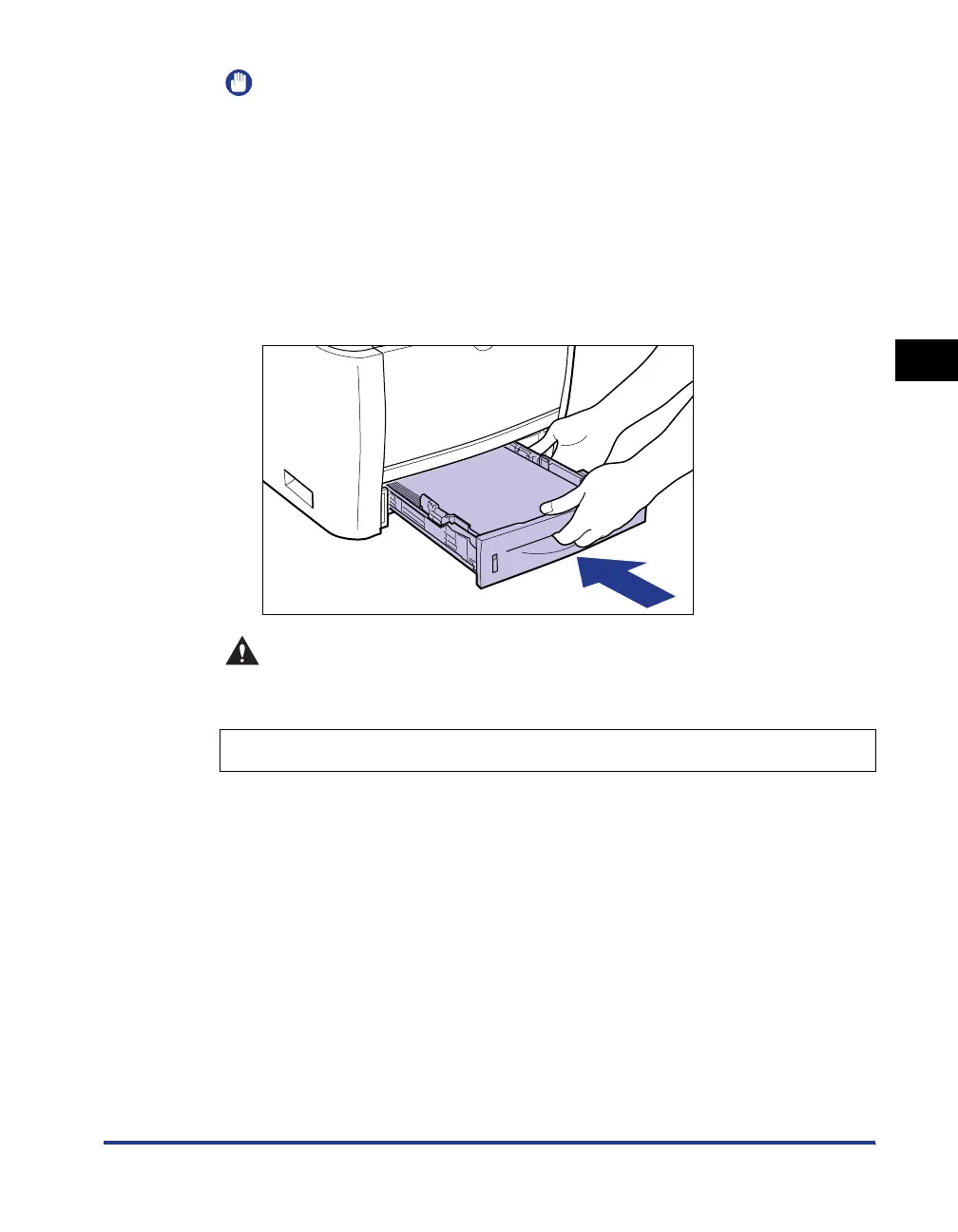
Set the paper cassette in the printer.
Push the paper cassette into the printer firmly until the front side of the paper
cassette is flush with the front surface of the printer.
CAUTION
When setting the paper cassette in the printer, be careful not to catch your
fingers.
This printer's paper cassette cannot automatically detect the paper size.
Therefore, you need to register the size of the loaded paper.
6
Display the Printer Status Window.
For details on methods for displaying the Printer Status Window, see "Displaying
the Printer Status Window," on p. 5-35.
Register the size of the loaded paper using the following procedure.



 To Next Page