Programmable DC Power Supply (with Solar Array Simulation) 62000H Series
Operating & Programming Manual
Each PROGRAM has a RUN COUNT that sets the number of times the program is
executed. The following table shows the RUN COUNT range:
Table 4-1
Ex.1: Set RUN COUNT for a PROGRAM
Set PROG #1 to NEXT TO PROG NO =3, RUN COUNT=2.
PROG #3 to NEXT TO PROG NO =0, RUN COUNT=3.
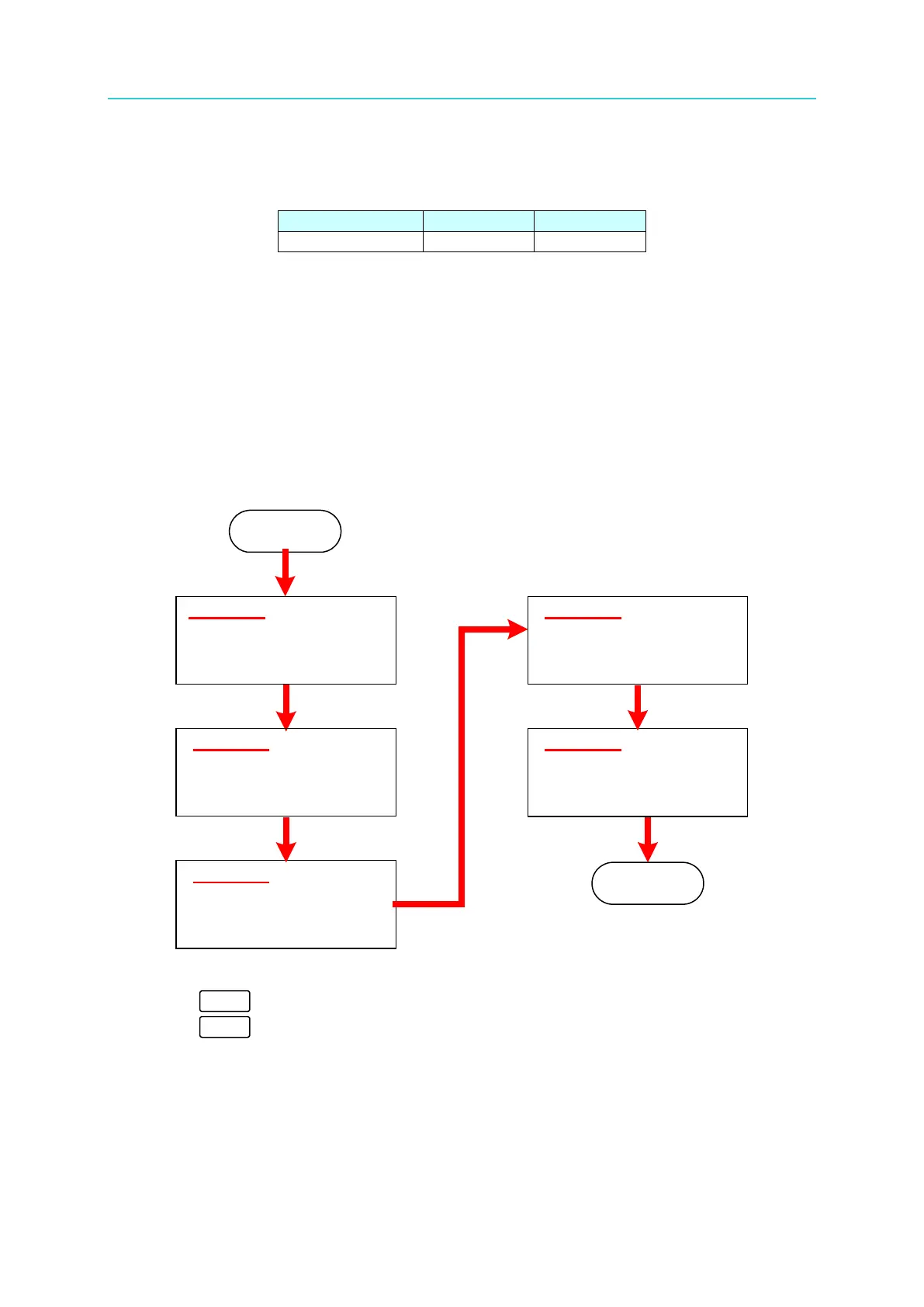
The program execution flow of RUN COUNT is shown in Figure 4-4.
A1: Execution steps:
(1) When all PROG #1 SEQUENCES are done, return to PROG #1.
(2) Repeat step (1) twice and skip PROG #2 and return to PROG #3.
(3) When all PROG #3 SEQUENCES are done, return to PROG #3.
(4) Repeat step (3) for 3 times.
(5) End
Figure 4-4
3. Press “ ” to confirm.
4. Press “ ” to return to Figure 4-1.
PROG #1
PROG CHAIN NO. = 3
REMAIN COUNT =1
SEQ 1_1 ~ SEQ 1_10
PROG #3
PROG CHAIN NO. = 0
REMAIN COUNT=2
SEQ 3_1 ~ SEQ 3_10
START
PROG #1
PROG CHAIN NO. = 3
REMAIN COUNT =0
SEQ 1_1 ~ SEQ 1_10
PROG #3
PROG CHAIN NO. = 0
REMAIN COUNT=1
SEQ 3_1 ~ SEQ 3_10
PROG #3
PROG CHAIN NO. = 0
REMAIN COUNT=0
SEQ 3_1 ~ SEQ 3_10
END








 To Next Page