Programmable DC Power Supply (with Solar Array Simulation) 62000H Series
Operating & Programming Manual
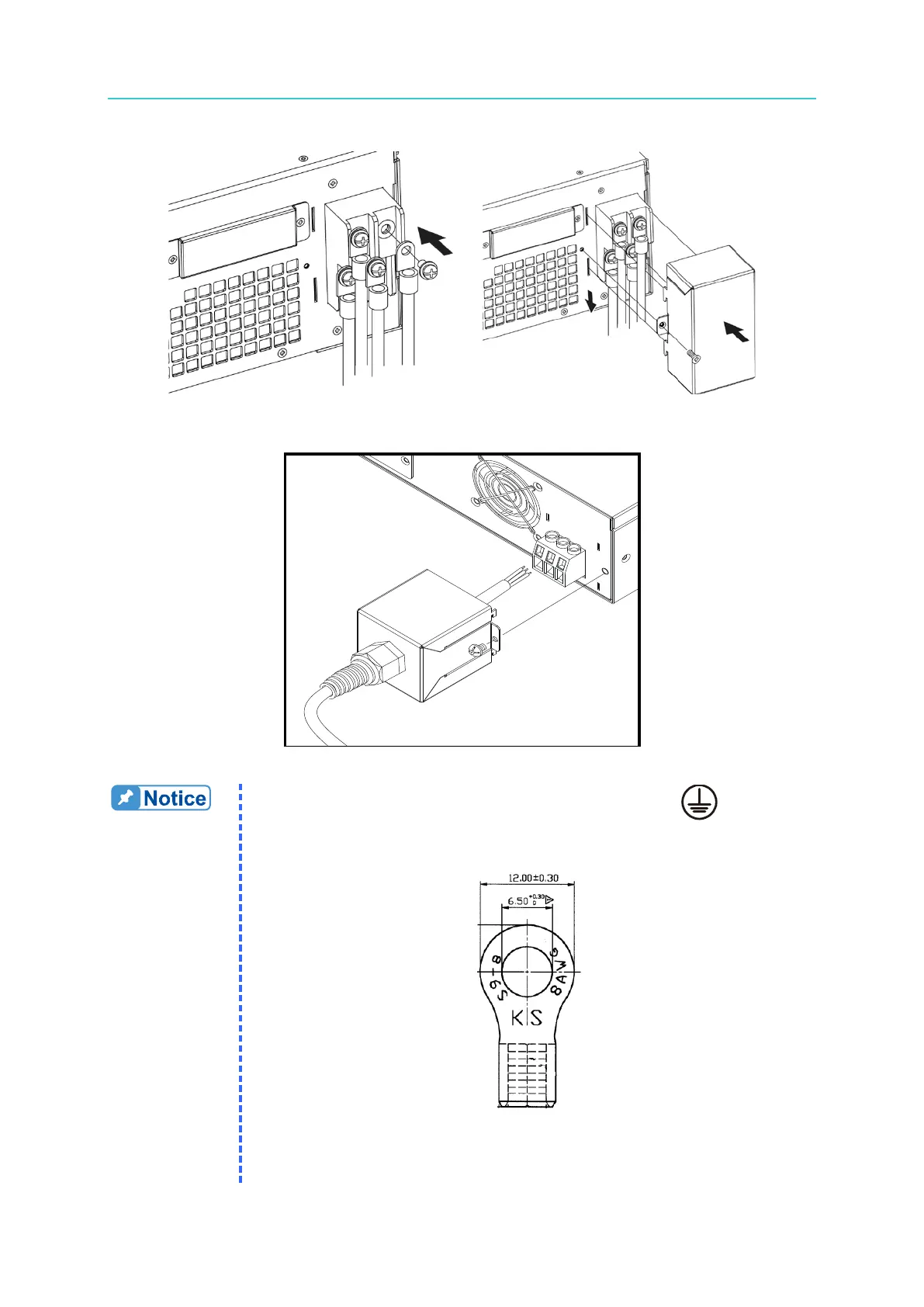
(a) (b)
Figure 2-3
Figure 2-4
1. Connect the green or green/yellow metal wire to the terminal.
2. Connect the black or brown metal wire to the “L1, L2, L3” terminals.
3. Figure 2-5 shows the suggested specification of an O type terminal.
Figure 2-5
4. Connect the white or blue metal wire of the 62020H-150S to the “N”








 To Next Page