Programmable DC Power Supply (with Solar Array Simulation) 62000H Series
Operating & Programming Manual
2. Selecting ENABLE: Sets the REMOTE INHIBIT to ENABLE. The DC Power
Supply’s ON/OFF is still controlled by the “
” key.
When Pin 9 (_INHIBIT) of the ANALOG INTERFACE is
triggered by a Low Level (same as pressing the “
”
key on the front panel) it sets OUTPUT = OFF. The DC
Power Supply will shut down and send out a protection
signal (in this case the “
” will be OFF.) Pin 9
(_INHIBIT) of the ANALOG INTERFACE cannot be used to
release the protection.
3. Press “ ” to confirm.
4. Press “
” to return to the MAIN PAGE.
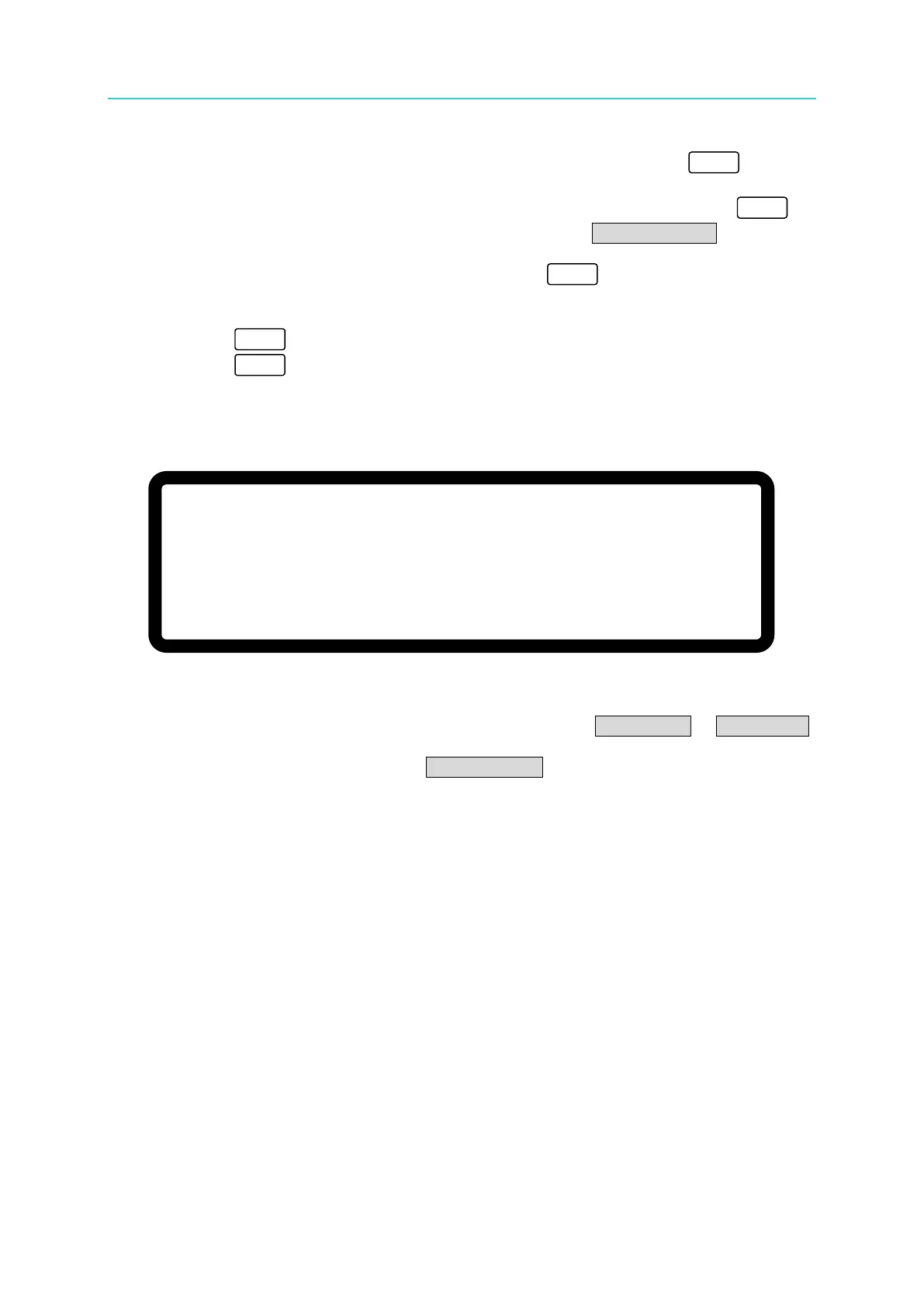
3. When protection occurs due to a REMOTE INHIBIT signal the MAIN PAGE will display
the protection message as shown in Figure 3-76.
V = 6 0. 0 0 V I = 1 0. 0 0 _ A O F F
0 . 0 0 0 0 V 0 . 0 0 0 0 A
I H B 0 . 0 W
Figure 3-76
4. Pin 9 is a TTL Level input pin. The initial state can be set to PULL=HIGH or PULL=LOW.
5. When the DC Power Supply is set to OUTPUT = ON, the REMOTE INHIBIT signal will
control the output as shown in Figure 3-77.








 To Next Page