User's Manual
155
4. Click
Search
.
●
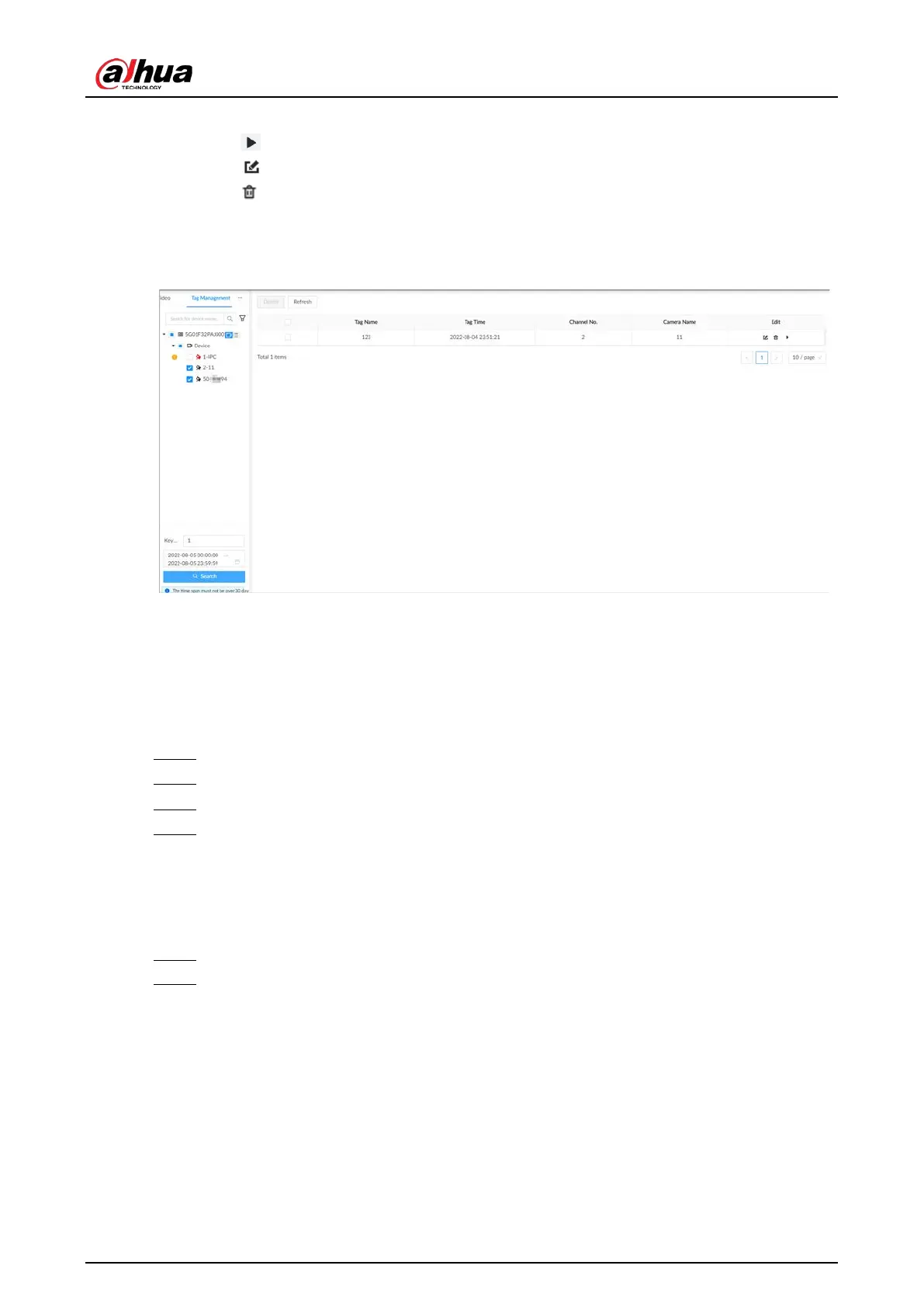
Click to view the corresponding video.
●
Click to edit the tag.
●
Click to delete the tag.
●
Select multiple tags and click
Delete
to delete the tags in batches.
●
Click
Refresh
to refresh the tag list.
Figure 7-18 Tags
7.2.4 Searching for Snapshots
Search for and view snapshots according to remote device, image type, and snapshot time.
Procedure
Step 1 Log in to the PC client.
Step 2 On the home page, select
Search
.
Step 3 Select a remote device, and then click the
Picture
tab.
Step 4 Select an image type.
●
Manual Snapshot
: Manual snapshots.
●
Video Detection
: Snapshots linked with video detection.
●
External Alarm
: Snapshots linked with internal and external alarms.
●
Thermal
: Snapshots linked with thermal alarms.
Step 5 Set the search period.
Step 6 Click
Search
.
7.2.5 Backing up Files
Back up videos or images by downloading or remote backup.



 To Next Page
 Loading...
