User's Manual
202
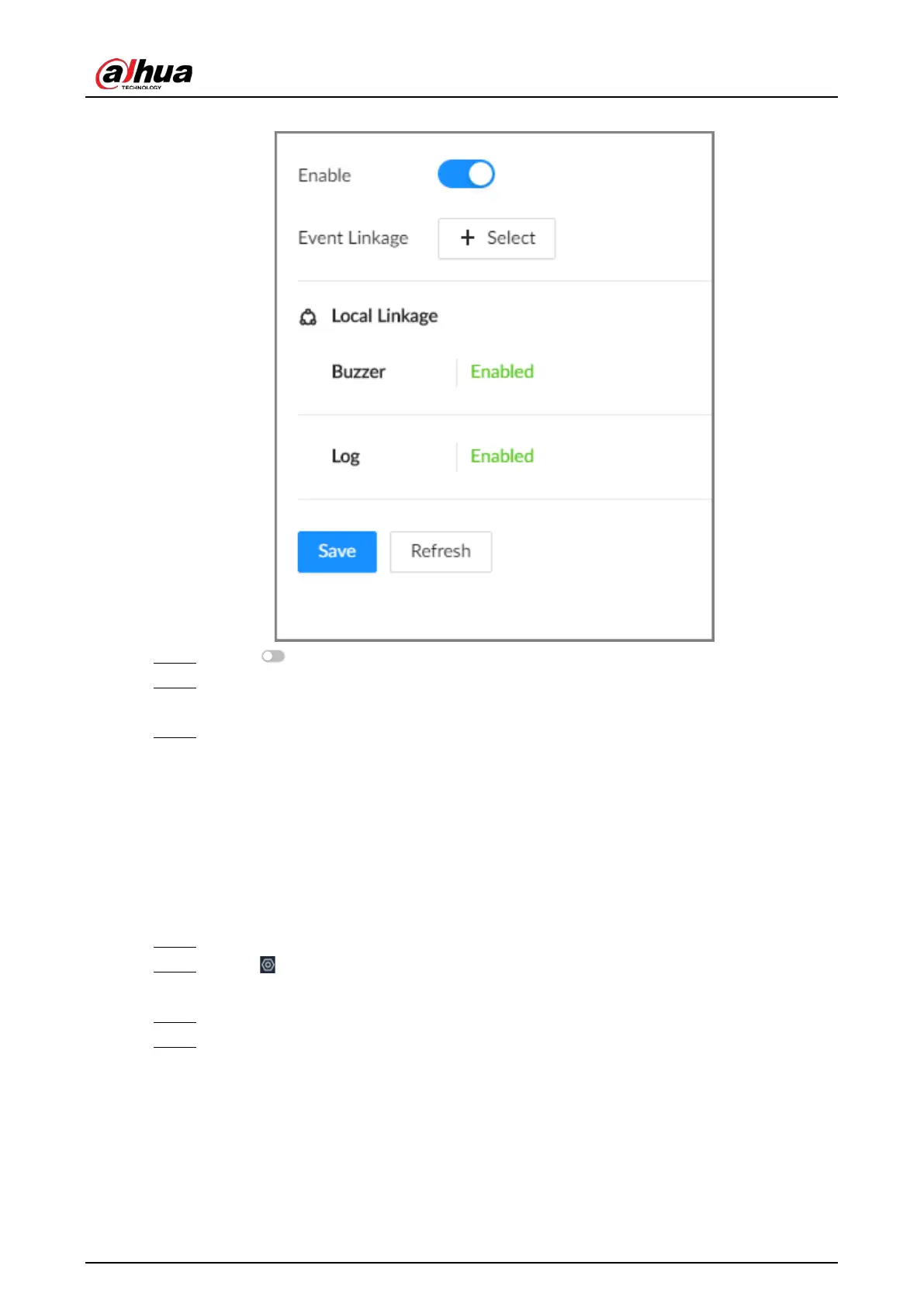
Figure 8-35 No disk
Step 5 Click to enable the alarm against no disk.
Step 6 Click
Select
next to
Event Linkage
to set alarm actions. See "8.3.1 Alarm Actions" for
detailed information.
Step 7 Click
Save
.
8.3.2.3 Offline Alarm
Set the offline alarm for IVSS. If you have not set offline alarm for a remote device, once the remote
device is disconnected from the system, the system adopts the alarm strategy for IVSS to trigger an
alarm.
Procedure
Step 1 Log in to the PC client.
Step 2 Click on the upper-right corner and then click
Event
.
You can also click
Event
from the configuration list on the home page.
Step 3 Select the root node on the device tree.
Step 4 Select
Offline
>
Offline
.


 To Next Page
 Loading...

