User's Manual
215
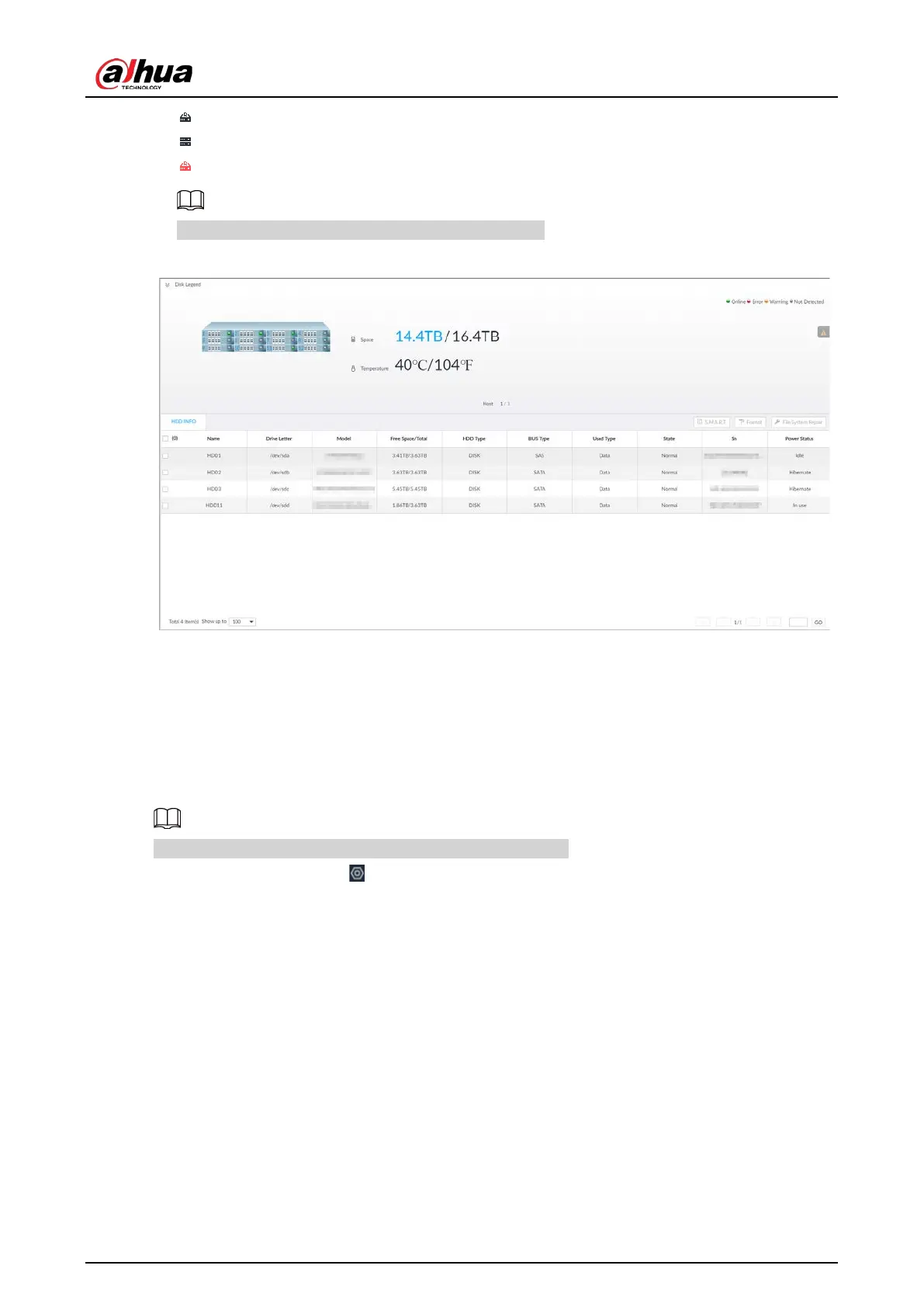
●
: RAID.
●
: Global hot spare disk.
●
: Invalid disk of RAID group.
Slight difference might be found on the user interface.
Figure 8-46 HDD
8.4.1.1.1 Viewing S.M.A.R.T
S.M.A.R.T is Self-Monitoring Analysis and Reporting Technology. It is a technical standard to check
disk status and report potential problems. The system monitors the disk running status and
compares with the specified safety value. Once the status is higher than the specified value, the
system displays alarm information to guarantee disk data security.
You can only view S.M.A.R.T information of a disk at one time.
Log in to the PC client. Click on the upper-right corner and then select
Storage
>
Storage
Resource
>
Disk
. Select a disk, and then click
S.M.A.R.T
. You can check the disk status. If there is any
problem, fix it in time.


 To Next Page
 Loading...

