User's Manual
267
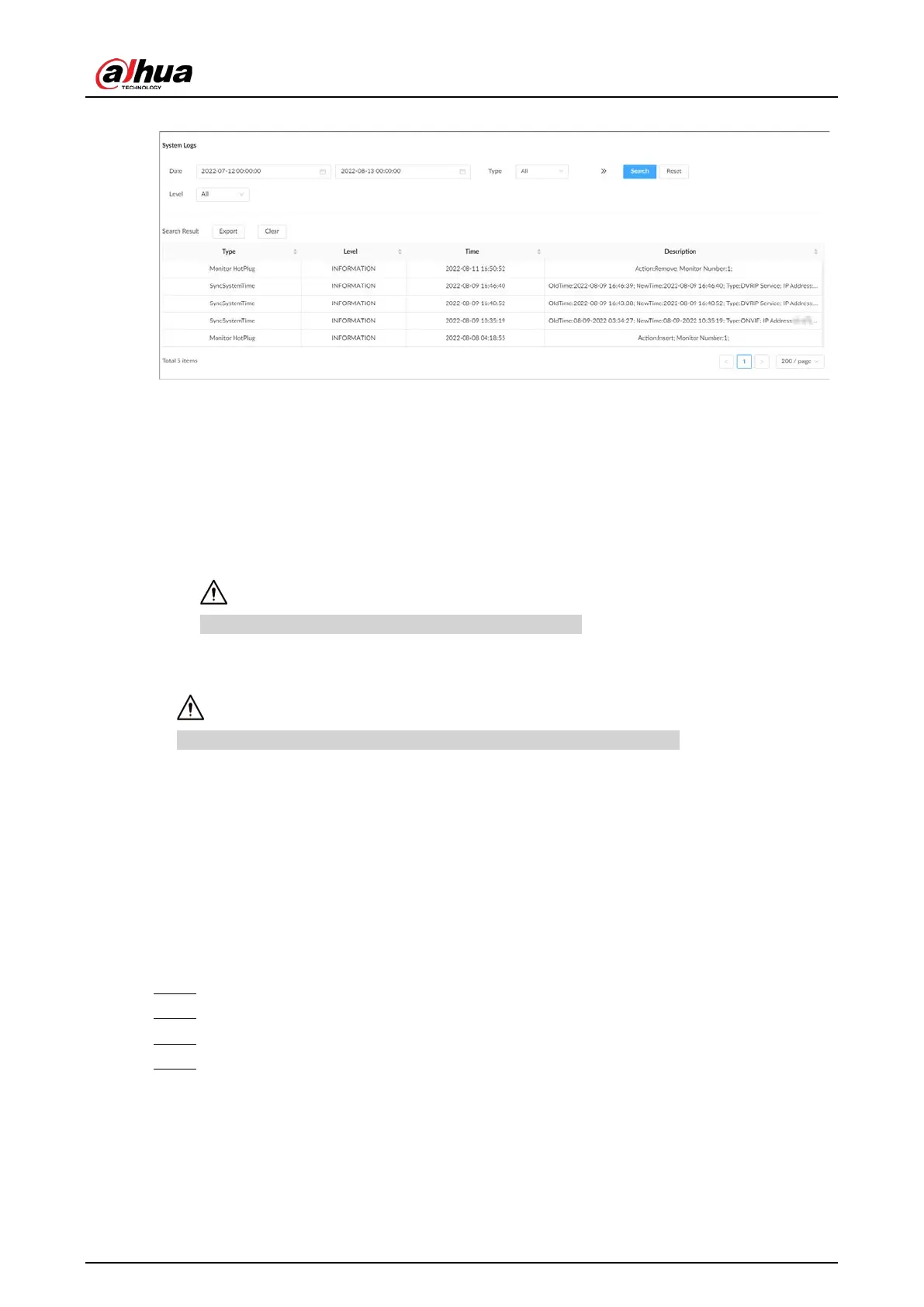
Figure 9-10 System logs
Related Operations
●
Export logs.
Click
Export
to export the logs. You can select whether to encrypt the exported logs.
◇
Select
Yes
, set a password, and then click
OK
. The exported logs will be encrypted. The
password is required to unzip the exported file.
◇
If you select
No
, the logs will be exported to your computer or USB storage device without
encryption.
Keep the unencrypted logs safe to prevent data leakage.
●
Clear logs.
Click
Clear all
to clear all the logs.
You might be unable to track the reasons of system errors if you clear logs.
9.7 Intelligent Diagnosis
9.7.1 One-click Export
Export the diagnosis data for troubleshooting when the Device is in exception.
Procedure
Step 1 Log in to the PC client.
Step 2 On the home page, select
Maintain
>
Intelligent Diagnosis
>
Export
.
Step 3 Click
Generate Diagnosis Data
to generate diagnosis data.
Step 4 Click
Export
to export the diagnosis results.
9.7.2 Run Log
View system run logs for troubleshooting.



 To Next Page
 Loading...
