User's Manual
84
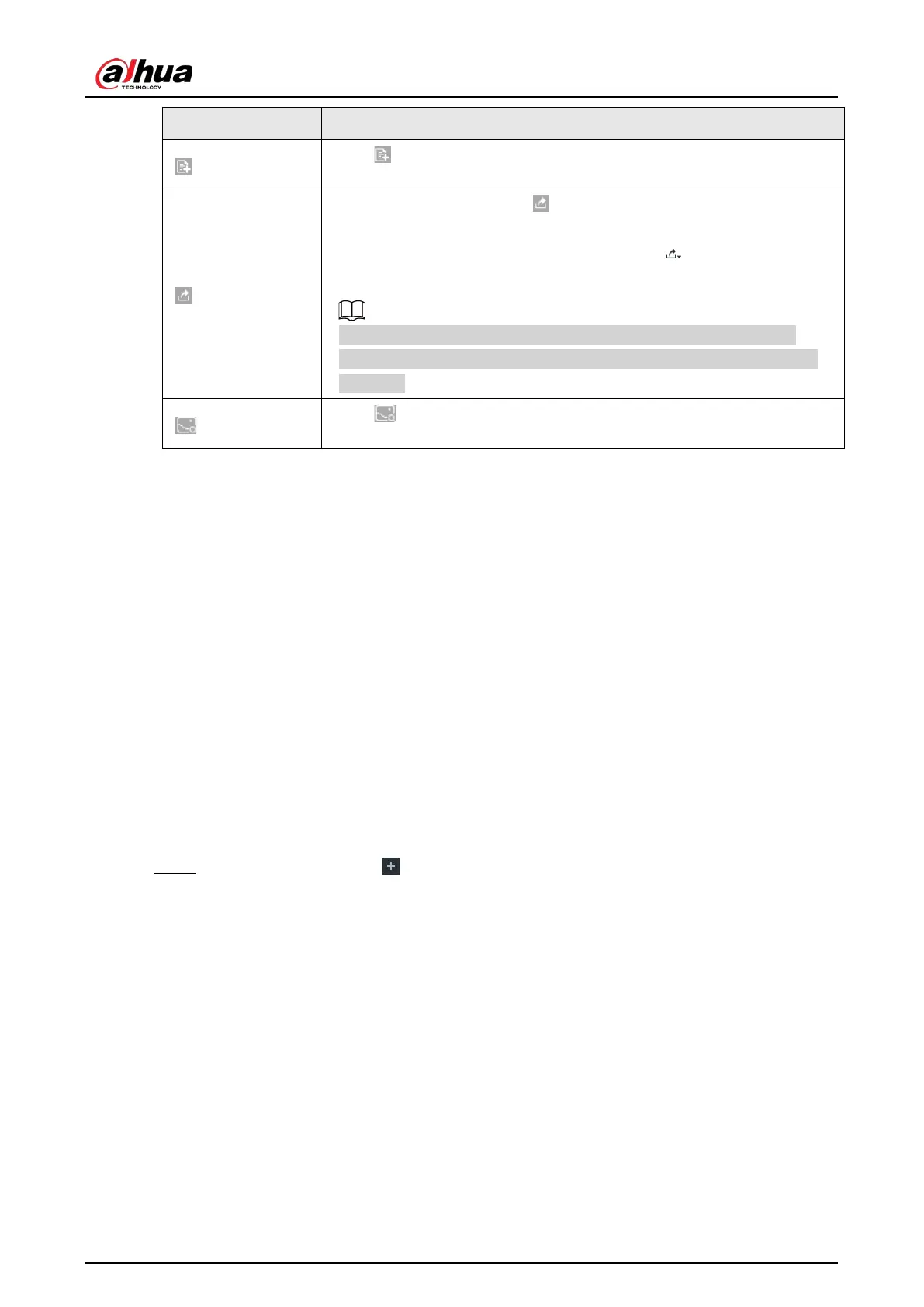
Click to quickly add the image to the face database. See "6.3.3.4.3
Adding Face Image" for detailed information.
●
Export one by one: Click to export picture, video and video
player. For details, see "6.2.4.3 Exporting Face Records".
●
Export in batches: Select the panel and click to export picture,
video or excel. For details, see "6.2.4.3 Exporting Face Records".
After setting alarm linkage snapshot, during exporting images, the
system exports detected images and panoramic images at the time of
snapshot.
Click , and then the system automatically searches all channels for the
records of the current face.
6.3.2.6.2 Searching by Property
Search for images by property. For details, see "6.2.4.1 Searching by Property".
6.3.2.6.3 Searching by Image
Upload a face picture to search for the records of the same face. For details, see "6.2.4.2 Searching by
Image".
6.3.2.6.4 Exporting Face Records
Export the searched face records, including pictures, videos and detailed information. For details, see
"6.2.4.3 Exporting Face Records".
6.3.2.6.5 1:1 Face Recognition
Through 1:1 face recognition, the system analyzes the similarity between two images.
Step 1 On the LIVE page, click , and then select AI SEARCH > 1:1 Face Recognition.



 To Next Page
 Loading...
