User's Manual
283
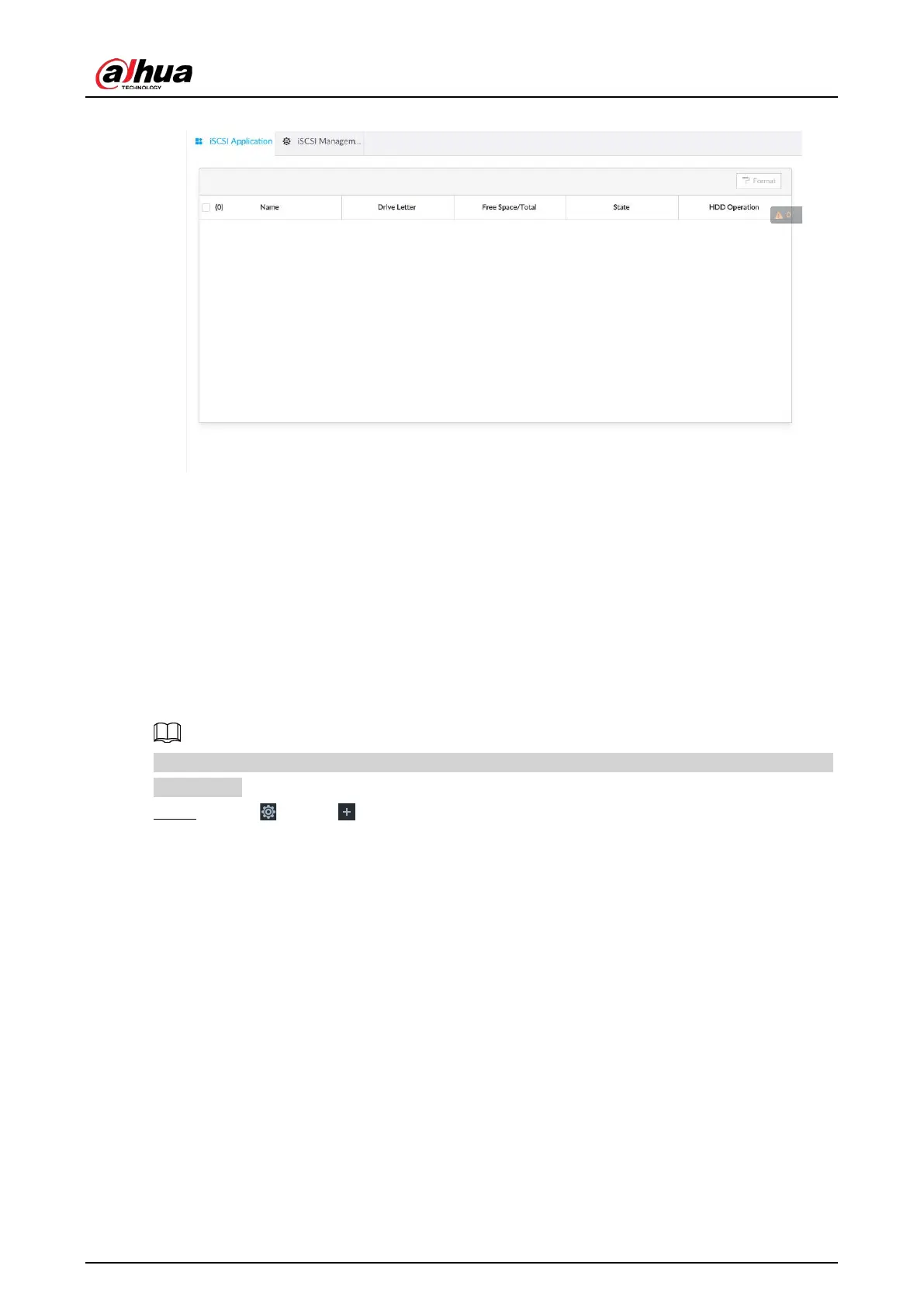
Figure 8-78 ISCSI application
●
Select a network hard disk, and then click
Format to format the disk. Formatting your hard disk
will erase all data from your hard disk, so do it carefully.
●
Click the
HDD Operation column, and then you can select an HDD operation permission type.
◇
Read/Write: One can read, edit, add, and delete data of this disk.
◇
Read Only: One can only read data of this disk.
8.5.1.3.2 iSCSI Management
Set up the network disk through iSCSI and map the network disk to the device so that the device can
use the network disk for storage.
Make sure that service has been enabled on the iSCSI server and the server has provided the shared
file directory.
Step 1 Click , or click on the configuration page, and then select
STORAGE > Network
Hard Disk > iSCSI Management.


 To Next Page
 Loading...

