User's Manual
306
8.7.3.1.1 Changing Password of the Current User
Step 1 Click at the top right corner, and then select Modify Password.
Step 2 Enter the old password, the new password and then confirm.
Step 3 Click OK.
8.7.3.1.2 Changing Password of Other User
Only Admin account supports this function.
Step 1 Click , or click on the configuration page, and then select
ACCOUNT.
Step 2 Select a user.
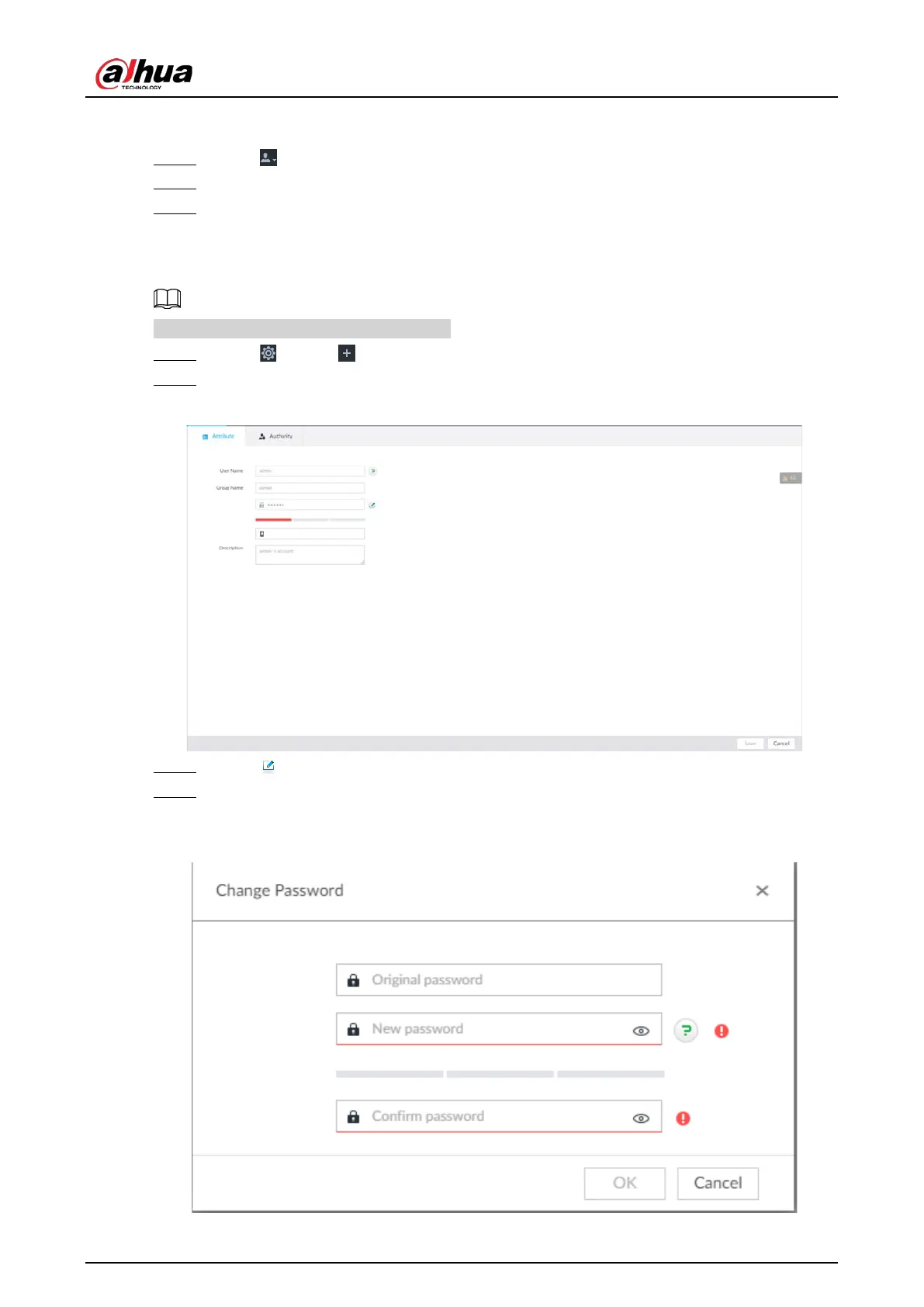
Figure 8-103 Property
Step 3 Click .
Step 4 Enter current user’s login password, and then click OK.
The Change Password page is displayed.
Figure 8-104 Change password



 To Next Page
 Loading...
