User's Manual
265
Procedure
Step 1 Log in to the PC client.
Step 2 On the home page, select
Maintain
>
Disk Maintenance
>
S.M.A.R.T Detection
.
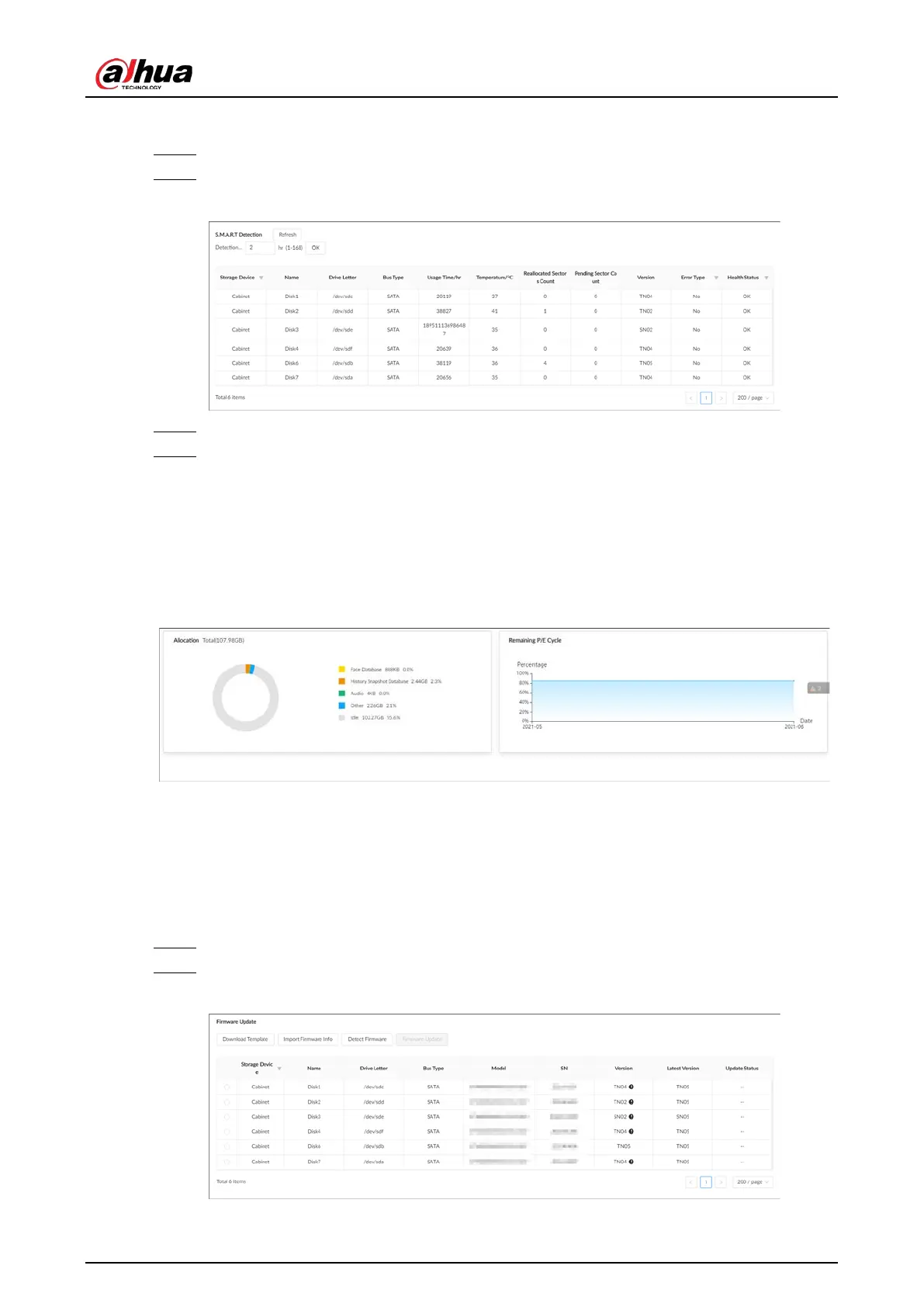
Figure 9-7 S.M.A.R.T detection
Step 3 Set the detection period.
Step 4 Click
OK
.
9.5.2 SSD Health Detection
On the home page, select
Maintain
>
Disk Maintenance
>
SSD Health Detection
, and then you
can view the storage allocation and remaining P/E cycle of SSD.
Figure 9-8 SSD health detection
9.5.3 Firmware Update
Import update file to update HDD information.
Procedure
Step 1 Log in to the PC client.
Step 2 On the home page, select
Maintain
>
Disk Maintenance
>
Firmware Update
.
Figure 9-9 Firmware update


 To Next Page
 Loading...

