User's Manual
262
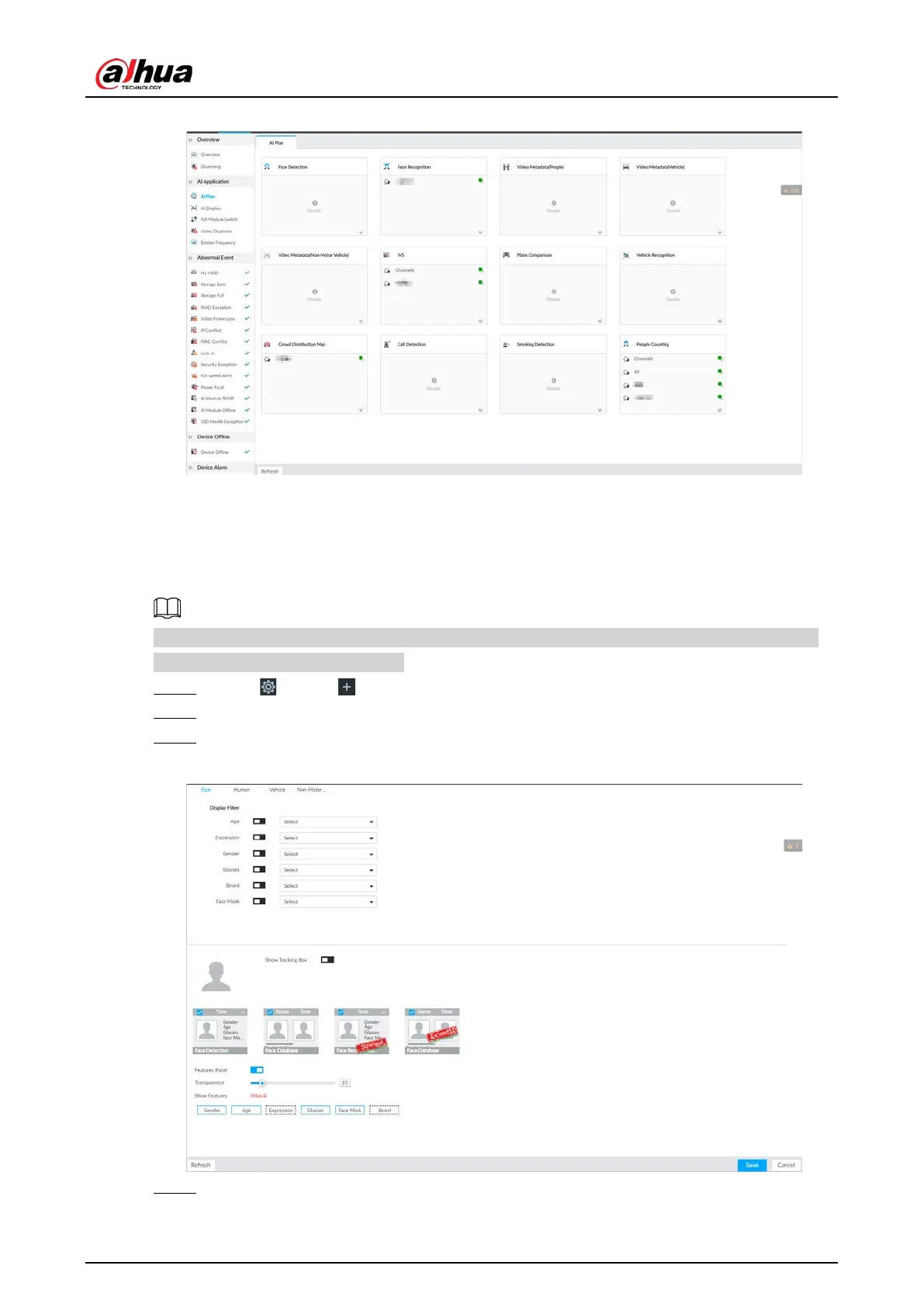
Figure 8-52 AI plan
8.4.2.4.2 Setting AI Display
Set the property to be displayed in rule box and feature property panel. View AI detection result
through smart preview, and support to display face, human and vehicle.
Take the procedure of configuring face detection AI display as an example. For other AI detection
functions, the procedures are similar.
Step 1 Click , or click on the configuration page, and then select EVENT.
Step 2 Select the root node in the device tree on the left.
Step 3 Select AI Application > AI Display > Face.
Figure 8-53 Face
Step 4 Configure display filter information.


 To Next Page
 Loading...

