User's Manual
65
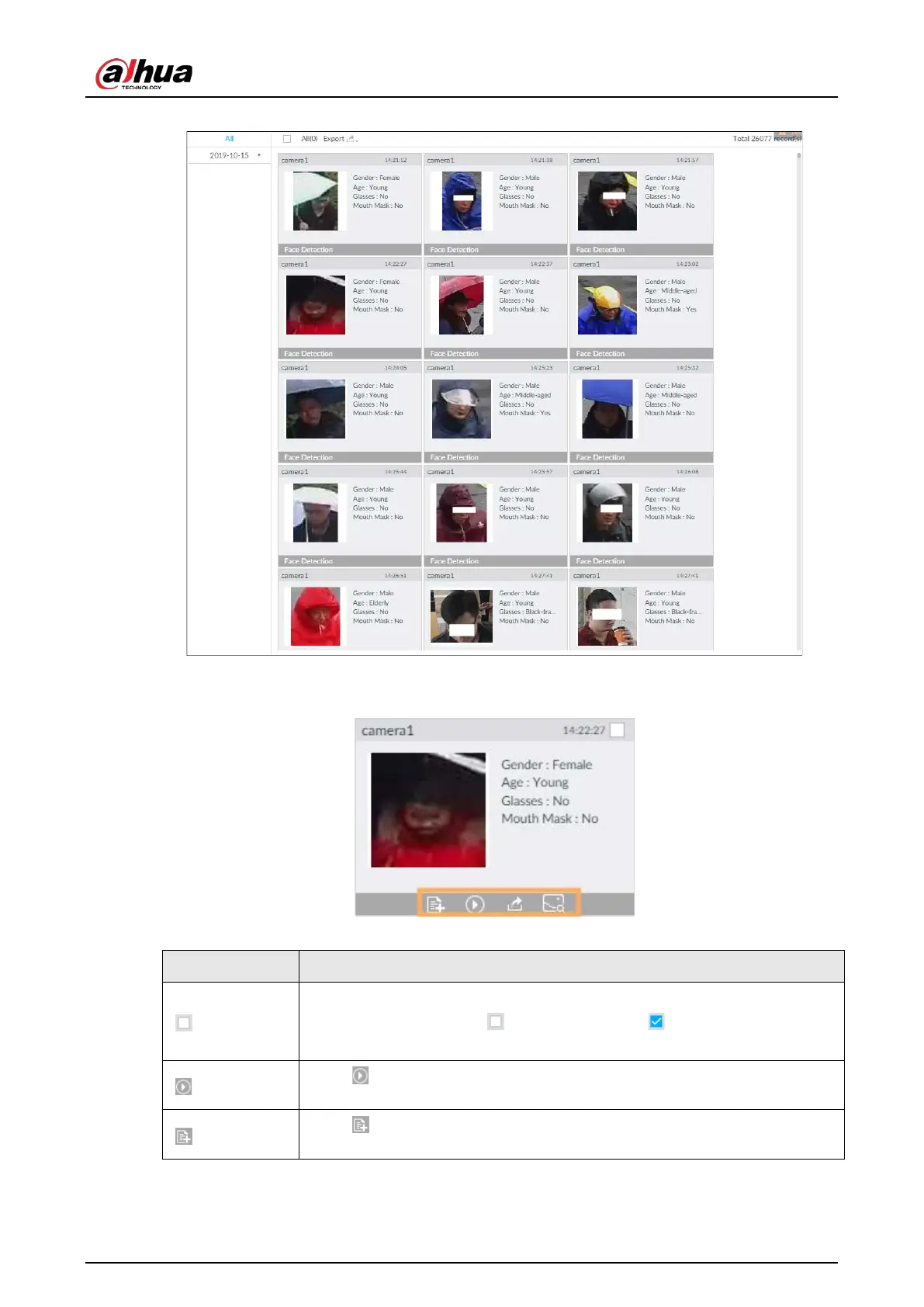
Figure 6-10 Search results
Point to a piece of record, and then the following icons are displayed.
Figure 6-11 Icons
Table 6-2 Description
●
Select one by one: Click the panel or move the mouse pointer onto the
panel, and then click to select the panel. means it is selected.
●
Batch select: Check
to select all panels on the page.
Click or double-click the panel, the system starts to play back the
recorded videos (about 10s).
Click to quickly add the image to the face database. See "6.3.3.4.3 Adding
Face Image" for detailed information.


 To Next Page
 Loading...

