User's Manual
90
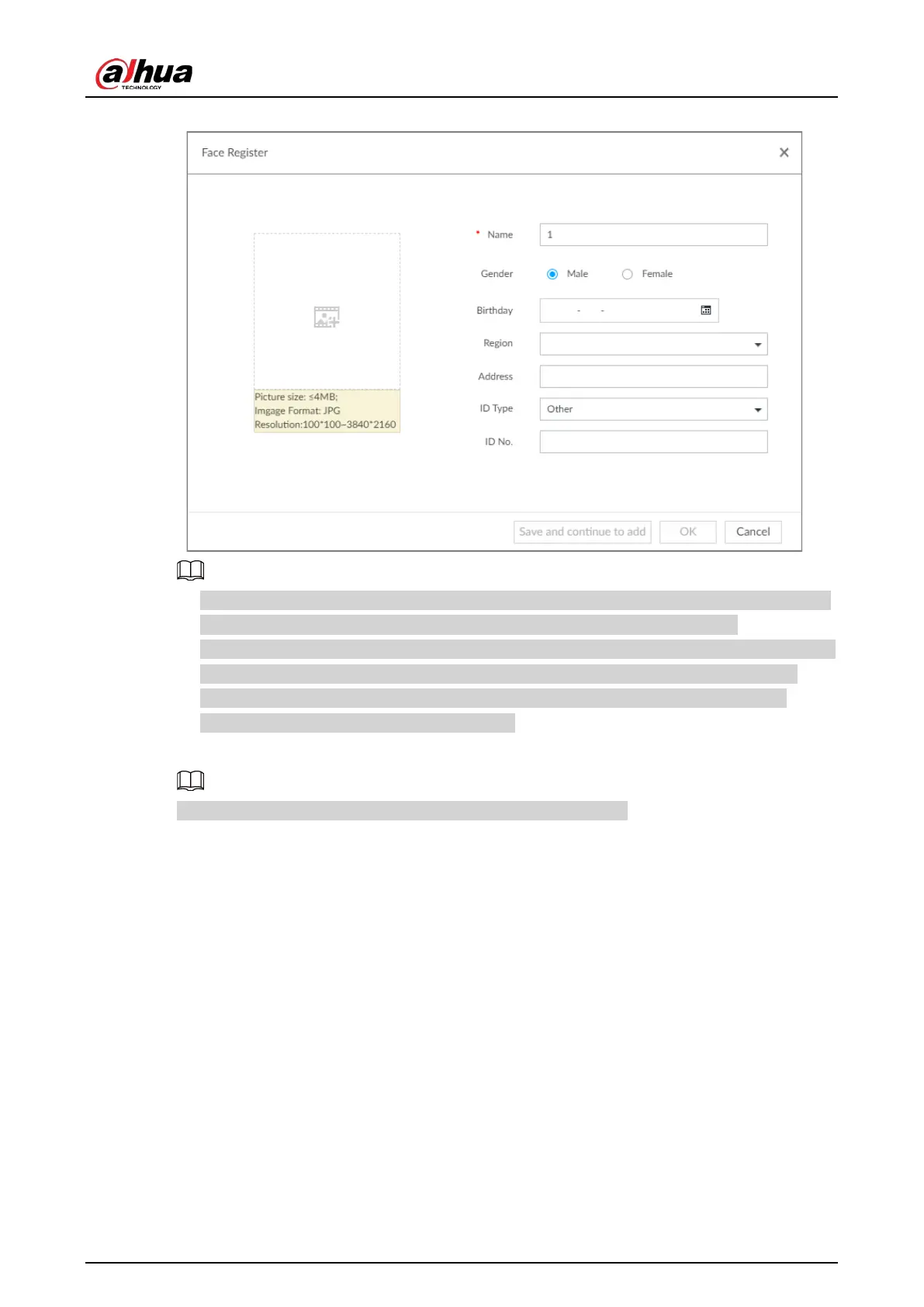
Figure 6-43 Face register
●
When the uploaded image is half-length photo or full-body photo, the system automatically
selects the frame of the uploaded image and only the face area will be retained.
●
When there are multiple faces in the uploaded images, the system automatically identifies the
faces in the images and uploads multiple face images according to the number of faces
recognized. Select face image you want to upload. Blue frame means that it is selected.
●
Click
Cancel to cancel all checked face images.
5. Click OK and import face image.
Point to the face image and then click Change Image to change it.
6. Fill in face image information.


 To Next Page
 Loading...

