User's Manual
176
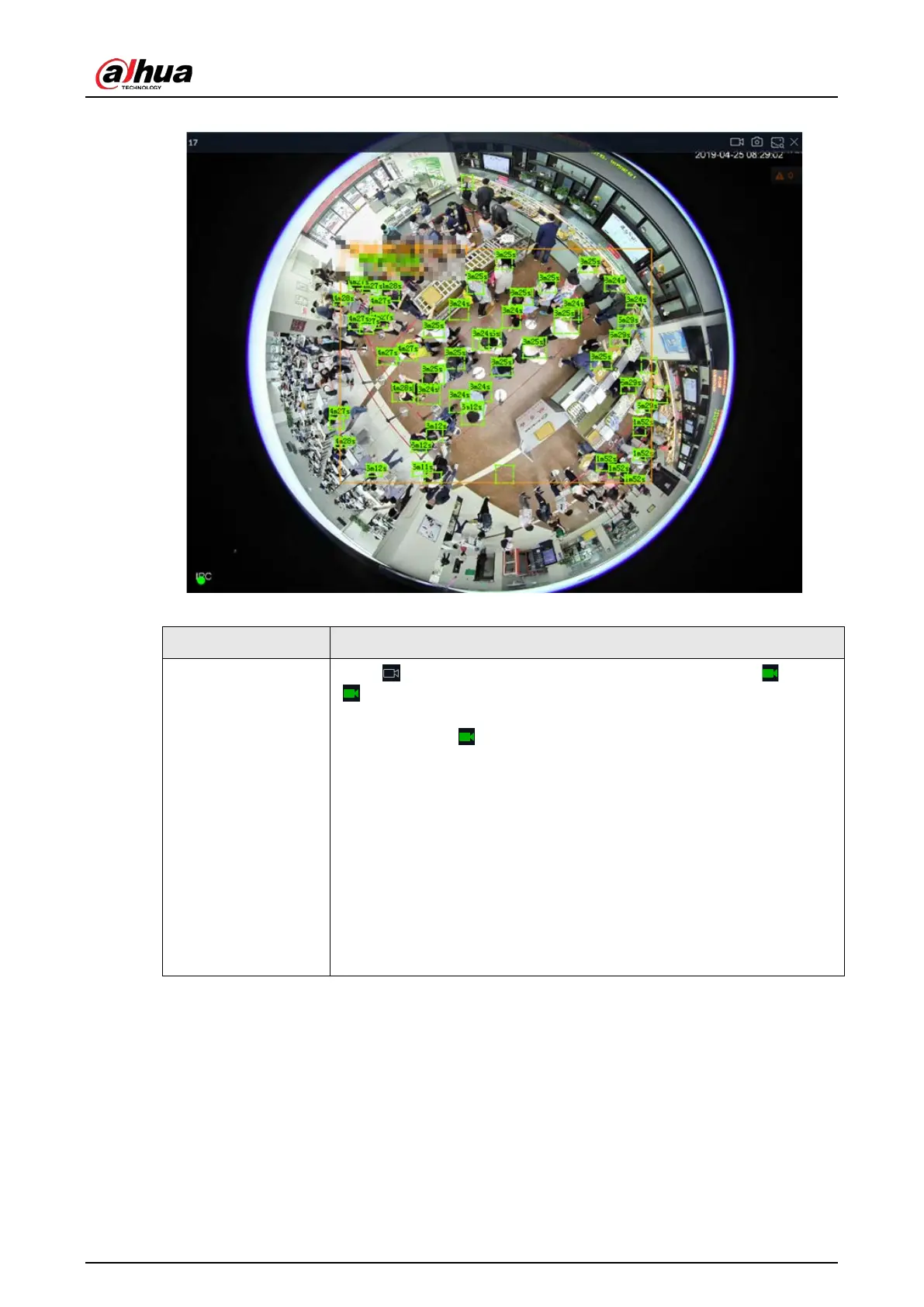
Figure 7-12 View window
Table 7-5 Window task column
Start Instant Video
Recording
Click to start recording manually. Now the icon becomes . Click
to stop recording.
System stops recording according to the instant record length settings if
you do not click again to stop.
On different interfaces, recording storage path varies.
●
Local
◇
When USB storage device is connected, recordings are saved in
USB storage device.
◇
Otherwise, the recordings are saved in the device. Query or
export manual recording by playback control.
●
PCAPP
Default storage path of recording is C:/Program Files
(x86)/iVSS/video. Set storage path.


 To Next Page
 Loading...

