User's Manual
41
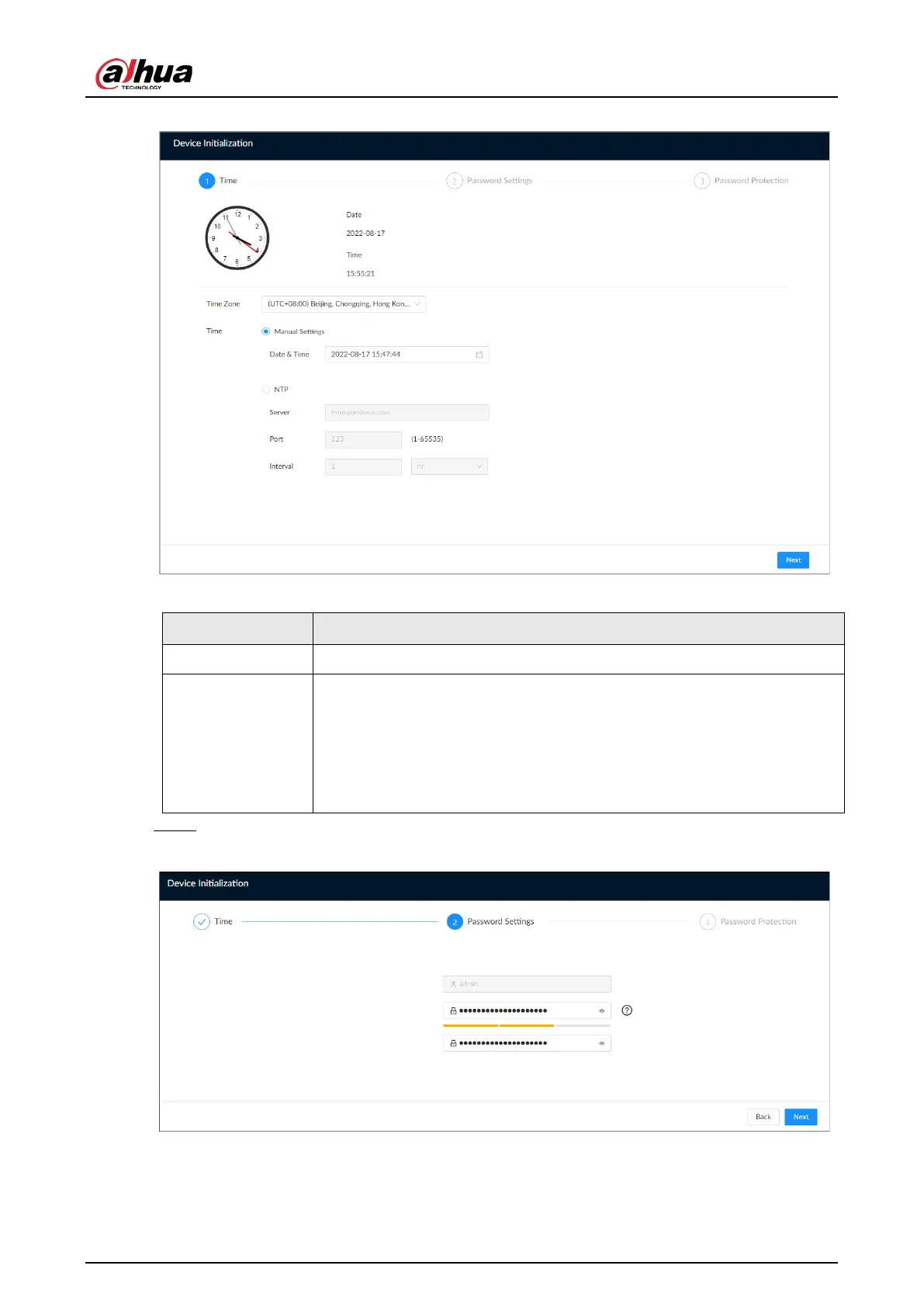
Figure 5-2 Time
Table 5-1 Time parameters description
Parameter Description
Time Zone Select the time zone of the Device.
Time
Set system date and time manually or by synchronizing with NTP server
time.
●
Manual Settings
: Select date and time from the calendar.
●
NTP
: Select
NTP
, enter the IP address or domain of the NTP server, and
then set the automatic synchronization interval. The time of the Device
will be automatically synchronized with the server time.
Step 4 Set admin login password, and then click
Next
.
Figure 5-3 Password


 To Next Page
 Loading...

