ENTER/EXIT PROGRAMMING MODE Expand UPC-A to EAN-13
Product Reference Guide 111
Expand UPC-A to EAN-13
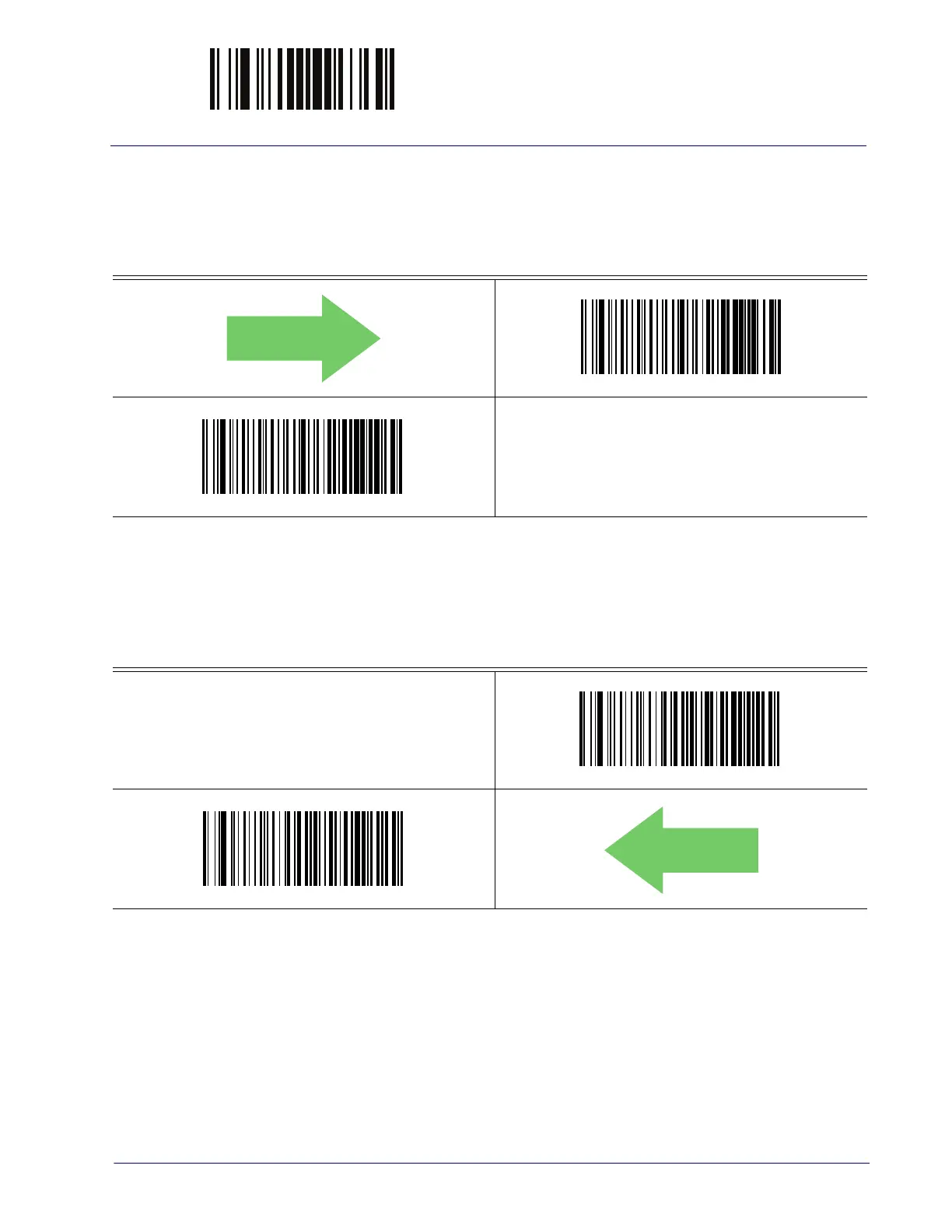
Expands UPC-A data to the EAN-13 data format. Selecting this feature also changes the
symbology ID to match those required for EAN-13.
DEFAULT
UPC-A to EAN-13 = Don’t Expand
UPC-A to EAN-13 = Expand
UPC-A Number System Character Transmission
This feature enables/disables transmission of the UPC-A number system character.
UPC-A Number System Character = Do not transmit
UPC-A Number System Character = Transmit



 To Next Page
 Loading...