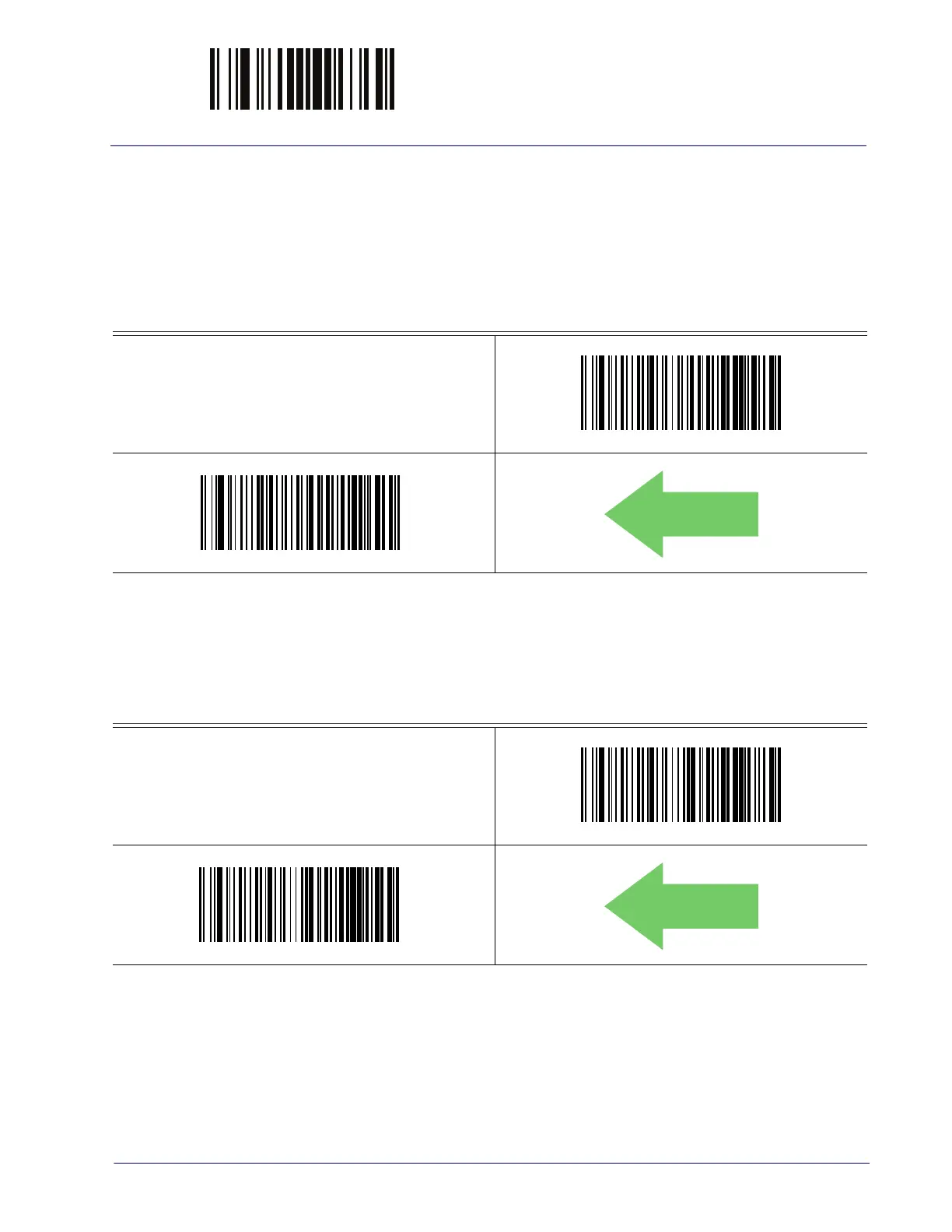
ENTER/EXIT PROGRAMMING MODE EAN 13 Enable/Disable
Product Reference Guide 117
EAN 13 (JAN 13)
The following options apply to the EAN 13 (Jan 13) symbology.
EAN 13 Enable/Disable
When disabled, the reader will not read EAN 13/JAN 13 barcodes.
EAN 13 = Disable
EAN 13 = Enable
EAN 13 Check Character Transmission
Enable this option to transmit the check character along with EAN 13 barcode data.
EAN 13 Check Character Transmission = Don’t Send
EAN 13 Check Character Transmission = Send



 To Next Page
 Loading...