V1108, 6.21
The shapes of your machine are drawn in the same way as for the punches and dies. Like
with the tools the right hand side of the drawing is the back gauge position of the machine.
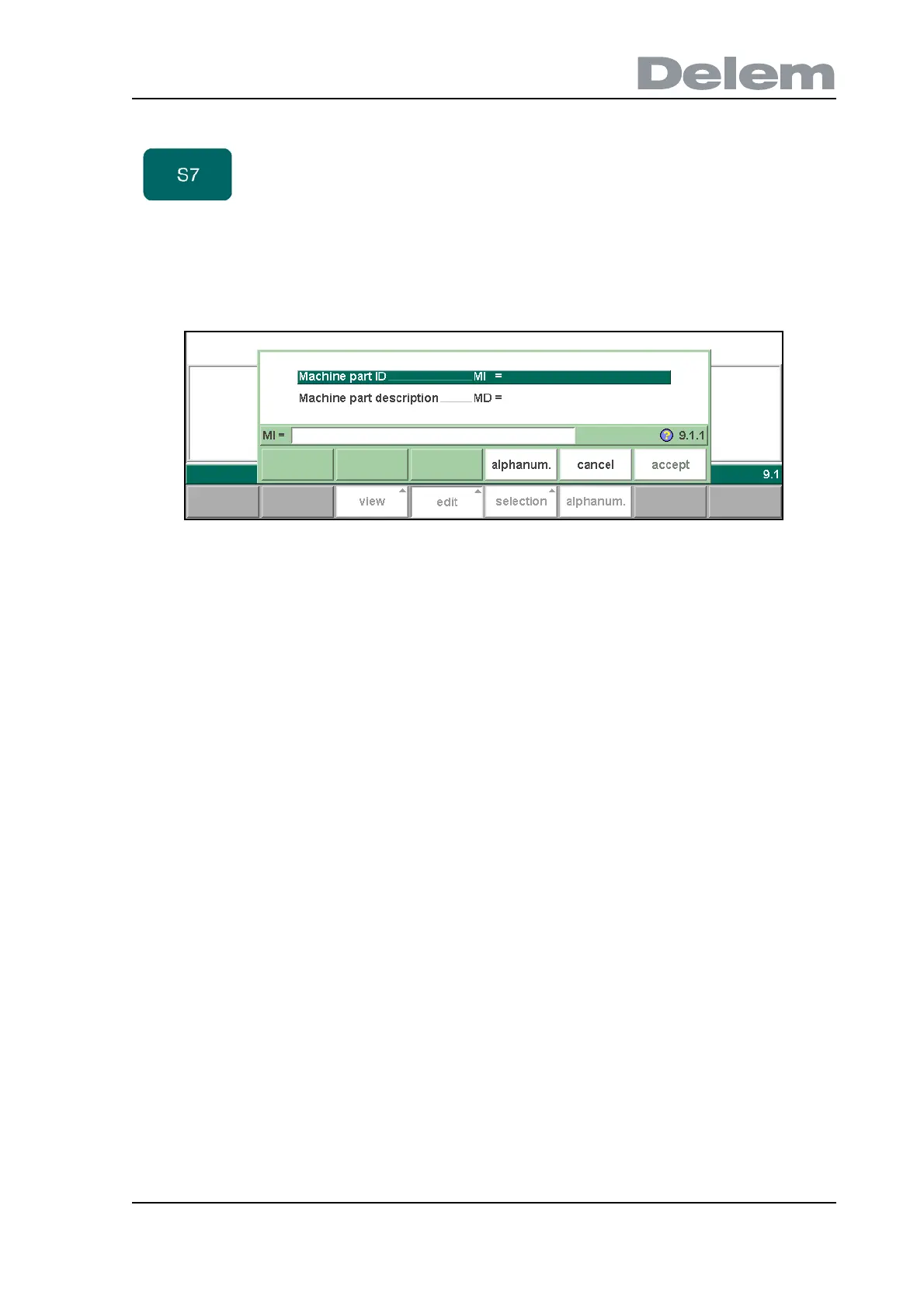
To create a new machine part, press the key ‘edit’ in the library and subsequently the key
‘add’. The control will start by asking for an ID and a description.
6.ae
Machine part ID . . . . . . . . . . . . . . . . . . . . . . . . . . . . . . . . . . . . . . . . . ..TI
A unique name or number to identify the machine part. The maximum length is 25
characters.
Machine part description . . . . . . . . . . . . . . . . . . . . . . . . . . . . . . . . . ..TD
A name or description of this machine part. The maximum length is 25 characters.
Before starting drawing the machine shape upper or lower side you must enter the press-
beam height of the upper part when the moving part of the upper side is in its mechanical top
dead centre.
The length prompted after entering the height of the machine shape is the distance from the
center line to the front side or the back side of the machine.
delete Delete the currently selected tool.
Function keys:



 To Next Page